
AI image
AirBrush
AirBrush is a smart photo and video editing app designed to make creating stunning images effortless.
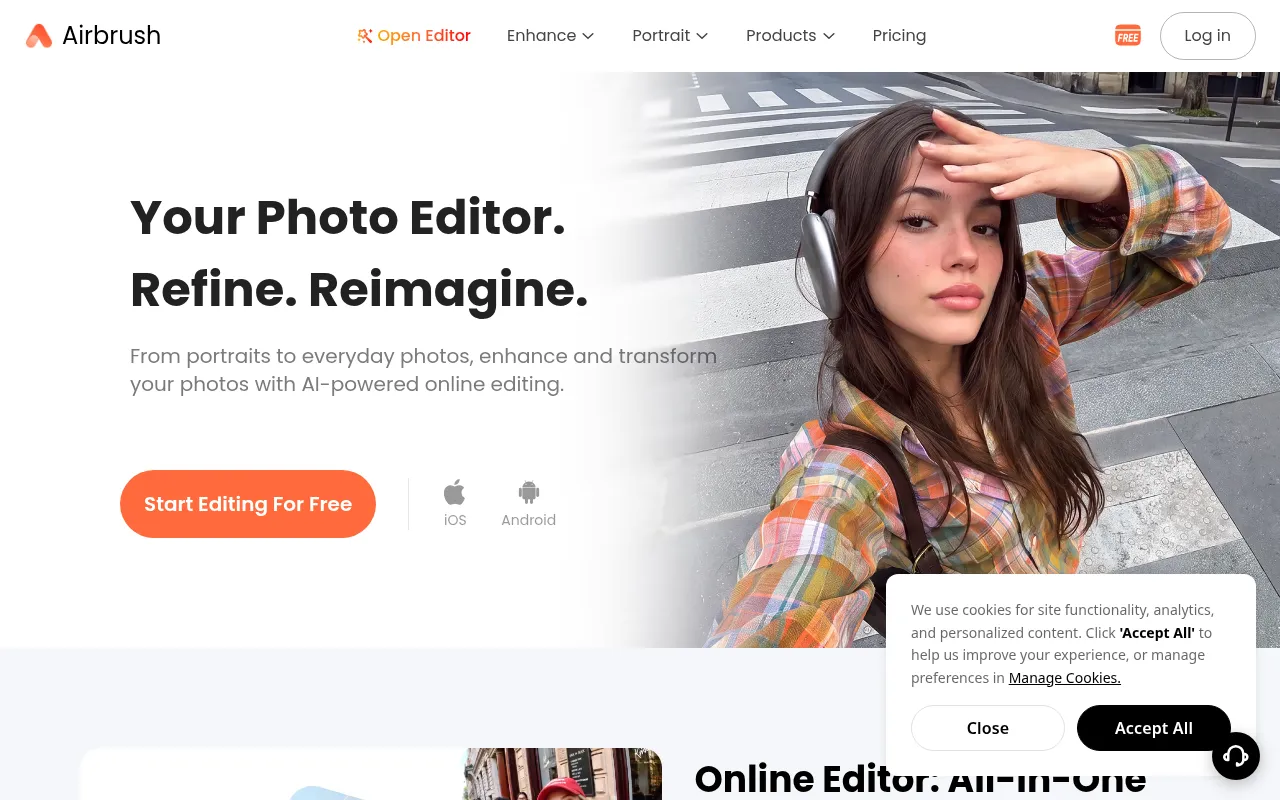
What is AirBrush?
AirBrush is a smart photo and video editing app designed to make creating stunning images effortless.Whether for everyday selfies or professional content creation, it enhances visual quality through intuitive tools like AI filters, skin smoothing, object removal, and background adjustments.
The platform offers both an online web editor and mobile apps for iOS and Android, allowing users to edit directly in their browser without installation.Its core strength lies in using smart AI technology to analyze photos or videos, delivering professional-grade retouching results while maintaining a natural look.
Developed by Pixocial Technology (Singapore) Pte.Ltd., AirBrush serves a wide range of users from everyday individuals to professional photographers.It goes beyond basic photo enhancement, offering advanced features like Face Shape Detector, Magic Retouch, Body Editor, and Video Background Remover to ensure every image and video looks its best.
Key features
- AI Portrait RetoFeatures Magic Retouch, skin smoothing, Face Shape Detector, and Body Editor to help users optimize their appearance while preserving natural features.
- Smart Video EnhaIncludes Video Enhancer and Video Background Remover to improve video quality and remove distracting backgrounds, supporting various video lengths.
- Image RestoratioUse Image Enhancer to boost clarity and detail, adjust lighting with Relight, or refresh old photos using the Photo Restoration tool.
- Creative HairstyExperiment with new hairstyles, hair colors, or outfits, and perfect your look with makeup tools and glow effects to explore different visual styles.
- Object Removal &Eliminate unwanted elements from photos using the AI Object Remover or create clean subject images with the Background Remover.
- Cross-Platform SSupports direct use via web browser along with iOS and Android apps, ensuring users can edit anytime and anywhere.
How to use it
- Visit the AirBrush website or download the mobile app, and sign up for an account to start your free trial.
- Upload the photo or video file you wish to edit, with storage support up to 512MB for free users or more for subscribers.
- Select the desired AI tool, such as 'Magic Retouch', 'Object Remover', or 'Video Enhancer', and let the AI analyze and process your media.
- Use manual adjustment tools to fine-tune details, such as adjusting lighting, reshaping facial features, or changing hairstyles.
- Preview the edited result, and once satisfied, export watermark-free HD images or videos (requires Plus plan).
Where it fits
- Social Media ConCreate scroll-stopping posts for Instagram or TikTok, building a personal brand with unique visual styles and flawless portrait editing.
- Professional HeaQuickly retouch LinkedIn profile pictures or ID photos without a studio session, cleaning backgrounds and optimizing skin tone for a professional look.
- Old Photo RestorBreathe new life into memories by improving clarity and details of old photos using restoration and image enhancement features.
Pricing and free quota
Offers a Free plan with 3 credits on first login; Plus Monthly plan is $15.95/month, and Annual plan averages $13.33/month.One-time credit packs are also available for purchase.
Who it is for
- Social Media Content Creators
- Professional Photographers needing quick turnaround
- Everyday Users looking to enhance selfies
- Job Seekers optimizing professional headshots
FAQ
Is AirBrush free?
Yes, AirBrush offers free features for everyone, with optional premium tools (Plus plan) for more advanced editing capabilities.
Do I need to download software to use it?
No.You can edit photos and videos directly in your browser with AirBrush’s online tools—no installation needed.Mobile apps for iOS and Android are also available.
Is my data safe?
Yes.AirBrush respects your privacy.Your photos and videos are never shared without your permission, and secure methods are used to process and store your edits.
How are credits consumed?
Photo editing costs 1 credit; videos under 1 minute cost 2 credits, and for videos over 1 minute, an additional 1 credit is charged for every subsequent minute or part thereof.