
AI agents
AStudio
AStudio is a next-generation, full-scenario AI productivity workspace launched by iFlytek.
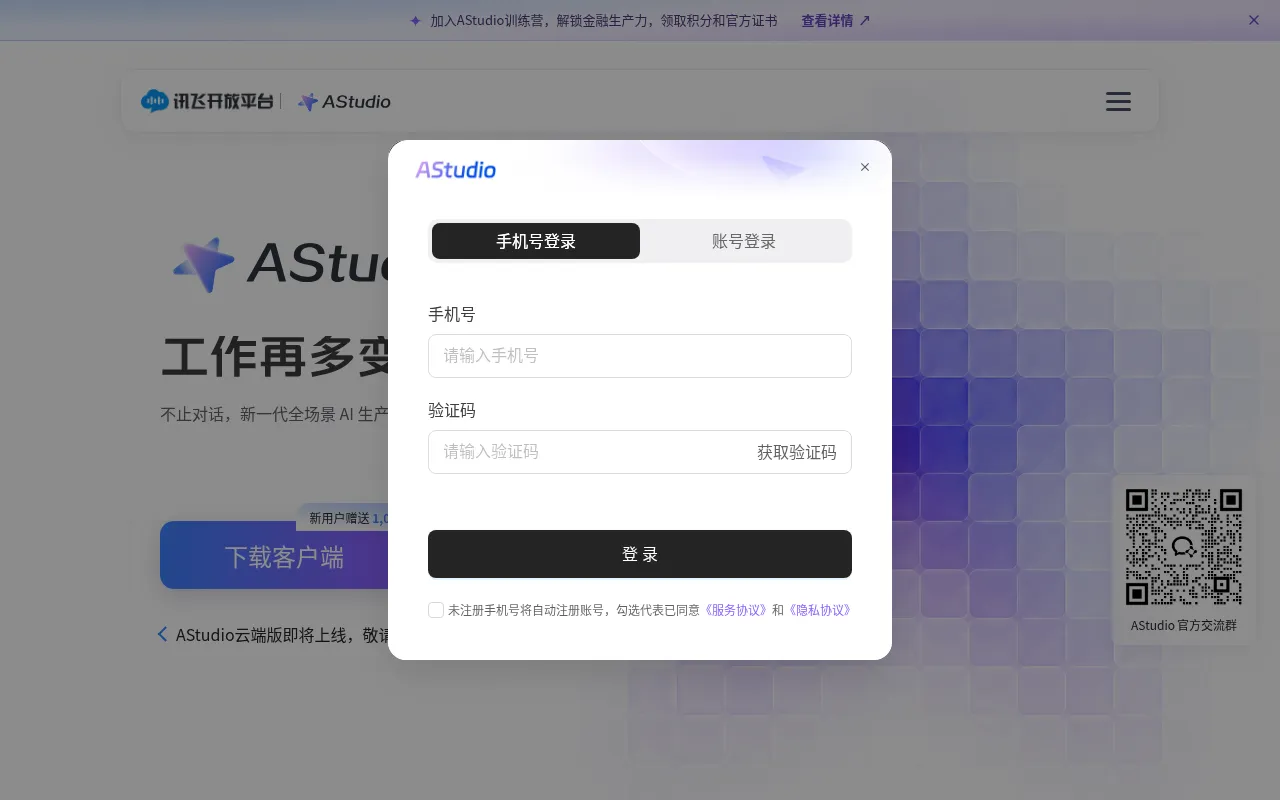
What is AStudio?
AStudio is a next-generation, full-scenario AI productivity workspace launched by iFlytek.Going beyond traditional conversational AI, it autonomously plans and executes multi-step tasks based on user goals, delivering tangible outputs such as documents, spreadsheets, web pages, and code.
The platform emphasizes secure and controlled work boundaries.It allows users to restrict the directories and tools accessible to the AI, ensuring data assets remain local.For high-risk operations, AStudio requires item-by-item approval before execution, with full traceability of key steps, providing peace of mind for both enterprise and individual users.
AStudio offers clients for macOS and Windows, with a cloud version coming soon.New users receive bonus points to experience the latest flagship models and intelligent speech transcription, making it suitable for diverse professional scenarios ranging from web tool development to financial report analysis.
Key features
- Autonomous TaskSimply describe your goal, and AStudio automatically plans the path to complete complex workflows like web development, data analysis, and code refactoring.
- Local Data SecurRestrict the directories and tools accessible to the AI, ensuring sensitive data assets remain within your local environment for enhanced privacy.
- Risk Operation AHigh-risk operations require item-by-item confirmation, with full traceability of key execution steps to prevent accidental changes or data loss.
- Multi-Format DelGoes beyond text generation to directly produce usable documents, Excel spreadsheets, interactive web pages, and runnable code.
- Professional DatIntegrates with paid databases like Tonghuashun and Tianyancha to support financial report interpretation and in-depth industry research.
- Enterprise CollaCentrally manage team spaces, tool permissions, and task assignments to improve collaboration efficiency and resource utilization.
How to use it
- Visit the AStudio official website, download the client for macOS or Windows, and install it.
- Register or log in to your account; new users can claim 1,000 bonus points for trial use.
- Directly describe your work goal in the interface, such as 'conduct in-depth industry research' or 'develop a web tool'.
- Configure AI access permissions as needed, restricting the local directories and tools it can operate.
- Monitor the task execution process and approve high-risk operations item by item.
- View and download the final deliverables provided by AStudio, such as documents, code, or data tables.
Where it fits
- Financial & BusiLeverage built-in Tonghuashun and Tianyancha databases to quickly interpret financial reports, conduct in-depth industry research, and compare data.
- Software DevelopAssist developers in web tool creation, code refactoring, and diagnostics, improving programming efficiency and reducing repetitive work.
- Academic & ReseaPerform academic literature search and organization, automatically generating review documents or data tables to accelerate research progress.
Pricing and free quota
Offers Experience, Standard (¥16.8/month), and Premium (¥56.8/month) plans.New users receive 1,000 bonus points, with daily login rewards available.Specific benefits are subject to the official website.
Who it is for
- Financial Analysts
- Software Developers
- Academic Researchers
- Enterprise Office Teams
FAQ
How does AStudio ensure the security of my local data?
AStudio allows users to restrict the directories and tools accessible to the AI, keeping data assets local.High-risk operations require item-by-item approval, and key steps are fully traceable.
How can new users start using AStudio?
You can visit the official website to download the macOS or Windows client.After registering, you can claim 1,000 bonus points for the Experience plan and start tasks by simply describing your goals.
What types of task outputs does AStudio support?
Beyond text conversation, AStudio can deliver substantial work results in various formats, including documents, spreadsheets, web pages, and code.