
AI audio
Audo Studio
Audo Studio is a browser-based professional audio and video processing platform designed to deliver studio-quality sound without the need for complex software installations.
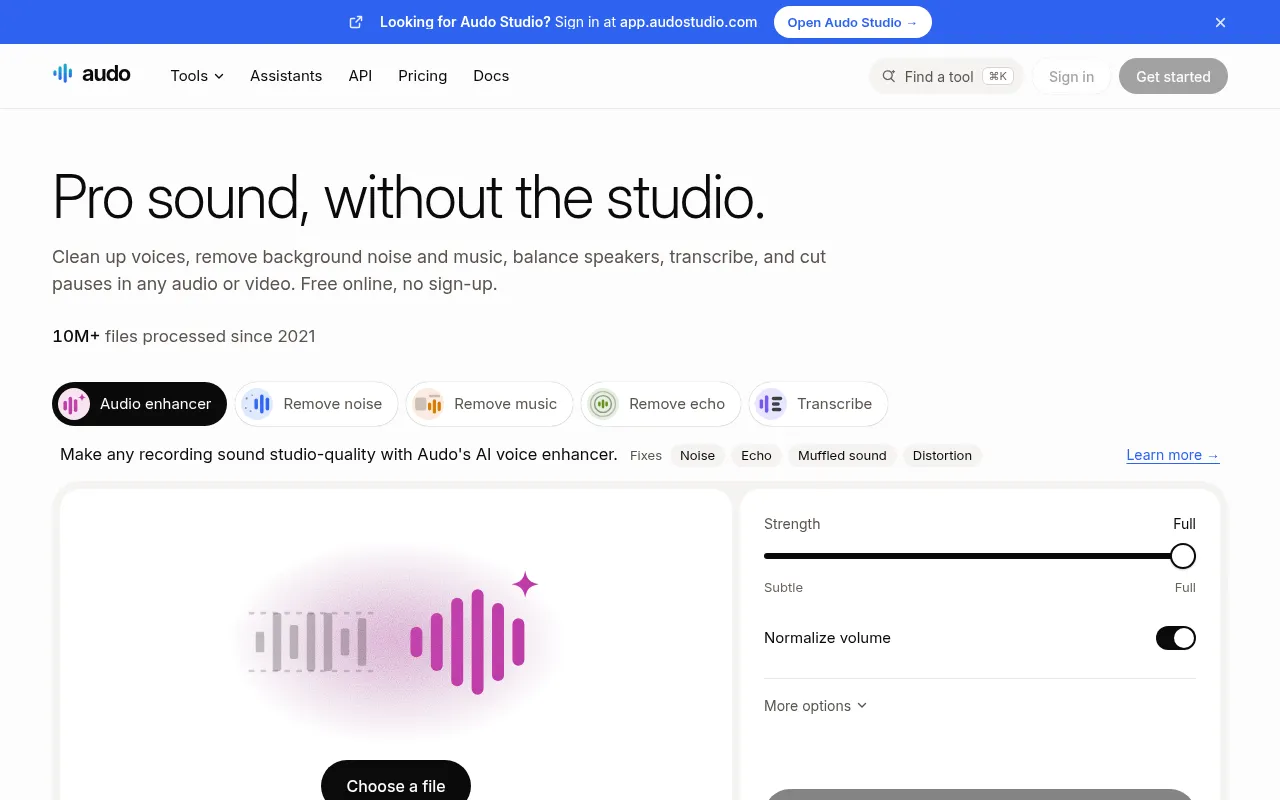
What is Audo Studio?
Audo Studio is a browser-based professional audio and video processing platform designed to deliver studio-quality sound without the need for complex software installations.Since 2021, it has processed over 10 million files, offering 57 tools including audio enhancement, noise removal, echo cancellation, vocal isolation, and text-based video editing.
Its core advantage lies in a flexible payment model: users are not bound by monthly subscriptions but instead pay per minute, with credits that never expire.For light users, the platform offers daily free quotas accessible without sign-up.Additionally, Audo supports integration into AI assistant workflows like ChatGPT and Claude via API and MCP servers, enabling automated audio cleanup and transcription.
Key features
- Smart Audio EnhaUses AI to fix noise, echo, muffled sound, and distortion, making any recording sound studio-quality.
- Precise Vocal IsOne-click removal of background music or extraction of vocals, supporting splitting songs into separate stems like vocals, drums, and bass.
- Text-Based EditiEdit audio and video like a document, automatically removing filler words (like 'ums' and 'uhs') and long pauses.
- Multi-Language TSupports speech-to-text in various languages, automatically generating captions with speaker diarization and exporting to SRT files.
- No-SubscriptionRejects monthly fees in favor of a pay-as-you-go model, starting from $5, with credits that never expire.
- Privacy & SecuriUploaded files remain private; free results are kept for 1 hour, and original uploads are deleted after 24 hours.
How to use it
- Visit the Audo Studio website and start using basic tools directly without signing up.
- Drag and drop your audio or video file into the designated area, supporting files up to 10 GB (without login).
- Select the desired tool (such as 'Remove Noise' or 'Audio Enhancer') and adjust the strength slider to balance original sound with processed effects.
- Preview the before-and-after comparison, and download the enhanced file or isolated stems once satisfied.
- For longer files or batch processing, sign up for an account and top up credits as needed, with no monthly subscription required.
Where it fits
- Podcast Post-ProQuickly remove echo and ambient noise from guest recordings, and automatically cut long pauses and filler words to improve listening flow.
- Short Video CreaExtract clear vocals from videos, remove background music for re-scoring, or automatically generate vertical video captions.
- Meeting TranscriConvert hours-long meeting recordings into transcripts with speaker labels for easy review and archiving.
Pricing and free quota
Offers free trial quotas (e.g., noise removal and the first minute of audio enhancement are free 3 times a day).Formal usage follows a pay-as-you-go model with no monthly subscription, priced from $0.01 to $0.08 per minute.See official site for details.
Who it is for
- Podcast Producers
- Video Creators
- Journalists & Researchers
- Professionals needing audio cleanup
FAQ
Do I need to download software to use Audo Studio?
No.Audo Studio is entirely browser-based, requiring no software installation, and supports online processing of audio and video.
Are my files secure?
Yes.Uploaded files remain private; free results are kept for 1 hour, and original uploads are automatically deleted after 24 hours.
Can I integrate it with AI assistants?
Yes.You can connect Audo's MCP server to ChatGPT, Claude, or other AI agents to execute audio cleanup, transcription, and editing tasks via natural language commands.