
AI image
Background Eraser
AI-powered background remover by Magic Studio with batch processing and custom c
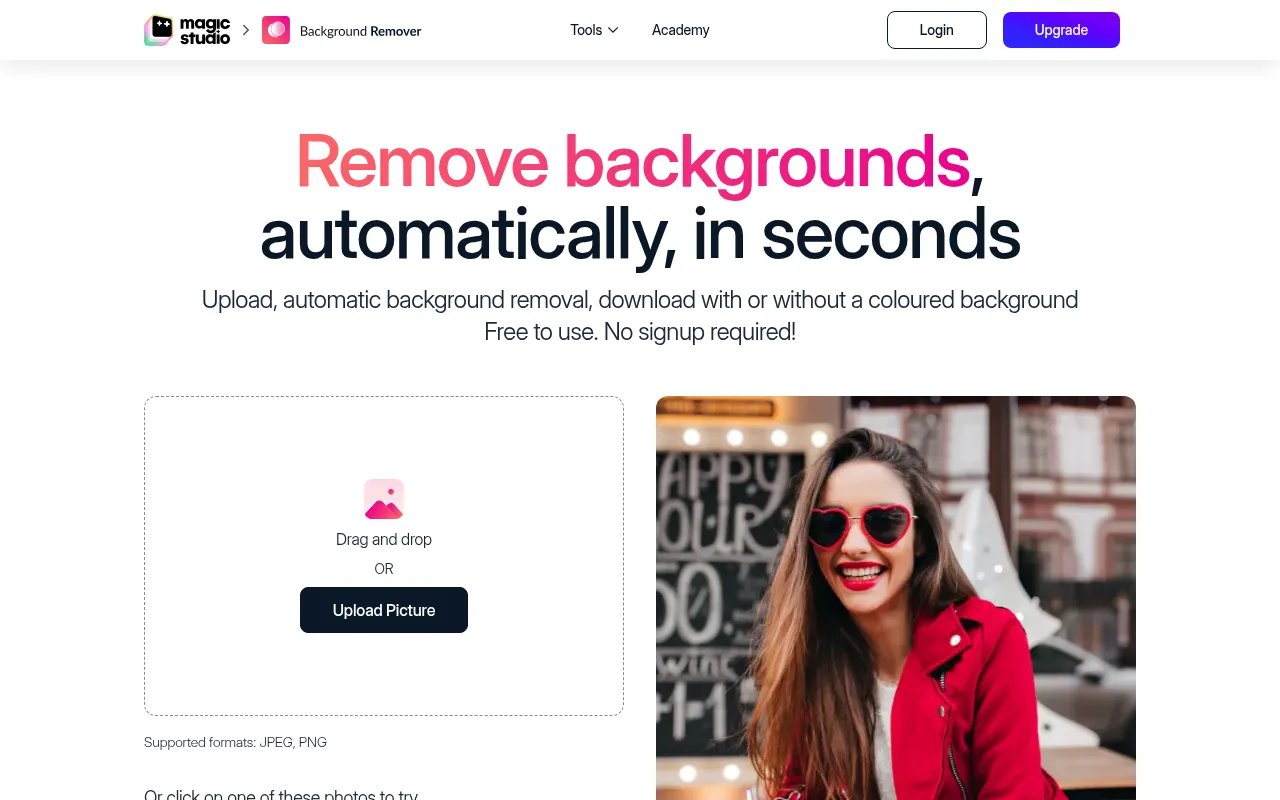
What is Background Eraser?
Background Eraser is an intelligent image processing tool developed by Magic Studio, designed to automatically remove photo backgrounds in seconds.Whether for product photography, portraits, fashion items, or images of cars and pets, the tool precisely identifies the subject and removes distracting elements, keeping the focus entirely on the main object.
The tool supports not only quick single-image editing but also batch processing for up to 50 images at once.After removing the background, users can add white, black, or custom-colored backgrounds using a color picker, and directly download high-quality results suitable for web or print.The entire process requires no design experience and supports major formats including JPEG, PNG, HEIC, and WEBP.
Key features
- AI Auto RemovalUses artificial intelligence to automatically identify and remove backgrounds without manual tracing, completing the task in seconds.
- Batch ProcessingSupports uploading and processing up to 50 images at once, significantly boosting efficiency for e-commerce sellers and content creators.
- Custom BackgrounAfter removal, add white or black backgrounds, or use the color picker to match any specific brand color precisely.
- AI-Assisted RefiIf the automatic selection isn't perfect, use the AI-assisted selection tool to click on the subject and refine the mask for accurate details.
- Multi-Format SupSupports uploading and downloading in common formats like JPG, JPEG, PNG, HEIC, WEBP, and TIFF, with no resolution limits.
- Free & No Sign-uBasic features are completely free to use without creating an account or logging in, lowering the barrier to entry.
How to use it
- 1.Upload Image: Drag and drop or click to upload your photo.Various formats are supported with no resolution limits.
- 2.Auto Remove: The system automatically identifies the subject and removes the background for you to preview.
- 3.Refine Selection (Optional): If needed, use the AI-assisted tool to click on the subject and perfect the selection.
- 4.Add Background: Choose white or black, or use the color picker to add a custom colored background.
- 5.Download Result: Click download to save the edited image to your computer or mobile gallery.
Where it fits
- E-commerce ProduQuickly remove cluttered backgrounds, labels, or watermarks from product photos to create clean, uniform listings that boost conversion rates.
- Professional HeaTransform casual selfies into professional LinkedIn or resume headshots by replacing the background with a clean, professional look.
- Social Media ConCreate eye-catching visuals for platforms like Instagram and Twitter by highlighting people or objects against custom backgrounds.
- Ad & Design AsseDesigners can quickly obtain cut-out assets for use in posters, banners, and other marketing materials.
Pricing and free quota
Free to use without sign-up.The free tier includes ads, downloads have a Magic Studio watermark, are low resolution, and allow one image at a time.Professional features require a paid upgrade; please check the official site for pricing details.
Who it is for
- E-commerce Sellers
- Graphic Designers
- Social Media Managers
- Photographers
- Job Seekers
FAQ
Do I need to sign up to use the background remover?
No.You can upload images and use basic features directly without creating an account or logging in.
Which image formats are supported?
It supports common formats like JPEG, PNG, HEIC, WEBP, and TIFF, with no resolution limits on uploads.
Can I process multiple images at once?
Yes, the tool supports batch editing, allowing you to process up to 50 images at one time.
Are there limitations on free downloads?
Yes, free downloads are low resolution and include a Magic Studio watermark.
What if the auto-cutout isn't accurate?
You can use the AI-assisted selection feature to manually refine the mask by clicking on the subject you want to keep.