
AI platforms
Caffe
A high-speed, modular deep learning framework crafted by Berkeley AI Research fo
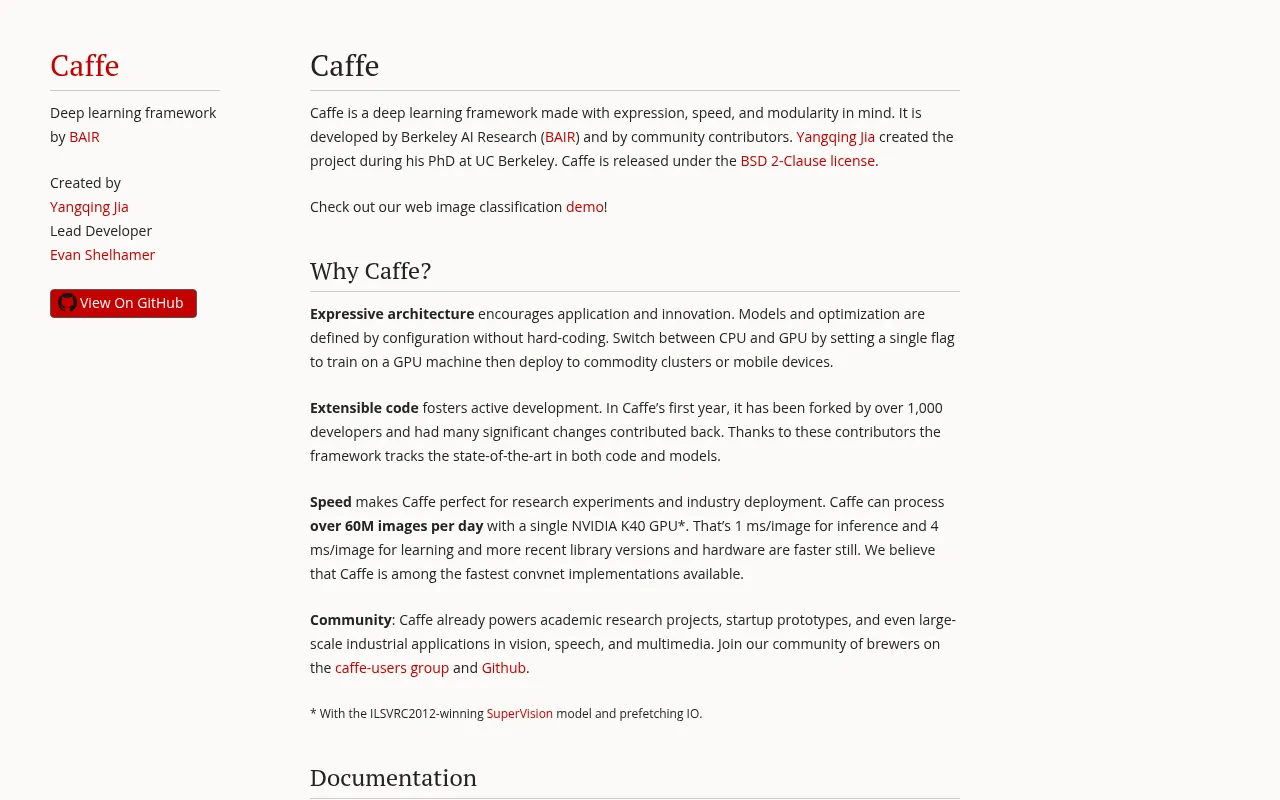
What is Caffe?
Caffe is a deep learning framework developed by the Berkeley AI Research (BAIR) lab at UC Berkeley.Created by Yangqing Jia during his PhD and led by developer Evan Shelhamer, Caffe is built with expression, speed, and modularity in mind.It allows models and optimization to be defined via configuration rather than hard-coding, fostering innovation and ease of use.
Designed for both research experiments and industry deployment, Caffe delivers exceptional speed.It can process over 60 million images per day on a single NVIDIA K40 GPU, achieving inference speeds of 1 ms per image.The framework supports seamless switching between CPU and GPU with a single flag, enabling easy transition from training on GPU machines to deployment on commodity clusters or mobile devices.
Released under the BSD 2-Clause license, Caffe benefits from an active open-source community that has contributed significant changes and forks.It powers academic projects, startup prototypes, and large-scale industrial applications in vision, speech, and multimedia.The ecosystem includes comprehensive documentation, a Model Zoo for trained models, and robust support for Python and C++ interfaces.
Key features
- Blazing Fast SpeOptimized convnet implementation capable of processing over 60M images per day on a single GPU, with inference latency as low as 1 ms per image.
- Configuration-DrModels and optimization strategies are defined by configuration files without hard-coding, encouraging rapid application development and innovation.
- Seamless CPU/GPUSwitch between CPU and GPU execution by setting a single flag, facilitating easy deployment from GPU training machines to commodity clusters or mobile devices.
- Active Open SourDeveloped by BAIR with contributions from over 1,000 developers in its first year, ensuring the framework tracks state-of-the-art code and models.
- Multi-Language IOffers both Python and C++ APIs, supporting everything from high-level rapid prototyping to low-level high-performance deployment.
- Rich Model ZooProvides a standard distribution format for models along with pre-trained models for tasks like image classification and object detection.
How to use it
- Install Caffe on Ubuntu, Red Hat, or OS X by following the installation instructions provided on the official website or GitHub repository.
- Explore the tutorial documentation, such as 'DIY Deep Learning for Vision with Caffe', to understand the framework's fundamentals.
- Use the provided Notebook Examples, like the LeNet MNIST Tutorial, to learn how to define, train, and test classic neural networks.
- Download pre-trained models from the Model Zoo or use the Python/C++ interfaces to load models for feature extraction or image classification.
- Join the caffe-users group or engage on GitHub Issues to discuss usage, installation, and applications with the community.
Where it fits
- Academic ResearcLeverage rapid iteration capabilities and pre-trained models to accelerate algorithm verification and research in computer vision.
- Industrial ImageDeploy on large-scale server clusters to process massive volumes of image data for security surveillance, content moderation, and more.
- Mobile DeploymenUtilize modular design and CPU/GPU switching to port trained models to mobile devices or embedded systems efficiently.
Pricing and free quota
Pricing and any free quota follow the official site.
Who it is for
- Deep Learning Researchers
- Computer Vision Engineers
- AI Application Developers
- University Students and Faculty
FAQ
What types of tasks is Caffe best suited for?
Caffe is particularly strong in tasks involving Convolutional Neural Networks (CNNs), such as image classification, segmentation, and detection, though it supports other deep learning models as well.
Do I need to pay to use Caffe?
No.Caffe is an open-source project released under the BSD 2-Clause license, making it free to download, use, and modify.
How do I switch between CPU and GPU?
Caffe allows you to switch between CPU and GPU modes by setting a single flag, without the need to recompile code, facilitating easy debugging and deployment.
Where can I find pre-trained models?
The official Model Zoo provides a variety of pre-trained models for specific tasks, which users can download and use directly or fine-tune for their own needs.