
AI image
ClipDrop Remove Background
One-click precision background removal that preserves fine hair details and intr
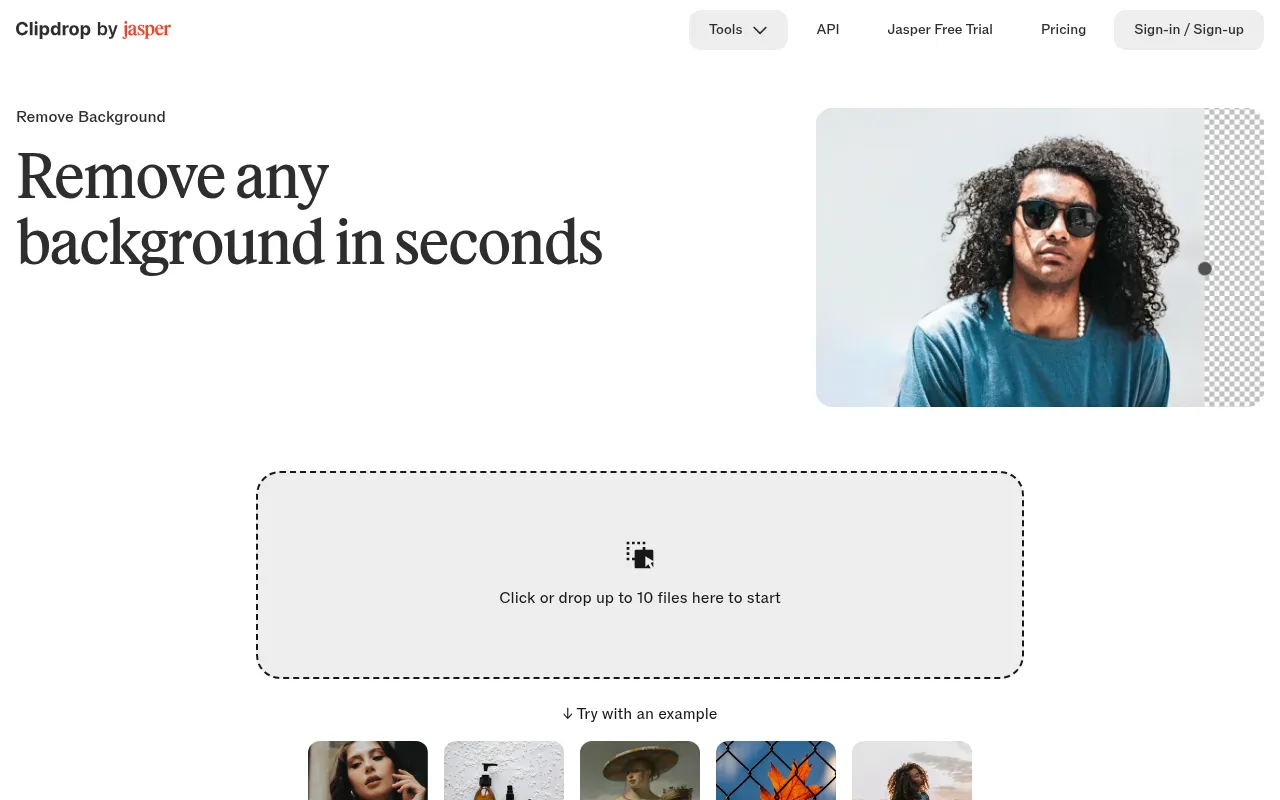
What is ClipDrop Remove Background?
ClipDrop Remove Background is a high-efficiency AI image processing tool developed by InitML, designed to remove backgrounds from images in seconds.As part of the Jasper API ecosystem, it leverages advanced algorithms to deliver studio-grade matting results, supporting the upload of up to 10 files at once to significantly boost productivity.
Whether for portrait photography, e-commerce product shots, or artistic drawings, the tool accurately identifies subjects and separates them from the background.It excels at handling intricate details such as hair textures, grid structures, and small elements, ensuring visual integrity and artistic essence are preserved during the process.
In addition to the web interface, users can access the feature via desktop or mobile apps.For developers, ClipDrop offers a robust API service, making it easy to integrate high-quality background removal capabilities into various platforms and applications.
Key features
- High-Precision RUses top-tier technology to automatically remove backgrounds, offering superior results compared to alternatives, especially for complex edges.
- Detail PreservatFlawlessly isolates portrait subjects, preserving fine textures like hair while minimizing artifacts and maintaining the integrity of small details like grids.
- Batch ProcessingSupports clicking or dragging up to 10 files at once, allowing for quick background removal across multiple images.
- High-ResolutionCapable of handling high-resolution images up to 5000x5000 pixels, meeting the needs of professional printing and HD displays.
- Versatile Use CaOptimized for portraits, e-commerce products, and artistic drawings, ensuring ideal results for various image types.
- API IntegrationProvides a fast, secure background removal API suitable for all image types, enabling easy integration into developer platforms.
How to use it
- Visit the official ClipDrop Remove Background page.
- Click the upload area or drag and drop your images into the designated space (up to 10 files).
- Wait for the AI algorithm to automatically analyze and remove the background.
- Preview the result to ensure the subject edges and details meet your expectations.
- Click download to save the result; for a transparent background, ensure you download in PNG format.
Where it fits
- E-commerce ProduCreate clean, appealing product images for online sales by removing cluttered backgrounds to boost conversion rates.
- Portrait PhotogrQuickly isolate human subjects for easy background replacement or further creative compositing.
- Artistic CreatioHelp artists and creators extract subjects from paintings or sketches, removing excess parts while retaining the artistic style.
Pricing and free quota
Offers a free tier with 20 background removals per 24 hours.Advanced features and higher quotas require a Pro subscription or API usage; please refer to the official website for detailed pricing.
Who it is for
- E-commerce Sellers
- Graphic Designers
- Photographers
- Digital Artists
- App Developers
FAQ
How to remove background from high-resolution images for free?
Simply upload the image to clipdrop.co.The tool supports images up to 5000x5000 pixels and will automatically remove the background for you.
How to handle JPEG images with transparent backgrounds?
JPEG format does not support transparency.You need to remove the background on clipdrop.co and then download the image in PNG format to preserve the transparent effect.
How good is the quality of ClipDrop's background removal?
ClipDrop uses state-of-the-art technology to deliver better results than most available alternatives, especially excelling in handling hair and fine details.
How many images can I process at once?
You can click or drag and drop up to 10 files at once for batch processing.