
AI image
ClippingMagic
Instantly remove backgrounds and refine images with smart color and shadow tools
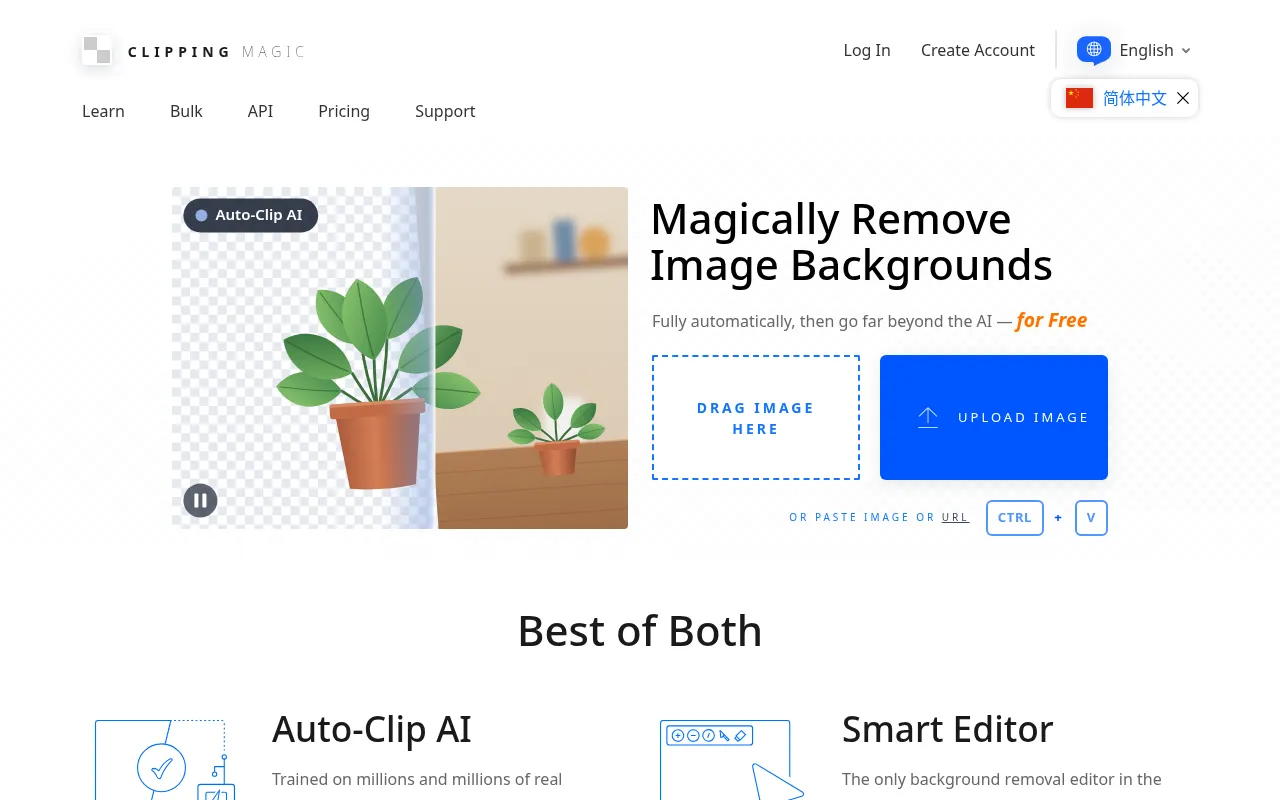
What is ClippingMagic?
ClippingMagic is an online AI image tool specialized in background removal, offering 100% automated processing.Users simply upload an image, and the system instantly identifies the subject and removes the background without requiring complex manual selection.
Beyond core cutout capabilities, ClippingMagic features a Smart Clip Editor.Users can crop, rotate, fix colors, and add realistic shadows and reflections, ensuring edited images meet professional standards for publishing or e-commerce displays.
The platform supports multiple interface languages, including Simplified Chinese, and offers bulk processing and API access, catering to needs ranging from individual creators to large e-commerce teams.
Key features
- Fully AutomaticAI-powered technology automatically identifies subjects and removes backgrounds without manual path drawing.
- Smart Clip EditoBuilt-in editor allows for cropping, rotating, and adjusting image angles to optimize composition.
- Color & Light FiOffers color correction tools and one-click addition of natural shadows and reflections.
- Bulk ProcessingSupports Bulk Clipping to process multiple images at once, significantly improving workflow efficiency.
- API IntegrationProvides an API for developers to integrate background removal capabilities into their own applications.
- Multi-language SInterface available in Simplified Chinese, English, Japanese, Korean, and more, reducing usage barriers.
How to use it
- Visit the ClippingMagic website and sign up or log in to your account.
- Click the upload button and select the image file you wish to edit.
- Wait for the AI to process the image; the background-removed result will appear instantly.
- Use the Smart Clip Editor to fine-tune, such as cropping, adjusting colors, or adding shadows.
- Download the high-quality processed image once you are satisfied with the result.
Where it fits
- E-commerce ProduQuickly remove cluttered backgrounds from product photos, standardizing them to white or transparent backgrounds for a professional look.
- Marketing MateriExtract people or product subjects for ad posters, making it easy to composite them into different creative backgrounds.
- ID Photo ProcessRapidly change photo background colors to meet specifications for various IDs or resume photos.
Pricing and free quota
Pricing and any free quota follow the official site.
Who it is for
- E-commerce Sellers
- Graphic Designers
- Marketing Professionals
- Photographers
FAQ
What image formats does ClippingMagic support?
The official excerpts do not list all supported formats in detail, but it typically supports common web formats like JPG and PNG.Please refer to the upload interface on the official site.
Can I process images in bulk?
Yes, ClippingMagic offers a Bulk Clipping feature, which is ideal for users who need to process a large number of images.
How are complex edge details handled?
In addition to automatic removal, users can use the Smart Clip Editor for manual fine-tuning to ensure natural results for complex edges like hair.