
AI coding
Codeium
Codeium: A free AI coding assistant delivering lightning-fast code completions a
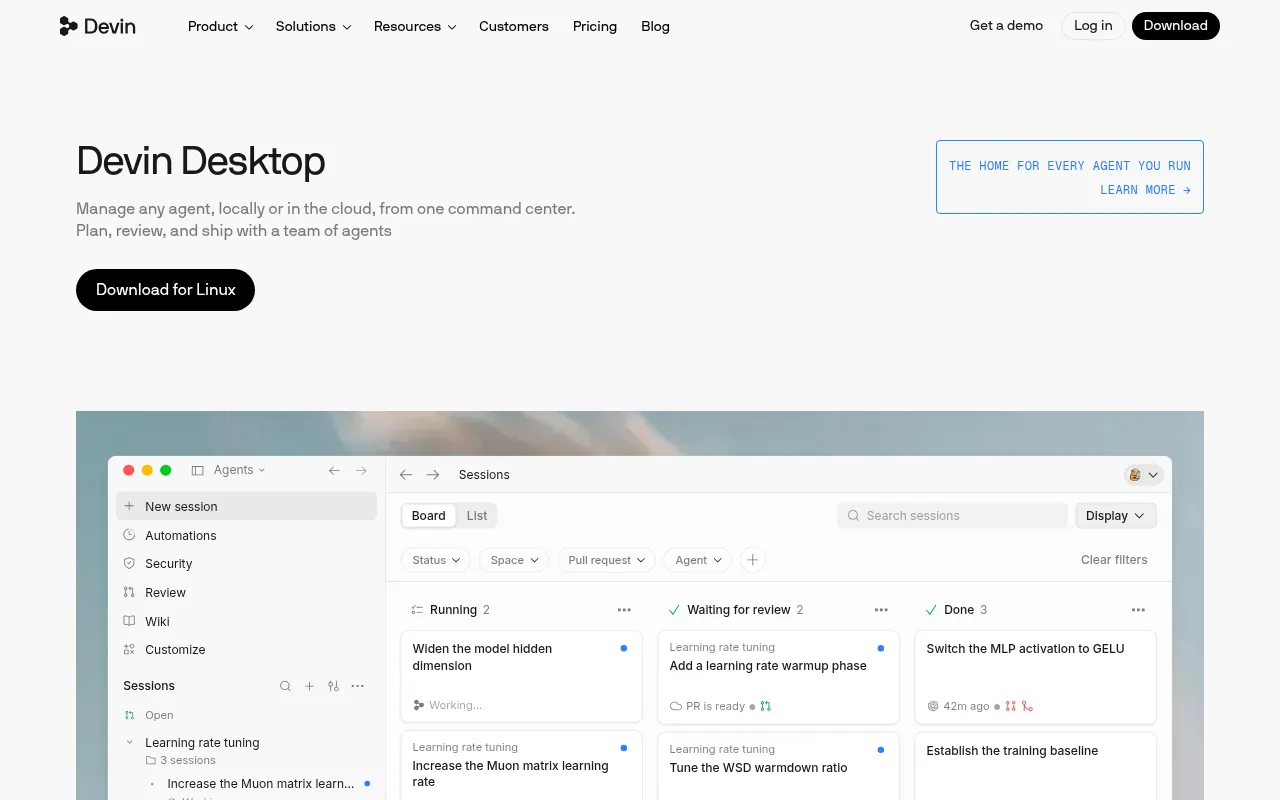
What is Codeium?
Codeium is an AI-powered coding tool designed to enhance developer productivity through intelligent code completions and natural language interactions.Seamlessly integrating with popular code editors, it understands context to provide precise suggestions, helping developers minimize repetitive tasks and focus on core logic.
Supporting a wide range of programming languages and frameworks, Codeium offers robust code understanding capabilities.Whether generating boilerplate code, refactoring existing logic, or answering technical questions via chat, it delivers a smooth assistance experience.Its key strengths lie in low-latency responses and deep awareness of complex project structures.
Codeium aims to make AI coding assistance accessible and easy to use.With continuously optimized models and an intuitive interface, it serves as a powerful productivity booster for individual developers and teams alike.For detailed features and technical specifications, please refer to the official website.
Key features
- Smart Code ComplContext-aware real-time code suggestions that accurately predict the next line or entire function blocks, significantly reducing typing time.
- AI Chat AssistanChat directly within your editor to ask about code logic, debug errors, or generate implementation plans for specific features.
- Multi-Language SBroad support for major programming languages including Python, JavaScript, TypeScript, Java, C++, and various frameworks.
- Lightning SpeedOptimized inference engine ensures code completions and suggestions are nearly latency-free, maintaining a smooth coding flow.
- Editor IntegratiEasy plugin installation compatible with popular development environments like VS Code, JetBrains IDEs, and Vim/Neovim.
How to use it
- 1.Visit the official Codeium website and sign up for an account.
- 2.Download the appropriate plugin for your editor (e.g., VS Code or IntelliJ).
- 3.Install the plugin in your editor and log in with your account for authorization.
- 4.Open any code file to start experiencing automatic code completions.
- 5.Use shortcuts or the sidebar to open the AI chat window for interactions.
Where it fits
- Rapid PrototypinQuickly generate basic structures and boilerplate code in the early stages of a project to accelerate idea validation.
- Legacy Code MainHelp understand complex old codebases, providing refactoring suggestions and explaining hard-to-understand logic segments.
- Daily Coding AccReduce manual input and increase coding speed through intelligent completions when handling routine business logic.
Pricing and free quota
Pricing and any free quota follow the official site.
Who it is for
- Software Engineers
- Full-Stack Developers
- Computer Science Students
- Technical Team Leads
FAQ
Which editors does Codeium support?
Codeium supports mainstream editors like VS Code, JetBrains IDEs, and Vim/Neovim.Please check the official website for the full list.
Is Codeium free to use?
Codeium offers a free plan for individuals.For specific feature limits and enterprise pricing, please refer to the official website.
Will my code data be used for training?
Codeium values user privacy.Please refer to the official documentation for specific data processing policies and privacy terms.