
AI image
Hama
Erase unwanted objects from photos in 5 seconds with a simple brush stroke
What is Hama?
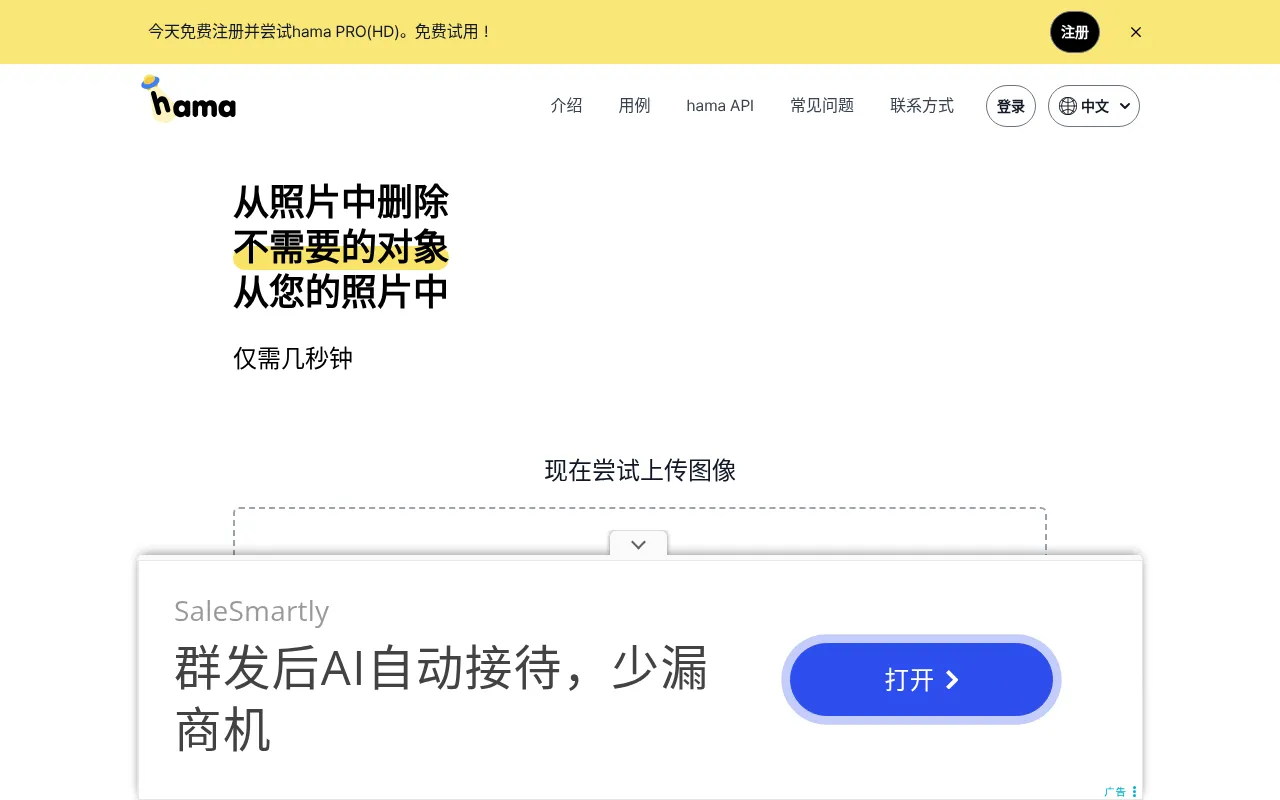
Hama is an AI-powered image eraser designed to make it simple and easy to remove unwanted people, objects, text, and other distractions from your photos.By leveraging intelligent algorithms, it simplifies complex editing tasks into a straightforward brushing action, helping users achieve clean and natural-looking results.
The tool emphasizes ease of use and speed.Users simply brush over the area they wish to erase and click 'Erase' to delete unnecessary elements in approximately 5 seconds.Hama offers a free online experience, making it accessible for anyone looking to quickly enhance their image visuals.
Key features
- Smart Object RemUses AI technology to accurately identify and remove extra people, objects, or background clutter from photos.
- Text ErasureEffectively removes watermarks, labels, or unwanted text information from images to keep them clean.
- Fast ProcessingOfficially stated to complete erasure operations in about 5 seconds, significantly reducing editing wait times.
- Simple Brush IntNo complex parameter adjustments needed; simply brush over the target area to trigger automatic inpainting.
- Free Online AcceOffers free online erasing services, lowering the barrier for users to try and use the tool.
How to use it
- Visit the official Hama website and upload the photo or image you wish to edit.
- Select the brush tool in the interface and adjust the brush size as needed.
- Brush over the areas in the photo where you want to remove people, objects, or text.
- Click the 'Erase' button and wait for the AI to process the image.
- Preview the result and download the cleaned image once satisfied.
Where it fits
- Travel Photo CleRemove passersby or other tourists who accidentally entered the frame in landscape photos to preserve the perfect background.
- E-commerce ImageClear cluttered backgrounds or irrelevant items from product shots to highlight the main merchandise.
- Social Media ConQuickly remove watermarks or extra text from images to make content more suitable for posting standards.
Pricing and free quota
Pricing and any free quota follow the official site.
Who it is for
- Photography enthusiasts
- Social media managers
- E-commerce sellers
- General image users
FAQ
What types of objects can Hama remove?
Hama can remove unwanted people, objects, text, and other distractions from your photos.
Is Hama free to use?
According to the official site, users can use the tool for basic image erasing operations for free.
How long does it take to process an image?
The official site states that erasure takes about 5 seconds, though speed may vary based on image complexity.