
AI video
HighReach
HighReach is an all-in-one AI creator studio designed to turn ideas into standout videos, images, and audio.
What is HighReach?
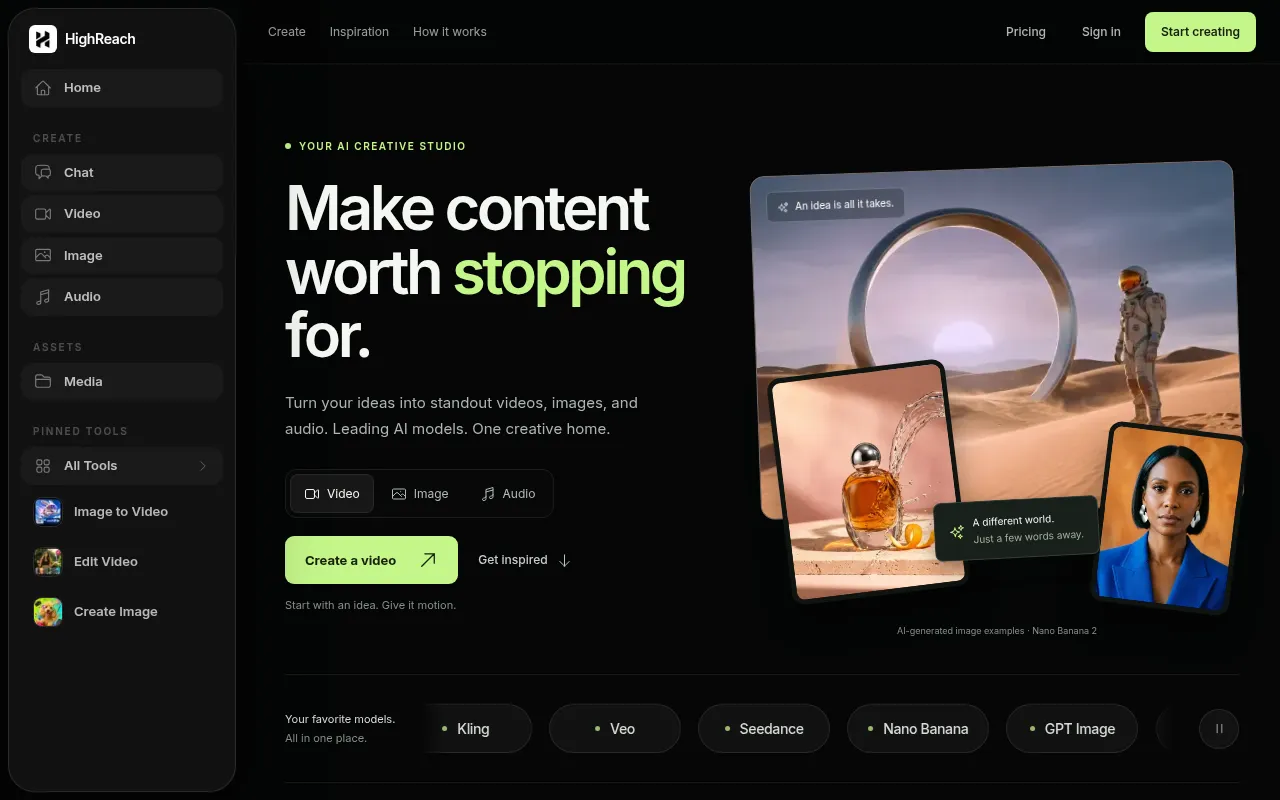
HighReach is an all-in-one AI creator studio designed to turn ideas into standout videos, images, and audio.It eliminates the need to juggle multiple platforms by integrating leading AI models such as Kling, Veo, Seedance, Nano Banana, and GPT Image into a single, unified workspace.
The platform offers comprehensive suites for video, image, and audio creation, featuring capabilities like text-to-video, image-to-video, lip-sync, advanced image editing, voiceovers, and music generation.Whether you are producing product ads, social media reels, or brand films, HighReach provides the tools and creative briefs to guide your project from initial spark to final export.
Key features
- Multi-Model InteDirect access to cutting-edge AI models including Kling 3.0, Veo, Seedance 2.5, MiniMax H3 Max, and FLUX.3, allowing users to choose the best engine for their specific needs.
- Video GenerationSupports text-to-video, image-to-video, lip-sync, character replacement, background replacement, and motion sync, offering granular control over video output.
- Advanced Image PFeatures image generation, editing, expansion, upscaling, face swap, and camera angle control to meet professional visual design requirements.
- Audio Creation SIncludes voice cloning, dubbing, music generation, and sound effect tools powered by models like ElevenLabs and Lyria to add depth to your content.
- Creative InspiraOffers a rich library of preset prompts and visual inspirations (such as product photography or cyberpunk scenes) to help users kickstart projects and refine settings.
- Free Utility TooProvides free tools like AI ad copy generators, UGC script writers, ROAS calculators, and various media converters (e.g., HEIC to JPG, WebM to MP4).
How to use it
- 1.Choose your canvas: Select the starting tool from the video, image, or audio suites based on your project needs.
- 2.Describe your vision: Enter a text prompt, upload a reference image, or use a provided creative brief as a starting point.
- 3.Select an AI model: Choose from available models like Kling, Veo, or Seedance depending on the desired style and quality.
- 4.Generate and iterate: Create the content, then use editing tools to refine details, explore variations, or adjust settings.
- 5.Export and share: Download the high-resolution file once satisfied, or share it directly to social media platforms.
Where it fits
- E-commerce ProduCreate high-end product visuals, such as perfume bottle close-ups or dynamic showcases, using image and video tools without expensive shoot costs.
- Social Media ShoRapidly generate Instagram Reels or TikTok videos, including football highlights, fashion editorials, or cyberpunk-style clips.
- Brand ExplainersUse lip-sync and voice cloning features to create realistic digital avatar videos for product introductions or internal training materials.
- Creative ConceptTransform abstract text descriptions into concrete images or video clips to help designers and marketers quickly validate creative directions.
Pricing and free quota
Pricing and any free quota follow the official site.
Who it is for
- Digital Marketers
- Social Media Content Creators
- E-commerce Sellers
- Indie Developers & Designers
FAQ
Do I need to be an expert in prompt engineering to use HighReach?
No.You can start by simply describing the subject, style, and mood.The platform also offers creative briefs and an inspiration library where you can use or modify existing prompts and settings.
Can I use my own images?
Yes.Image editing and image-to-video tools allow you to work from your own images.Reference support and upload limits depend on the selected tool and model.
Which AI models does HighReach support?
The platform integrates various leading models, including Kling 3.0, Veo, Seedance 2.5, MiniMax H3 Max, FLUX.3, Nano Banana, and GPT Image, with continuous updates.
How is the cost of generated content calculated?
Generation consumes credits, with the amount depending on the chosen model and output settings (such as resolution and duration).The estimated credit cost is displayed in the studio before generating.