
AI image
IOPaint
IOPaint is a free, open-source, and fully self-hostable inpainting and outpainting tool powered by state-of-the-art AI models.
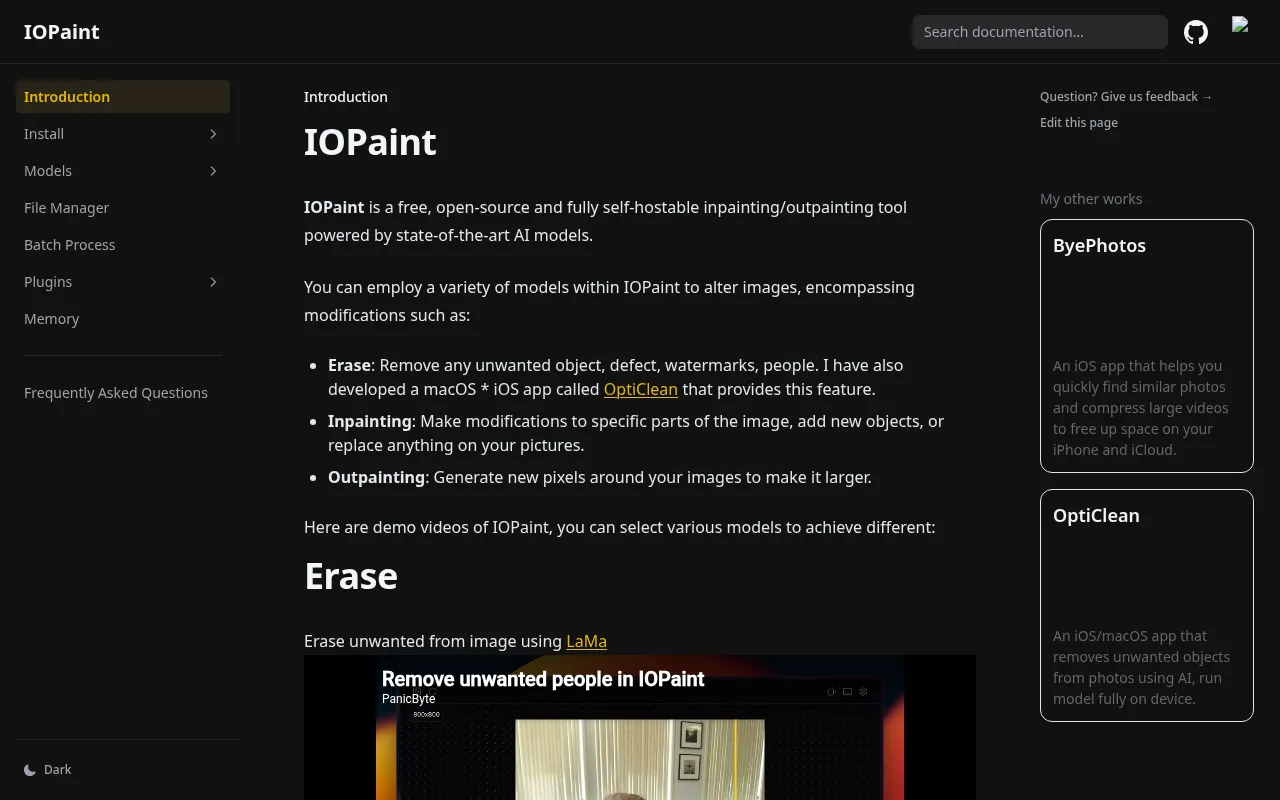
What is IOPaint?
IOPaint is a free, open-source, and fully self-hostable inpainting and outpainting tool powered by state-of-the-art AI models.It empowers users with robust local image processing capabilities, allowing them to run advanced AI workflows directly on their own hardware without relying on cloud services.
The tool supports a wide range of core functionalities, including erasing unwanted objects, watermarks, or people using models like LaMa; modifying specific regions, adding new objects, or replacing content using diffusion models such as PowerPaint and BrushNet; and expanding image boundaries by generating new pixels.Additionally, IOPaint integrates file management, batch processing, and various plugins like background removal and face restoration, offering comprehensive support for professional workflows.
Key features
- Fully Self-HosteOpen-source code with local deployment support, ensuring data privacy and security by keeping images off third-party servers.
- Diverse ErasureIncludes models like LaMa, MAT, MIGAN, LDM, ZITS, FcF, and Manga to precisely remove defects, watermarks, or unwanted people.
- Advanced DiffusiSupports PowerPaint V2, BrushNet, AnyText, and InstructPix2Pix for high-quality object replacement, text generation, and instruction-based editing.
- Smart OutpaintinGenerates new pixels around existing images using models like PowerPaint to seamlessly expand canvas size while maintaining visual coherence.
- Integrated UtiliFeatures interactive segmentation, GFPGAN face restoration, RealESRGAN upscaling, background removal, and RestoreFormer for all-in-one editing.
- Efficient WorkflIncludes file manager and batch processing capabilities, plus a Windows 1-click installer to simplify deployment and large-scale image handling.
How to use it
- Visit the official IOPaint website or GitHub page to download the Windows 1-click installer or source code based on your operating system.
- Launch the application and select the appropriate model from the list, such as LaMa for erasure or PowerPaint for repainting.
- Upload your target image and use the brush tool to mask the areas you wish to modify, erase, or expand.
- Adjust relevant parameters and click generate, waiting for the AI model to process the image and preview the result.
- For multiple images, use the file manager to load a folder and enable the batch processing feature.
- Once satisfied with the outcome, save the processed images to your local directory.
Where it fits
- Photo Defect RemQuickly remove passersby, utility poles, or skin blemishes from travel photos to restore a clean image.
- Creative ContentExpand backgrounds for social media covers or posters, adding visual space while maintaining the original composition style.
- E-commerce ImageRemove watermarks, tags, or irrelevant clutter from product images to enhance professional presentation.
- Old Photo RestorCombine face restoration and upscaling plugins to fix blurry faces in old photos and improve overall clarity.
Pricing and free quota
IOPaint is free and open-source software, available for download and use at no cost.Pricing follows the official site.
Who it is for
- Privacy-conscious designers
- Local AI enthusiasts and developers
- Photographers and retouchers
- E-commerce operators
FAQ
Does IOPaint require an internet connection?
No.IOPaint is fully self-hosted, running models locally without needing an internet connection during processing, which protects user privacy.
Which operating systems are supported?
Official Windows 1-click installers are available, and it can also be deployed via source code in other Python-supported environments.
How do I choose the right model?
For simple erasure, LaMa is typically fast and effective; for complex object replacement or generation, diffusion models like PowerPaint or BrushNet are recommended.
Is IOPaint free to use?
Yes, IOPaint is free and open-source software, allowing users to download and use all its features without cost.