
AI video
JoyPix
JoyPix is an AI video tool designed for modern content creators, aiming to streamline the workflow from concept to final cut.
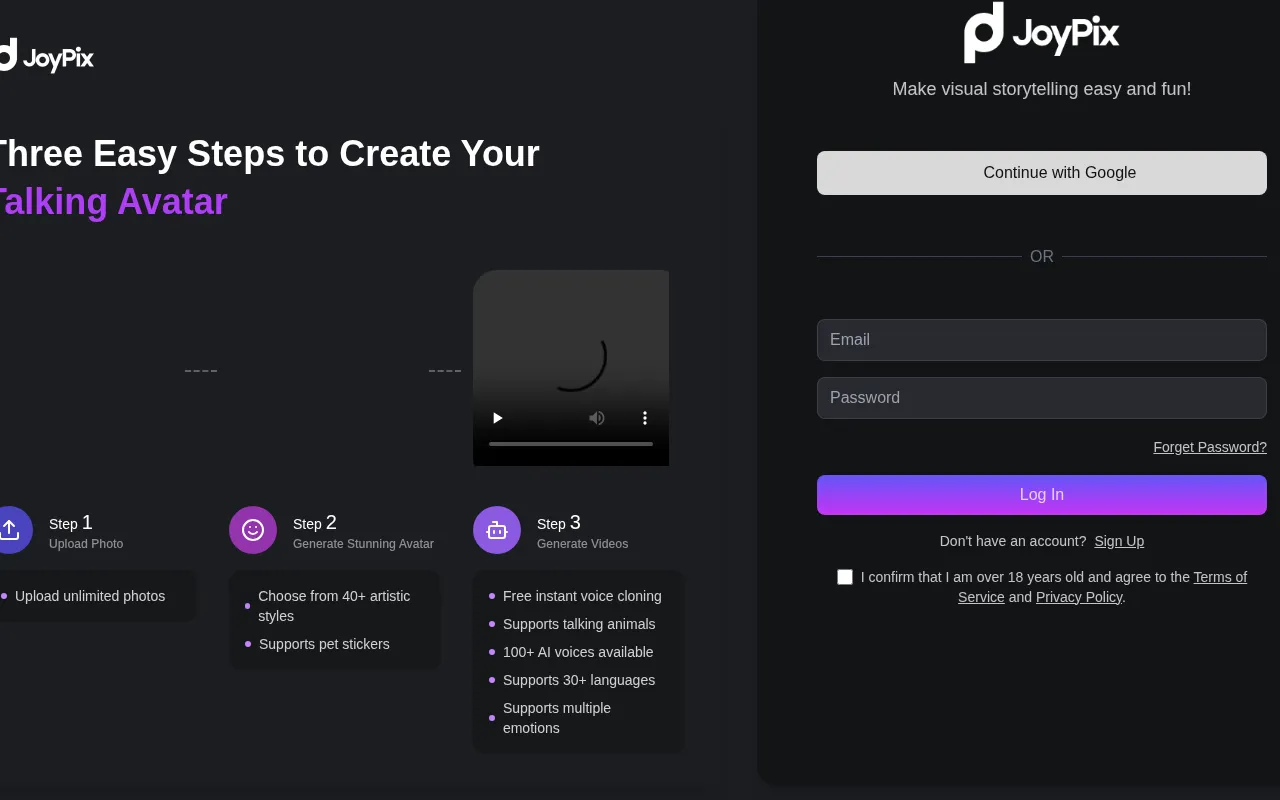
What is JoyPix?
JoyPix is an AI video tool designed for modern content creators, aiming to streamline the workflow from concept to final cut.By integrating advanced artificial intelligence technologies, JoyPix helps users quickly generate high-quality video assets or perform intelligent editing, significantly reducing the technical barriers and time costs associated with video production.
The platform is committed to providing an intuitive user experience, allowing creators to focus on artistic expression rather than tedious technical details.Whether for short video creation, marketing material production, or personal video logging, JoyPix offers intelligent support to help users efficiently realize their visual ideas.Please refer to the official website for specific feature details.
Key features
- Intelligent VideLeverage AI algorithms to quickly generate video clips based on text descriptions or reference images, enriching your creative asset library.
- Efficient EditinProvides intelligent editing suggestions and processing tools to optimize video pacing and visual transitions, enhancing editing efficiency.
- Intuitive InterfFeatures a clean and easy-to-use user interface that lowers the learning curve, allowing beginners to start creating videos quickly.
- Diverse Style SuSupports various video styles and visual effects to meet creative needs and aesthetic preferences in different scenarios.
- Cloud-Based ProcEnsures a smooth creation experience through cloud-based processing capabilities, allowing users to access projects anytime and anywhere.
How to use it
- Visit the official JoyPix website and register an account to log in to the application platform.
- Select 'New Project' from the dashboard or browse existing video generation templates.
- Enter creative prompts, upload reference materials, or select desired video style parameters.
- Click the generate button and wait for the AI to process and preview the generated video effect.
- Use the built-in editing tools to fine-tune, edit, or add special effects to the video.
- Once satisfied, export the HD video file and share it on social media platforms.
Where it fits
- Social Media ConQuickly create eye-catching short videos and dynamic assets for platforms like TikTok and Instagram.
- Marketing AdvertGenerate product showcase videos or promotional ad clips to reduce the cost of commercial video production.
- Personal CreativTransform abstract ideas into visual video works for personal records or artistic creation.
Pricing and free quota
Pricing and any free quota follow the official site.
Who it is for
- Short Video Creators
- Digital Marketers
- Independent Designers
- Content Operations Specialists
FAQ
What video formats does JoyPix support for export?
It typically supports mainstream HD video formats like MP4.Please check the official instructions on the export page for specific supported resolutions and codecs.
Do beginners need professional editing experience?
No.JoyPix features an intuitive interface and AI-assisted functions designed to help users without experience easily complete video creation.
How can I get more generation credits?
You can follow the subscription plans or event announcements on the official website to learn how to obtain more points or upgrade services to support high-frequency creation needs.