
AI audio
Krisp
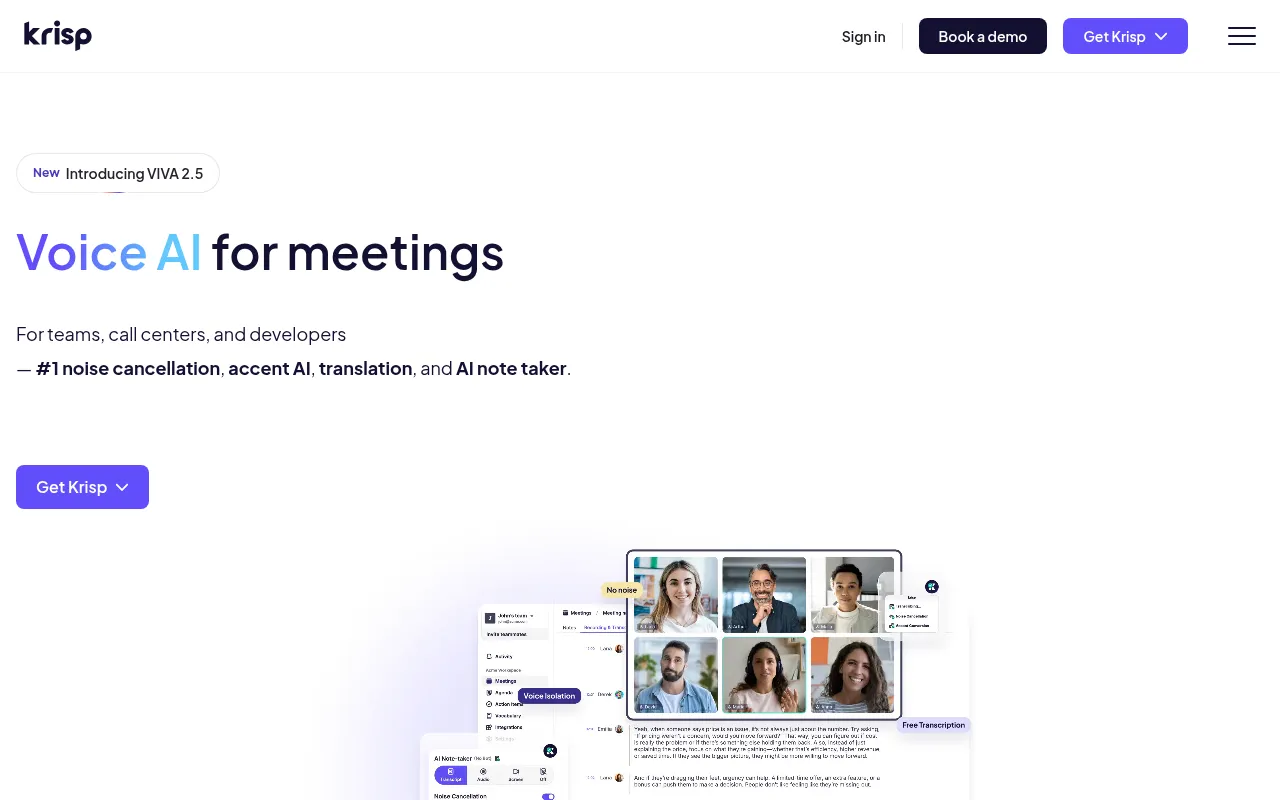
Krisp is a comprehensive Voice AI platform designed to optimize meeting experiences by eliminating distractions and enhancing communication clarity.
What is Krisp?
Krisp is a comprehensive Voice AI platform designed to optimize meeting experiences by eliminating distractions and enhancing communication clarity.As the industry's leading noise cancellation solution, Krisp removes background noises, echoes, and cross-talk in real-time, ensuring every call is crystal clear.Beyond core audio processing, Krisp introduces the VIVA 2.5 model, expanding its capabilities into intelligent meeting assistance.
The platform serves not only individual users but also provides tailored solutions for enterprise call centers and professional developers.For teams, Krisp’s AI Meeting Assistant automatically generates transcripts, summaries, and action items, syncing them directly to CRM systems.For developers, it offers voice isolation, turn-taking improvements, and real-time translation APIs to help build more robust Voice AI agents.
Key features
- #1 AI Noise CancRemoves background noises, voices, and echoes in real-time for any meeting environment, keeping speech pure and clear.
- AI Meeting AssisAutomatically handles meeting transcription, recording, and summarization, generating accurate notes to ensure no detail is missed.
- Real-Time AccentUses AI to convert accents for speakers or listeners in real-time, fostering clearer and more confident communication across global teams.
- CRM & Workflow SPushes meeting notes and action items directly to platforms like Salesforce, HubSpot, and Slack, automating your post-meeting workflow.
- Multilingual SupSupports transcription and summaries in 16 languages, breaking down language barriers for seamless global collaboration.
- Developer APIsOffers Voice Isolation, Turn-Taking, and Real-Time Voice Translation APIs, designed for building Voice AI agents and optimizing STT accuracy.
How to use it
- Visit the Krisp website to sign up and download the application for your desktop or mobile device.
- Launch the app after installation, grant microphone permissions, and select your desired audio mode (e.g., Noise Cancellation only or full Meeting Assistant) in settings.
- Join your video conferencing software (such as Zoom or Teams) and set both input and output devices to Krisp in the audio settings.
- After the meeting, log in to the Krisp workspace to view automatically generated transcripts, summaries, and action items, and share them with one click to your collaboration tools.
Where it fits
- Remote Work MeetEnsure professional, clear call quality in noisy home or cafe environments via noise cancellation, while automatically capturing meeting highlights.
- Global Call CentHelp customer service representatives overcome language barriers using real-time accent conversion and voice translation, boosting satisfaction and resolution efficiency.
- Sales & CRM ManaAutomatically sync key information and action items from client meetings to Salesforce or HubSpot, reducing manual entry and accelerating sales follow-ups.
Pricing and free quota
Pricing and any free quota follow the official site.
Who it is for
- Remote Workers & Freelancers
- Global Enterprise Teams
- Call Center Operators
- Voice AI Developers
FAQ
Which meeting software does Krisp support?
Krisp is compatible with most major video conferencing platforms, including Zoom, Microsoft Teams, and Google Meet, as it operates as a virtual audio device.
Does the AI Meeting Assistant record video automatically?
Users can choose recording presets, including Transcript-only, Audio, or Video modes, depending on their privacy needs and settings.
How does the Accent Conversion feature work?
This feature uses AI to modify the speaker's accent characteristics in real-time, making them sound more neutral or aligned with specific regional norms to reduce communication misunderstandings.