
AI agents
KroWork
From Chat to Software: A Native Desktop AI Agent Workspace
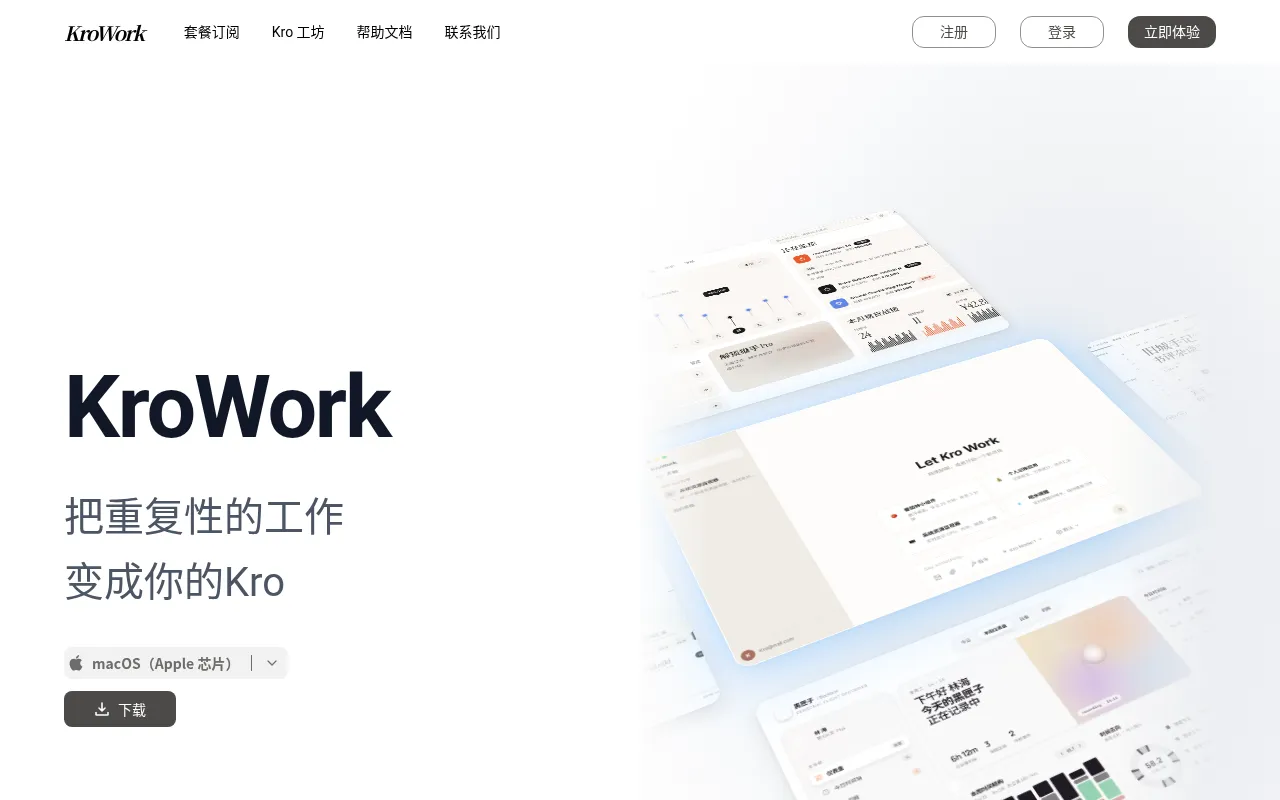
What is KroWork?
KroWork is a desktop-native AI agent tool positioned as a bridge 'from chat to software.' It aims to transcend the limitations of traditional chat interfaces by transforming natural language interactions into executable, desktop-level workflows.
As a desktop-native application, KroWork integrates deeply with the user's operating system environment, enabling it to perform complex, multi-step tasks across different applications.The official positioning emphasizes moving AI beyond simple Q&A, turning it into an intelligent assistant capable of operating software and completing concrete work.
Key features
- Desktop-Native ADesigned specifically for the desktop environment, offering deeper system permissions and integration capabilities than web-based alternatives, ensuring stable and efficient operation.
- From Chat to ExeGoes beyond being a simple chatbot by understanding intent and translating it into concrete software operation steps, achieving true task automation.
- Multi-Step TaskSupports breaking down and executing complex workflows involving multiple stages, crossing application boundaries to achieve goals.
- Agent WorkspaceProvides a dedicated workspace environment for managing and monitoring the task execution processes of AI agents.
- Seamless SystemLeverages desktop-native advantages to interact seamlessly with local files and applications, enhancing productivity.
How to use it
- Visit the official KroWork website (krowork.com) to learn more about the product.
- Download and install the desktop client compatible with your operating system.
- Launch the application and configure necessary system permissions to allow the AI agent to perform actions.
- Enter your task requirements in the dialog box, describing the desired final outcome.
- Observe how the AI agent breaks down the task and automatically executes relevant software operations within the desktop environment.
Where it fits
- Cross-ApplicatioAutomatically extract information from emails and enter it into local spreadsheets or databases.
- Complex DocumentOrganize local files, rename them, and archive them into specified folders based on instructions.
- Daily Office AutPerform repetitive desktop operations such as batch screenshots, format conversion, or software setting adjustments.
Pricing and free quota
Pricing and any free quota follow the official site.
Who it is for
- Professionals seeking efficient workflows
- Developers needing to automate repetitive tasks
- Users wanting to deeply integrate AI into their desktop environment
FAQ
Is KroWork a web app or desktop software?
KroWork is a desktop-native application, designed to provide deeper system integration capabilities.
Can it operate other software on my computer?
Yes, its core concept is 'from chat to software,' meaning it can execute multi-step tasks involving local software operations.
Which operating systems are currently supported?
Please check the official website at krowork.com for the latest system compatibility list.