
Industry tools
Lawbot脱敏猫
Pure offline desktop tool for legal document redaction, keeping sensitive data l
What is Lawbot脱敏猫?
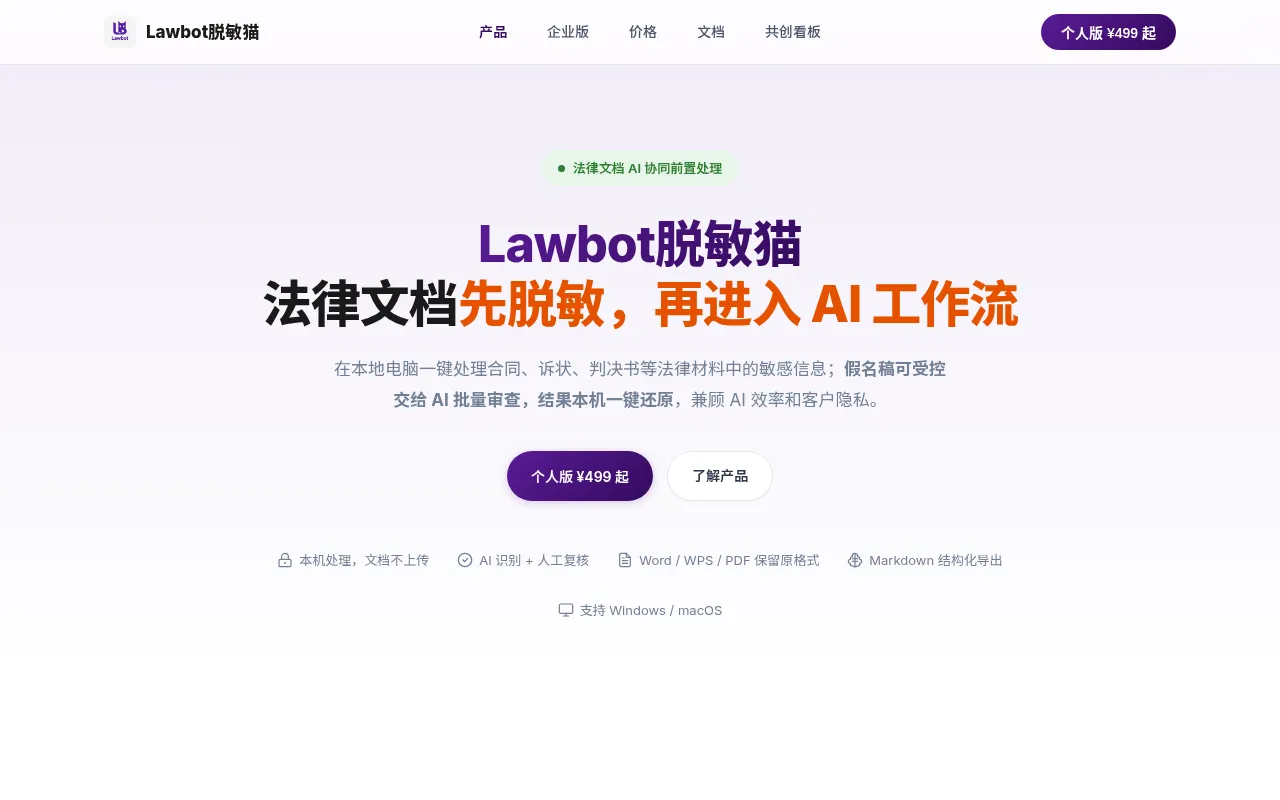
Lawbot脱敏猫 (Lawbot Desensitization Cat) is a pure offline desktop application designed specifically for the legal industry, addressing privacy concerns when integrating legal documents into AI workflows.It enables one-click local processing of sensitive information in contracts, complaints, and judgments, ensuring documents are redacted, pseudonymized, and structured before being handed off to AI for batch review or generation.
Developed by Shenzhen Buyu Mao Technology Co., Ltd., the software's core advantage lies in its 'zero-network' architecture.All recognition models and OCR engines are downloaded locally with the software package, ensuring document content is never uploaded to external servers.Pseudonymized drafts can be securely handed over to AI tools like DeepSeek Harness or Qwen Office for analysis, with final results restorable to original text via authorized keys on the local machine, creating a secure 'Redact-Analyze-Restore' closed loop.
Key features
- Pure Offline LocThe software architecture has no networking modules; identification, review, export, and restoration are all completed locally.It works even when disconnected from the internet, eliminating data leakage risks at the source.
- Smart IdentificaAutomatically labels 20 common sensitive information types in legal documents, such as names, ID numbers, amounts, seals, and handwritten signatures, with a model accuracy of 95% that continues to improve.
- PseudonymizationSupports maintaining consistent pseudonyms for the same entity to preserve semantic structure.Allows mixed strategies per category (e.g., pseudonyms for Party A, asterisks for amounts, masking for seals) in a single pass.
- Multi-format SupSupports Word/WPS/DOC, Excel, PDF (text/scanned/mixed), and image formats.Built-in offline OCR engine handles scanned documents; encrypted files can be imported directly after verification.
- Structured MarkdExports lightweight, clean-structured MD files with original PDF page number identifiers, facilitating subsequent AI summarization, translation, review, and risk list generation.
- Authorized RestoResults processed by AI can have pseudonyms restored to real information under authorized conditions, achieving a complete workflow from redaction to restoration, balancing efficiency and privacy.
- Memory WorkbenchSaves review progress, pseudonym rules, and black/white lists via .tmm memory files.Unifies pseudonym rules across files, supports resuming after interruptions, and eliminates the need to start over.
How to use it
- 1.Import Documents: Drag and drop Word, PDF, Excel, or image files.Encrypted files can be processed directly after password verification.
- 2.Auto-Identification & Review: The system automatically labels 20 types of sensitive information.Users can delete false positives, add missed items, or mask seals and signatures by selecting areas.
- 3.Select Redaction Strategy: Choose between pseudonymization (to preserve semantics) or masking.Mixed strategies can be applied to different information types within the same document.
- 4.Export Markdown: Generate structured MD files with original page number identifiers, ready for handoff to AI tools for review or report generation.
- 5.AI Collaboration & Restoration: Hand over the pseudonymized draft to AI for processing.Once complete, restore real information on the local machine using authorized keys to close the security loop.
Where it fits
- Non-litigation LProcess complex contracts and transaction documents for investment, M&A, and loans, preserving headers, footers, comments, and table formats while ensuring consistency in organization abbreviations and pseudonyms.
- Litigation MaterQuickly process complaints, defenses, judgments, and evidence screenshots.Unify pseudonyms for case parties to facilitate cross-referencing and analysis across multiple documents.
- AI-Assisted LegaConvert redacted legal documents into structured Markdown for AI-driven summary extraction, risk point identification, or draft generation, enhancing research efficiency while protecting client privacy.
Pricing and free quota
Personal Edition starts at ¥499 for single device and ¥599 for dual devices, with a perpetual license including 1 year of free updates.Team Edition offers volume discounts for 5+ seats; Enterprise Edition requires custom quoting.
Who it is for
- Lawyers and Law Firm Teams
- Corporate Legal & Compliance Officers
- Legal Researchers
- Freelancers Handling Sensitive Documents
FAQ
Does Lawbot脱敏猫 require an internet connection?
No.It is a pure offline desktop application with no networking modules in its architecture.All processing is done locally, and it functions normally even when disconnected from the internet.
Which file formats are supported?
It supports Word (docx/doc/wps), Excel (xlsx), PDF (text/scanned/mixed), and images (jpg/jpeg/png).Encrypted files can be imported directly after password verification.
How are scanned PDFs handled?
The software includes a built-in offline OCR engine that recognizes text page-by-page in scanned documents for redaction.Processing speed depends on computer performance; 16GB+ RAM is recommended for optimal experience.
What is the 'Authorized Restoration' feature?
It allows users to restore pseudonyms to real information on their local machine using an authorized key after AI processing is complete, forming a secure 'Redact-Analyze-Restore' workflow loop.