
AI image
Magic Eraser
A free, no-signup AI tool that instantly erases unwanted objects, people, and te
What is Magic Eraser?
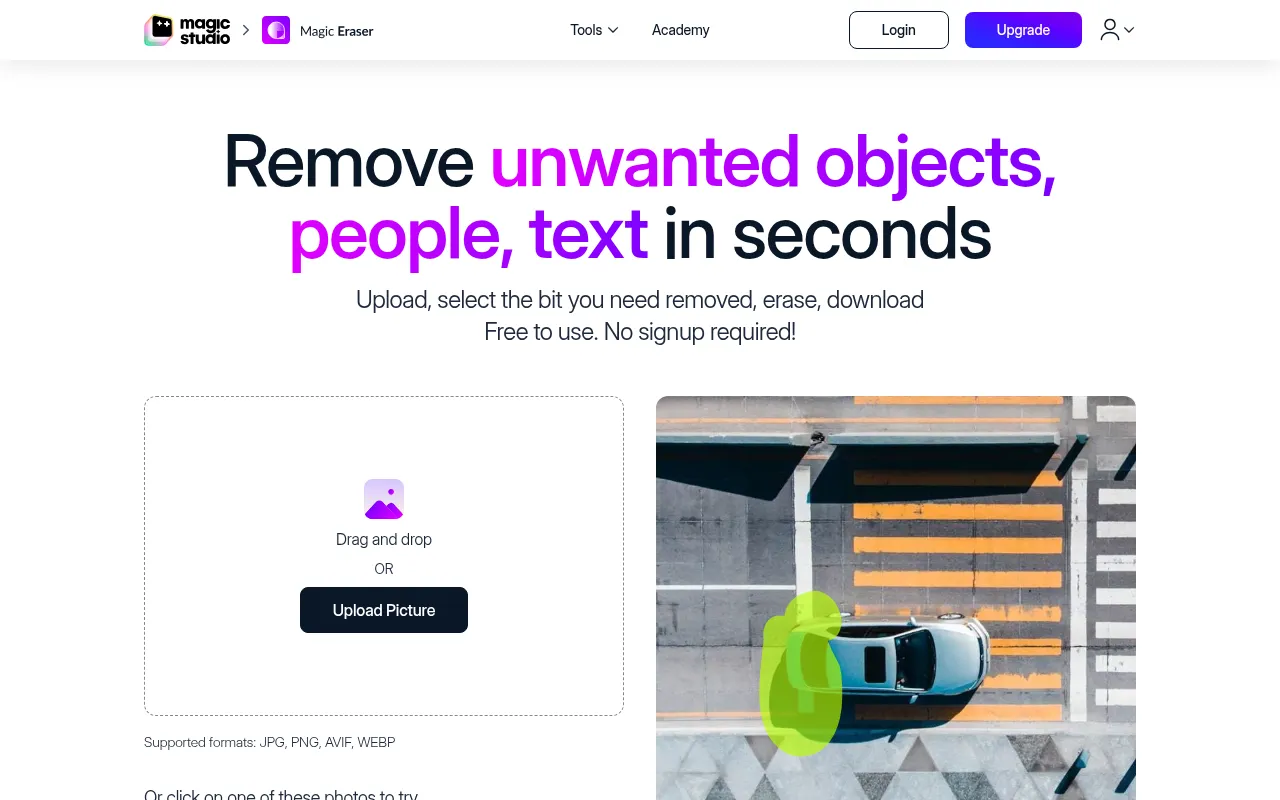
Magic Eraser, developed by Magic Studio, is an intelligent image editing tool designed to remove unwanted elements from photos in seconds.Whether it's distracting background people, redundant text, watermarks, or blemishes, users simply brush over the selected area, and the AI algorithm analyzes the surroundings to fill in the gap seamlessly, creating a natural restoration effect.
The tool emphasizes a minimalist user experience, supporting common formats like JPG, PNG, AVIF, and WEBP with no upload resolution limits.Its core advantage lies in being free to use for basic functions without requiring account creation or login, allowing everyday users to clean up images like professionals.It is ideal for various scenarios such as real estate listings, e-commerce product optimization, and social media content creation.
Key features
- Zero-Barrier FreUse the tool directly without registering an account or logging in.Basic features are completely free, lowering the entry barrier for users.
- Intelligent AI ELeverages advanced AI technology to automatically identify and remove objects, people, text, and blemishes while keeping the background natural and coherent.
- Multi-Format SupWidely compatible with mainstream image formats including JPG, JPEG, PNG, HEIC, WEBP, and TIFF, meeting diverse device needs.
- Precise Brush CoProvides adjustable brush sizes and zoom functionality, allowing users to precisely select small or complex areas that need erasing.
- Batch ProcessingSupports processing multiple images at once (as noted in pro tips for batch editing), improving efficiency for users handling large volumes of assets.
- Non-DestructiveIf the erasure result is unsatisfactory, users can easily undo the action or erase specific areas again until they achieve the desired outcome.
How to use it
- 1.Upload Image: Drag and drop or click to upload the photo you wish to edit.Supports various formats with no resolution limits.
- 2.Select Area: Use the brush tool to paint over the object, person, or text you want to remove.Adjust brush size via slider or use zoom for precise selection.
- 3.Execute Erase: Click the 'Erase' button, and the AI will automatically process the selected area.If the result is not ideal, erase the same area again to optimize.
- 4.Download Save: Once satisfied with the edit, click download to save the image to your computer or mobile album.
Where it fits
- Real Estate PhotRemove clutter, furniture, trash cans, or passersby from property photos to make listings look cleaner and more professional, attracting potential buyers.
- E-commerce ProduClear distracting elements or blemishes from product photography backgrounds to highlight the item and improve click-through and conversion rates.
- Social Media ConQuickly clean up accidental photobombers or irrelevant text from selfies and lifestyle shots to create a perfect social network presence.
Pricing and free quota
Pricing and any free quota follow the official site.
Who it is for
- Real Estate Agents
- E-commerce Sellers
- Social Media Managers
- Photography Enthusiasts
- Everyday Users
FAQ
Do I need to register an account to use Magic Eraser?
No.You can upload and edit images directly without creating an account or logging in.
What image formats does Magic Eraser support?
It supports common formats including JPG, JPEG, PNG, HEIC, WEBP, and TIFF.
What if the erasure result is not ideal?
You can undo the action and reselect, or erase the unsatisfactory area again.The AI often produces better results on subsequent attempts.
Are there limitations on free downloads?
Yes, free downloads include the Magic Studio logo and are low resolution.For high-resolution watermark-free images, please check paid options.