
AI audio
MeloLab
MeloLab is an AI music generator that transforms text descriptions into complete songs, including vocals, instrumentals, or background tracks.
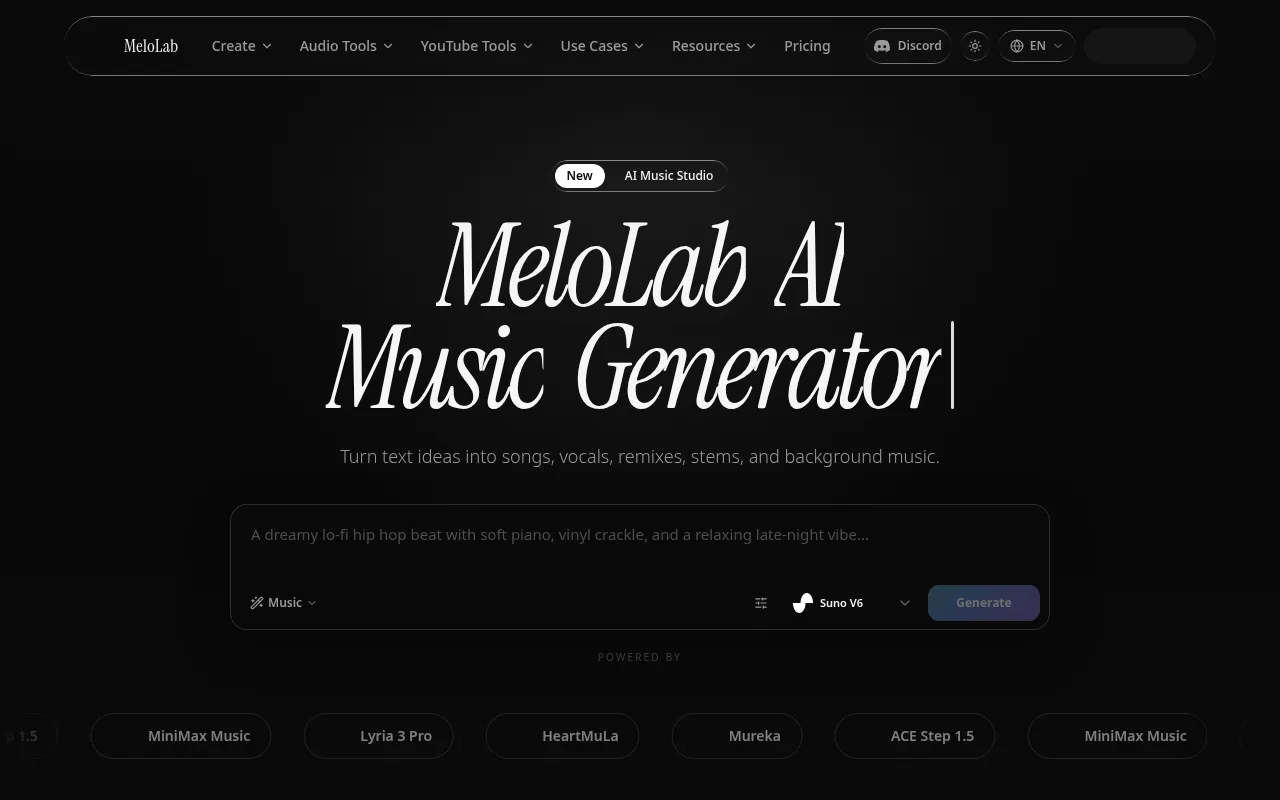
What is MeloLab?
MeloLab is an AI music generator that transforms text descriptions into complete songs, including vocals, instrumentals, or background tracks.It supports a wide range of genres from pop and electronic to folk and jazz, enabling creators to produce studio-quality music quickly.
The platform integrates advanced models such as ACE Step 1.5, MiniMax Music, Lyria 3 Pro, HeartMuLa, and Mureka.It offers an all-in-one suite of tools, including hum-to-song conversion, AI remixing, and stem separation, along with a browser-based multi-track DAW for editing.
MeloLab offers a free starting tier with limited credits for users to explore core features.For those requiring commercial rights or higher concurrency, transparent paid plans are available, supporting high-quality audio exports and extended storage.
Key features
- Multi-Model EngiPowered by leading AI music models including ACE Step 1.5, MiniMax Music, Lyria 3 Pro, HeartMuLa, and Mureka for diverse and professional results.
- Text-to-SongGenerate complete songs with vocals and full instrumentation in seconds by simply describing your idea in text.
- Hum-to-SongRecord a melody by humming, and let AI transform it into a fully produced track while preserving the original emotional contour.
- Stem SeparationSplit any track into individual stems (vocals, drums, bass, instruments) or create karaoke versions instantly.
- AI Remix & CoverReimagine songs in new genres like jazz or lo-fi, or create covers that preserve the core identity of the original track.
- Browser-Based DAEdit music directly in your browser with a multi-track studio featuring BPM detection, MIDI conversion, and AI-powered editing tools.
How to use it
- Visit the MeloLab website and sign up to receive your initial free credits.
- Enter a song description in the AI Music Generator, selecting style, vocal type, or uploading reference audio.
- Click generate and wait for the AI to process your request, then preview the resulting tracks.
- Use built-in tools for stem separation, remixing, or hum-to-song expansion to refine your work.
- Adjust multi-track details in the browser-based DAW and export your final audio file.
Where it fits
- Content CreatorQuickly generate royalty-free background music and sound effects for YouTube videos, podcasts, or social media content.
- Music Idea ProtoMusicians can capture inspiration quickly by humming or typing descriptions, generating demos for further professional production.
- Personalized GifCreate custom songs for friends and family, or remix favorite tracks into different styles for entertaining shares.
Pricing and free quota
Offers a free start plan with 8 lifetime free credits for AI song generation.Paid plans provide higher quality exports, commercial use rights, and extended storage.Specific pricing is subject to the official website.
Who it is for
- Independent musicians and producers
- Video bloggers and content creators
- Advertising and game audio designers
- Music enthusiasts and beginners
FAQ
Can I use MeloLab generated music for commercial purposes?
The free plan is for personal use only.For commercial rights, please check the paid plans on the official website, which typically include commercial licenses.
What music genres are supported?
It supports various genres including Pop, Electronic, Lo-fi, R&B, Folk, Rock, Jazz, Synthwave, and more, controllable via text descriptions.
How do I separate vocals from a song?
Use the 'AI Vocal Remover' or 'Stem Splitter' tools on the platform.Upload your track to automatically separate vocals, drums, bass, and other instruments.