
AI image
Neural4D
Neural4D is an AI-powered multimodal 3D asset generation platform developed by DreamTech, designed to help creators, developers, and enterprises rapidly convert concepts into high-quality 3D models.
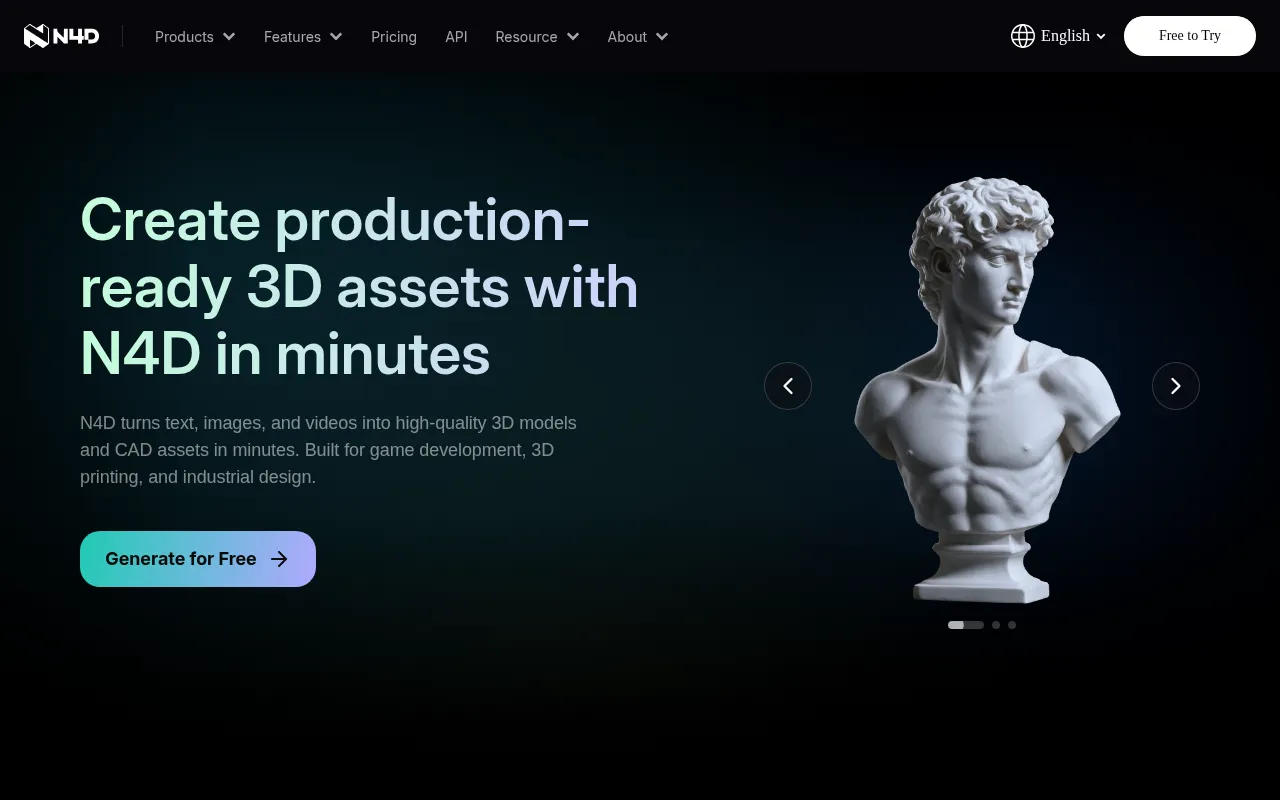
What is Neural4D?
Neural4D is an AI-powered multimodal 3D asset generation platform developed by DreamTech, designed to help creators, developers, and enterprises rapidly convert concepts into high-quality 3D models.It supports generating detailed 3D geometry from text prompts or uploaded 2D images (JPG/PNG/WEBP) in minutes, significantly reducing the time and technical barriers associated with traditional modeling.
Beyond basic model generation, the platform offers features such as texture generation, automatic rigging, and animation.It exports to mainstream formats including .obj, .fbx, .glb, .usdz, .stl, and .blender.Whether for game development, 3D printing prototypes, industrial design, or VR/AR content creation, Neural4D provides an instant, browser-based generation experience without installation, while ensuring commercial usage rights and data privacy for paid subscribers.
Key features
- Text-to-3D & ImaGenerate high-precision 3D models quickly using natural language descriptions or single 2D image uploads, facilitating the transition from concept design to tangible assets.
- AI Texture GenerApply stylized textures to generated 3D models using text prompts or reference images, enhancing visual realism and artistic expression.
- Auto Rigging & ABuilt-in automatic rigging creates clean skeleton structures and smooth skin weights for character models, supporting export of ready-to-use animation files.
- Multi-Format ExpSupports exporting to .obj, .fbx, .glb, .usdz, .stl, and .blender formats, ensuring seamless integration with mainstream software like Unity, Unreal Engine, and Blender.
- 3D Printing OptiA generation workflow dedicated to 3D printing that outputs watertight geometry suitable for slicers, accelerating the manufacturing process from digital idea to physical prototype.
- Commercial LicenPaid subscribers hold commercial usage rights for generated assets.The platform pledges not to use user-generated assets for AI model training, strictly adhering to international data protection standards.
How to use it
- Visit the Neural4D website and sign up for an account; new users can try basic features for free.
- Choose your generation mode: enter a detailed text prompt or upload a reference image in JPG, PNG, or WEBP format.
- Click the generate button, and the AI will create a high-fidelity 3D model within minutes.
- For further refinement, use the AI Texture feature to add materials or the Auto Rigging tool to add skeletons to characters.
- Preview the model, and once satisfied, select your desired file format (such as .glb or .stl) to download.
- Import the downloaded model into Blender, Unity, or other 3D software for further editing or direct use in 3D printing.
Where it fits
- Game & Film DeveRapidly generate props, character prototypes, and environmental assets to significantly shorten iteration cycles and reduce art production costs.
- 3D Printing & PrDirectly convert creative concepts into printable watertight models, suitable for educational aids, figurine creation, and industrial functional prototype validation.
- VR/AR & MetaversBatch generate lightweight or high-fidelity 3D objects to enrich the content ecosystem of virtual spaces and enhance immersive experiences.
- Industrial DesigAssist designers in quickly presenting product appearance concepts or architectural components for early-stage communication and client presentations.
Pricing and free quota
Offers a free trial plan with 50 credits per week; paid subscriptions include Go, Plus, and Pro tiers, starting at $9.9, $19.9, and $49.9 for the first month respectively, then reverting to $19.9, $39.9, and $99.9.Additional credits can be purchased at $1 per 100 credits.Pricing details are subject to the official website.
Who it is for
- Indie Game Developers
- 3D Artists & Designers
- Industrial Product Engineers
- VR/AR Content Creators
- 3D Printing Enthusiasts
FAQ
What export formats does Neural4D support?
It supports .obj, .fbx, .glb, .usdz, .stl, and .blender formats.Note: Free users can only download untextured meshes, while paid users can download high-quality models with textures.
Can I use the generated models for commercial purposes?
Yes.Paid subscribers have commercial usage rights for generated assets, and the platform claims no copyright ownership over the content.Models generated during the free trial are for personal testing only and cannot be used commercially.
How can I get more generation credits?
Subscribers can purchase credit packs at any time for top-ups at a rate of $1 for 100 credits.Different subscription plans also include monthly credit allowances.
Do I need a high-performance computer to use Neural4D?
No.Neural4D is a browser-based cloud service requiring no software installation.All computations are performed on servers, supporting major browsers like Chrome, Edge, and Safari.