
AI image
Palette
Palette is an AI-powered online photo colorization tool designed to transform black and white images into vibrant, realistic color photographs.
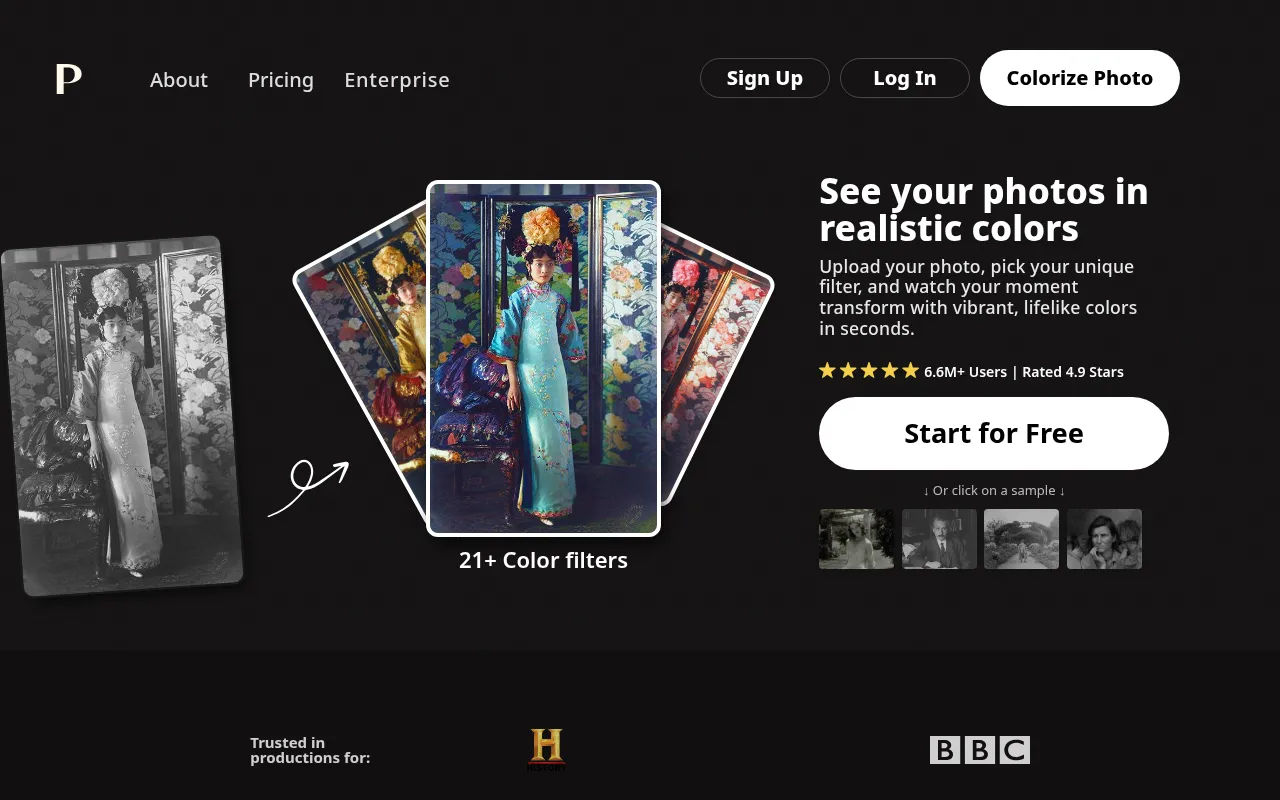
What is Palette?
Palette is an AI-powered online photo colorization tool designed to transform black and white images into vibrant, realistic color photographs.Developed by PALETTE FM in Porto, Portugal, the platform leverages years of research to accurately capture intricate details such as hands, lips, and natural lighting, avoiding the flat skin tones or monochromatic biases common in older colorization methods.
Users can start for free without signing up, uploading photos to choose from over 21 unique color filters.Palette supports fine-tuning via keywords and offers high-resolution outputs up to 5000x5000 pixels.Whether restoring family archives or enhancing professional photography workflows, Palette provides a simple yet powerful interface for customized colorization.
Key features
- Realistic ColorAI algorithms focus on generating natural lighting and accurate skin tones, avoiding common orange or purple biases while capturing intricate 'wow' details.
- 21+ Color FilterChoose from a variety of preset filter styles tailored to different content types such as history, interiors, flowers, and clothing.
- Keyword CustomizFine-tune colors by clicking the adjust icon and using clear descriptive keywords to achieve optimal and personalized colorization results.
- HD Watermark-FrePaid users receive full-resolution images up to 5000x5000 pixels without the Palette logo watermark in the corner.
- Batch ProcessingUpload multiple photos at once to streamline the workflow, ideal for users with large archives of black and white images.
- Free Trial WithoStart immediately without registration; the free plan offers unlimited previews with watermarks and resized dimensions.
How to use it
- Visit the Palette website and click the 'Upload image' button or drag and drop your black and white photos onto the page.
- Once processed, browse through the available options and select one of the 21+ color filters that best suits your image.
- For further customization, click the adjust icon and enter specific keywords to fine-tune the colors of certain areas.
- Download the watermark-free high-resolution version using credits, or save the free preview with watermarks and lower resolution.
Where it fits
- Family Archive RBring ancestral black and white photos to life, preserving family memories in a more vivid and realistic format.
- Historical VisuaAssist museums, educators, and researchers in transforming historical black and white footage into engaging color materials.
- Creative PhotogrPhotographers can use various filter styles to imbue black and white works with new artistic atmospheres and visual impact.
Pricing and free quota
Offers a free trial with unlimited watermark-low-resolution previews.Paid options include: One-time credit purchases (e.g., $49 for 75 credits, valid for 2 years); Subscription plans (e.g., $72/year for 480 credits, with rollover capabilities).1 credit equals 1 high-resolution watermark-free image.Pricing details are subject to the official website.
Who it is for
- Family Users
- History Enthusiasts
- Graphic Designers
- Photographers
FAQ
What are the limitations of the free plan?
The free plan allows unlimited previews, but images are resized to a maximum of 500x500 pixels and include a Palette logo watermark in the bottom right corner.
What are Credits?
One credit allows you to colorize one photo without the logo and in full resolution (up to 5000x5000 pixels).
How is Palette different from other colorization tools?
Palette focuses on realistic colors and natural lighting, avoiding orange skin tones or lost details, and offers simple keyword tuning instead of complicated interfaces.