
AI image
PicWish
Create and edit product photos via chat with an all-in-one free AI photo editor
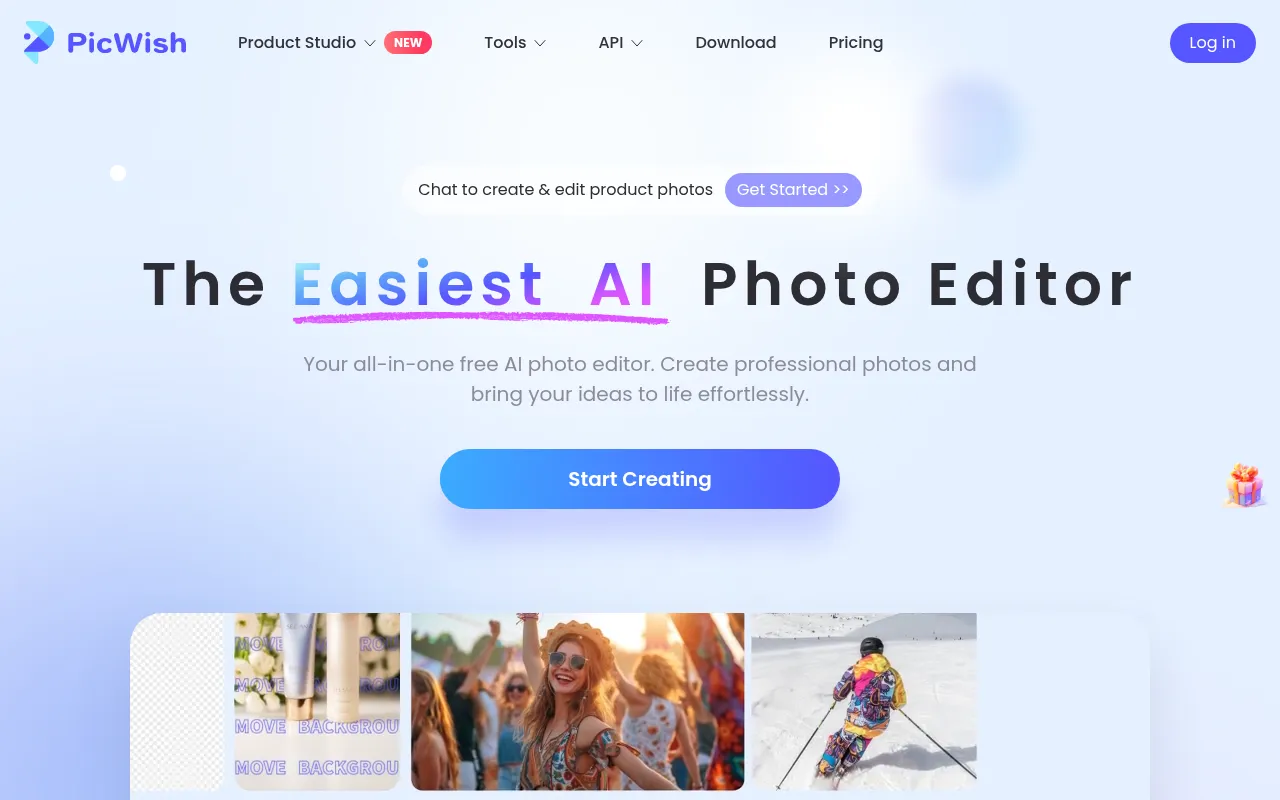
What is PicWish?
PicWish is an online AI photo editor designed for ease of use, positioning itself as the easiest way to create professional photos.It offers core capabilities such as background removal, image unblurring, and detail enhancement to turn ideas into polished visuals quickly.
A standout feature is chat-based creation and editing: users can describe the desired product visuals in natural language, with scenario presets available for beginners.The platform is accessible via web and apps across Windows, macOS, iOS, and Android.
Beyond basic editing, PicWish provides a broad toolkit including e-commerce product photo generation, portrait optimization, old photo restoration, and watermark or object removal.An API is available for business integration, and users can start with free trials before choosing a plan for higher limits and HD downloads.
Key features
- One-click backgrIsolate subjects instantly and process up to 30 files at once, streamlining e-commerce and portrait cutouts.
- Unblur and sharpTransform fuzzy photos into crystal-clear, high-resolution images for personal and business use.
- Chat-based editiCreate and adjust product visuals using natural language, with scenario presets to help beginners get started.
- Product Studio fGenerate product photos, white-background shots, virtual try-ons, ghost mannequin, and flat lays tailored for online selling.
- Portrait and IDEnhance portraits, perform face cutouts, make ID photos, change outfits, and remove glare or stickers.
- Cleanup and restRemove watermarks, text, logos, and unwanted objects; restore and colorize old photos.
- Utility toolkitUpscale, denoise, compress, convert formats, crop, and extract text from images with dedicated tools.
- Cross-platform aUse on web and apps for Windows, macOS, iOS, and Android, with an API available for business integration.
How to use it
- 1.Visit the PicWish website or download the app, then sign up or log in to access the workspace.
- 2.Upload your image or start a chat-based edit by describing the desired visual in natural language.
- 3.Apply tools such as background removal, unblur, or object removal to refine the photo.
- 4.For e-commerce needs, choose presets in Product Studio to generate product shots quickly.
- 5.Preview and download the result; free users can try core features, while subscribers get higher limits and HD downloads.
- 6.Businesses can integrate PicWish capabilities via the provided API.
Where it fits
- E-commerce listiQuickly remove backgrounds, create white-background shots, and generate product scene images for consistent listings.
- Content creationProduce social media visuals, posters, and creative assets faster with chat-based editing.
- Archive restoratUnblur and enhance scanned documents or old photos, and colorize them to recover clear details.
- Portrait optimizMake ID photos, enhance portrait quality, and remove glare or stickers for better people photos.
Pricing and free quota
PicWish offers a free trial and multiple subscription plans.According to the official site, the annual Pro plan includes 450 credits/month, and the annual Max plan includes 2,000 credits/month; some core feature downloads have limits (e.g., Pro 100 images/day, Max 15,000 images/month).For exact pricing and benefits, please refer to the official website.
Who it is for
- E-commerce sellers and operations teams
- Designers and content creators
- Photography enthusiasts and general users
- Developers needing image APIs for business
FAQ
Is PicWish free?
The official site states it is free to use and offers a free trial; some advanced features and HD downloads may require a subscription for higher limits.
Which platforms are supported?
It works on the web and has apps for Windows, macOS, iOS, and Android.
Can I process images in batch?
Yes, tools like background removal support processing up to 30 files at once.
Is there an API?
Yes, PicWish provides an API for business integration.