
AI image
SnapEdit
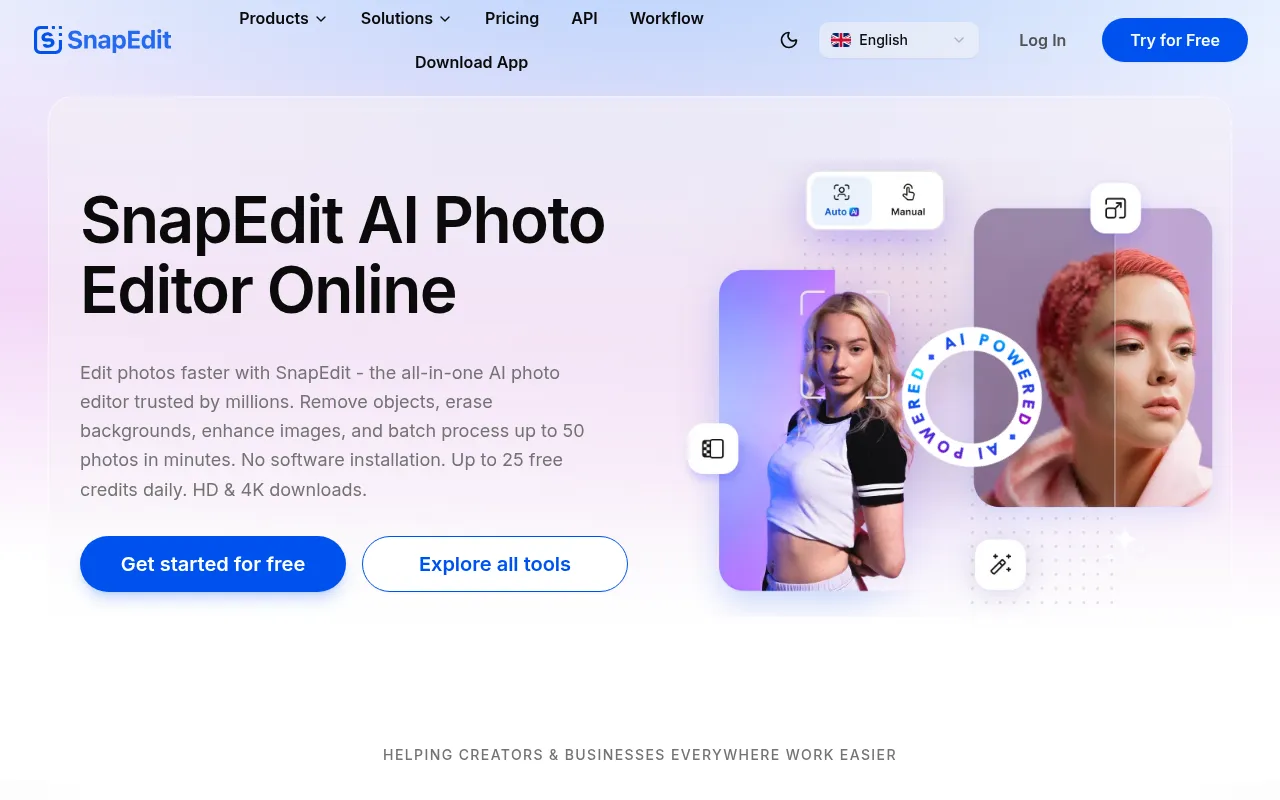
SnapEdit is an AI-powered online photo editor designed to help users optimize images quickly without installing software or needing professional editing skills.
What is SnapEdit?
SnapEdit is an AI-powered online photo editor designed to help users optimize images quickly without installing software or needing professional editing skills.The platform integrates over 25 practical tools, ranging from removing unwanted objects and erasing backgrounds to enhancing blurry photos to HD and 4K resolution, streamlining image workflows for creators and businesses.
Available on both web and mobile apps, SnapEdit processes millions of images monthly.Its core strength lies in high automation, such as using AI to automatically detect and remove passersby, power lines, or text watermarks, while offering over 100 well-designed background templates for replacement.For users needing to handle large volumes of images, SnapEdit supports batch processing of up to 50 photos at once and provides an API for integration into commercial applications.
Key features
- Smart Object RemUses One-Touch AI technology to automatically detect and remove unwanted details, passersby, or clutter from photos while keeping the image natural.
- One-Click BackgrSeamlessly removes photo backgrounds and offers over 100 well-designed templates for users to edit and replace backgrounds.
- HD Quality EnhanAutomatically increases the resolution of blurry photos, supporting HD and 4K exports to improve overall visual quality.
- AI Skin RetouchiIntelligently retouches portraits by removing acne and blemishes, giving skin a glowing look suitable for social media sharing.
- Text & Wire RemoAutomatically detects and removes text overlays, timestamps, captions, and distracting power lines from images.
- Batch ProcessingSupports batch processing of up to 50 photos at once, significantly boosting efficiency for e-commerce teams and content creators.
- Versatile ToolseBeyond core editing features, it provides practical tools for adding watermarks, converting image formats, compressing images, and blurring backgrounds.
How to use it
- Visit the SnapEdit website or download the mobile app, then sign up and log in to your account.
- Select the desired tool from the toolbar, such as 'Remove Object', 'Remove Background', or 'Enhance Photo'.
- Upload the photo you wish to edit, and let the AI automatically detect and process the image content.
- Fine-tune the results as needed, such as choosing a new background template or adjusting enhancement levels.
- Preview your work and download the HD or 4K version; enjoy up to 25 free credits daily.
Where it fits
- Social Media ConBloggers and influencers can quickly remove distractions and enhance image quality to create polished content for platforms like Instagram and TikTok.
- E-commerce ProduMerchants can batch remove product backgrounds, standardize item photos, and compress files to accelerate listing processes.
- Everyday Photo RCasual users can easily fix blurry family or travel photos and remove accidental passersby or wires without learning complex software.
Pricing and free quota
Offers up to 25 free credits daily for trial; advanced features and higher batch limits require subscription plans as detailed on the official site.Pricing is subject to the official website.
Who it is for
- Social media content creators
- E-commerce sellers and marketing teams
- Photography enthusiasts
- General users needing quick photo edits
FAQ
Do I need to install software to use SnapEdit?
No, SnapEdit offers an online web editor and a mobile app, allowing you to edit photos without installing complex desktop software.
How many times can free users use the service daily?
The official site offers a free trial where users can receive up to 25 free credits per day for image processing.
Does it support batch processing?
Yes, SnapEdit allows users to batch process up to 50 photos at once, which is ideal for business users needing high efficiency.
What is the resolution of exported images?
SnapEdit supports downloading images in HD and 4K resolution, ensuring enhanced photos maintain high quality.