
AI agents
灵犀
Lingxi is an AI office assistant launched by Kingsoft Office (WPS), designed to convert natural language instructions directly into professionally formatted, editable office documents.
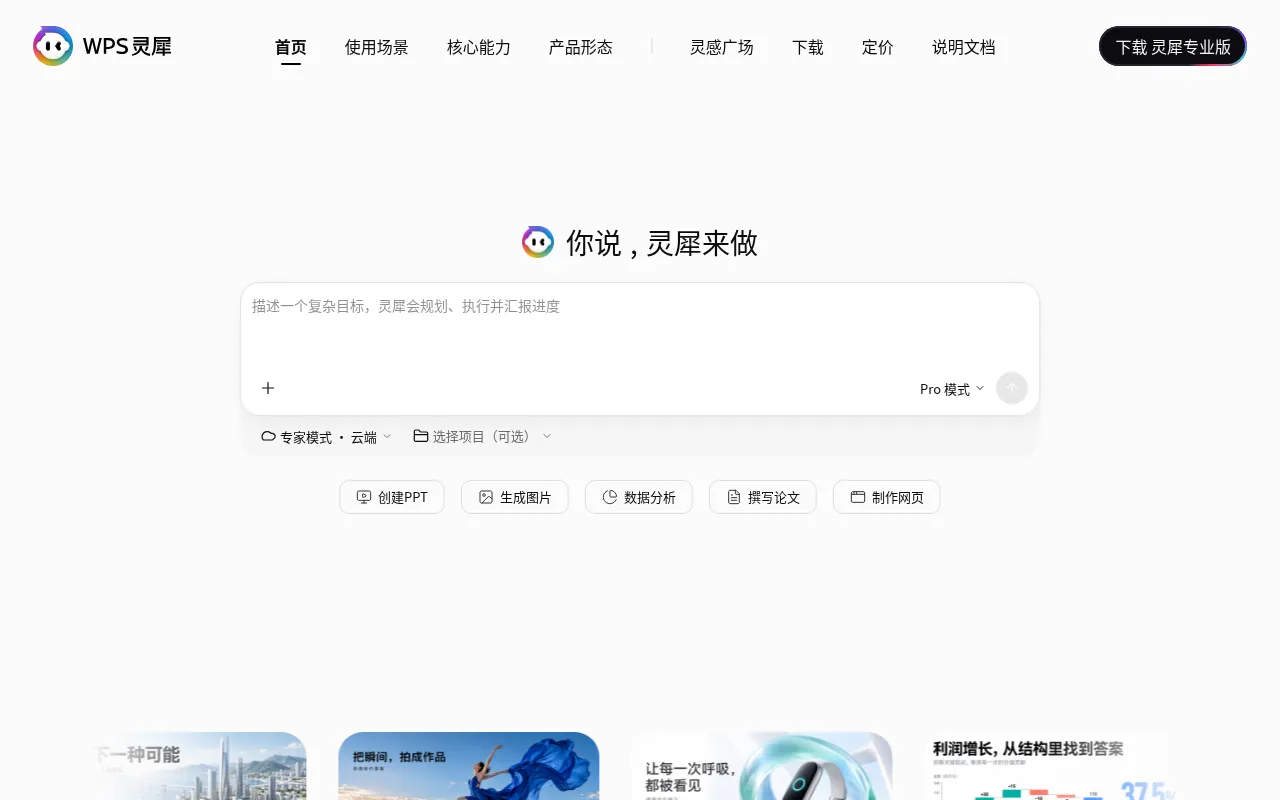
What is 灵犀?
Lingxi is an AI office assistant launched by Kingsoft Office (WPS), designed to convert natural language instructions directly into professionally formatted, editable office documents.By simply stating a goal, users can have Lingxi automatically plan steps and invoke tools to generate structured Word reports, Excel data analyses, or PPT presentations, delivering real files rather than just text responses.
Deeply integrated into the WPS ecosystem, Lingxi is available on desktop (Windows/macOS), web, mobile, and as a browser plugin.Its core advantage lies in 'deliverable-ready' outputs: generated documents retain full formulas, layouts, and editable elements, seamlessly connecting with subsequent manual editing and collaboration workflows to significantly boost productivity.
Lingxi features built-in official skills covering deep research, academic paper writing, stock analysis, web building, and PDF processing.Users can switch between Pro and Max modes to balance response speed and processing depth based on task complexity, meeting diverse needs from quick daily Q&A to high-level multi-step task execution.
Key features
- One-Click EditabAutomatically generates Word, Excel, and PPT files from prompts; content is directly editable in WPS, retaining formulas and formatting.
- Built-in Deep ReConducts iterative deep research using a dual-graph architecture (Outline Graph + Knowledge Graph), automatically identifying knowledge gaps and cross-verifying evidence for industry and competitor analysis.
- Academic WritingSupports end-to-end writing of academic texts like theses and journal articles, covering literature search, chapter-by-chapter writing, chart generation, and DOCX layout export.
- Cross-Platform CAvailable on Windows, macOS, Android, iOS, and web, supporting cloud collaboration and local file processing to access workflows anytime, anywhere.
- Professional DatIncludes stock analysis skills for company profiles, technical insights, and SEC filings; supports complex Excel data cleaning, calculation, and visualization.
- Intelligent FileSupports PDF OCR, merging, splitting, and encryption; offers audio/video-to-text (ASR) capabilities to extract meeting minutes and action items.
How to use it
- Visit the Lingxi official website to download the client for your device (Windows/macOS/Mobile) or use the web version directly.
- After logging in, enter your task goal in the chat box, e.g., 'Create a channel research report on the new energy vehicle industry.'
- Select the running mode as needed: use Pro mode for daily tasks to save points, and Max mode for complex, deep tasks.
- Lingxi will automatically plan steps and invoke relevant skills (such as deep research or document generation); wait for processing to complete.
- Download the generated Word, Excel, or PPT file, open it in WPS Office, and proceed with personalized editing and adjustments.
Where it fits
- Workplace ReportQuickly generate business review PPTs and sales analysis Excel sheets, retaining full data formulas and charts for direct use in meetings.
- Academic ResearcAssist students and researchers in literature reviews, proposals, and thesis writing, automatically organizing references and standardizing layout.
- In-depth IndustrUse deep research skills to retrieve and cross-verify information from multiple sources on specific topics, outputting structured industry analysis reports.
- Financial InvestInput stock codes to obtain company fundamentals, technical analysis insights, and price trends, aiding investment decisions and report writing.
Pricing and free quota
Pricing and any free quota follow the official site.
Who it is for
- Corporate employees needing efficient document production
- Students and scholars engaged in academic research and writing
- Professionals requiring industry research and data analysis
- Investment analysts monitoring financial market dynamics
FAQ
How is Lingxi different from regular AI chatbots?
Lingxi doesn't just answer questions; it delivers editable Word, Excel, and PPT files directly, automatically planning steps and invoking tools to complete complex tasks.
Which operating systems does Lingxi support?
It supports Windows 10/11, macOS 12+ (including Apple Silicon and Intel), Android, and iOS, as well as a web version.
Can I edit the generated documents?
Yes.Lingxi generates real .docx, .xlsx, and .pptx files with full formulas, layouts, and elements retained, which can be opened and edited directly in WPS Office.
Is Lingxi free to use?
The client is free to download, and basic tasks are free to experience.Expert mode and advanced tasks consume 'Zhi Dian' (points); please check the official pricing page for details.