
AI audio
UniScribe
UniScribe is an online AI transcription tool that quickly converts audio and video into searchable, editable text.
What is UniScribe?
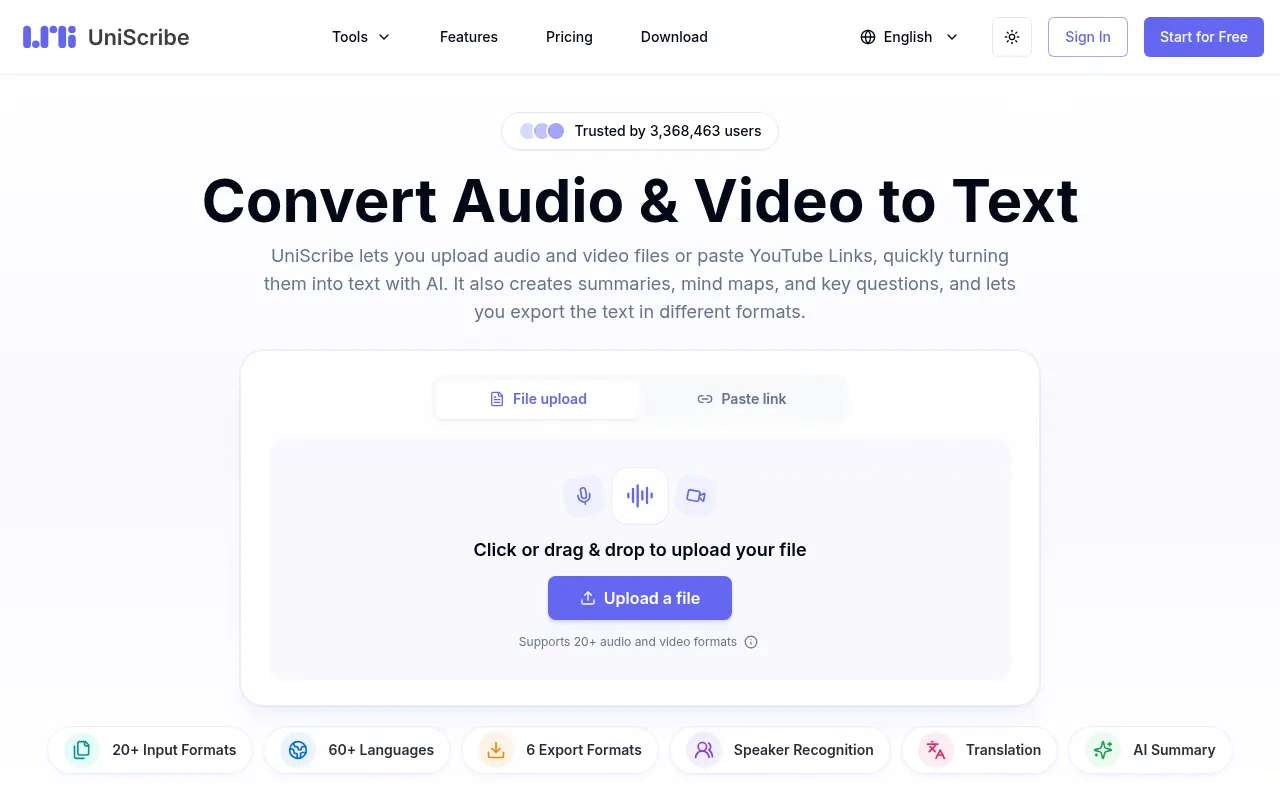
UniScribe is an online AI transcription tool that quickly converts audio and video into searchable, editable text.Upload files or paste YouTube links, with support for 60+ languages and 20+ formats, typically finishing long files in minutes.
Beyond basic transcription, UniScribe automatically generates summaries, visual mind maps, and key Q&A, plus offers speaker recognition and translation.Export results as TXT, DOCX, PDF, SRT, CSV, or VTT, or share a direct link for easy viewing.
With plans ranging from free to pro, UniScribe includes monthly minute allowances, bulk processing, API access, and iOS/Android apps—ideal for creators, educators, researchers, and teams who want to repurpose audio and video efficiently.
Key features
- Multi-format inpSupports MP3, WAV, M4A, MP4, MOV, and 20+ other formats, plus direct YouTube link transcription.
- 60+ languagesBroad language coverage for global meetings, courses, and podcasts.
- AI insightsAuto-generates short summaries, visual mind maps, and key questions to surface what matters.
- Speaker recognitIdentifies and labels speakers so you can track who said what in meetings and interviews.
- Flexible exportExport as TXT, DOCX, PDF, SRT, CSV, or VTT, or share a link for instant viewing.
- Premium model &Higher-accuracy transcription, no daily file limits, bulk uploads, and API access on paid plans.
- Cross-platform &Web-based workflow with iOS and Android apps for on-the-go transcription and management.
How to use it
- 1.Upload or paste: Add audio/video files from your device or paste a YouTube link.
- 2.Start transcription: Click “Transcribe”; hour-long files often finish in under a minute.
- 3.Review the transcript: Browse the full text and use speaker labels to find key sections.
- 4.Generate insights: Get AI summaries, mind maps, and key Q&A to capture essentials.
- 5.Export or share: Download as TXT/DOCX/PDF/SRT/CSV/VTT or share a view-only link.
Where it fits
- Meetings & callsTurn Zoom, Teams, or phone recordings into searchable notes with speaker labels for decisions and action items.
- Interviews & resTranscribe with timestamps to quote sources accurately and jump to exact moments without scrubbing.
- Podcasts & videoCreate show notes, blog posts, and quotable snippets to make episodes searchable and shareable.
- Lectures & onlinConvert recorded lectures into study notes, using AI summaries and key points for fast review.
- Voice memosTransform phone-recorded ideas into clean, searchable text notes you can edit and share.
Pricing and free quota
Free and paid plans are available.The Free plan includes 120 minutes/month, up to 30 minutes per file, and 3 files/day.Basic is $6/month ($72/year), Standard is $12/month ($144/year), and Pro is $18/month ($216/year).See the official site for details.
Who it is for
- Content creators and podcasters
- Teachers and educators
- Researchers and students
- Businesses and remote teams
- Journalists and interviewers
FAQ
Which languages and formats are supported?
Over 60 languages and 20+ audio/video formats (MP3, WAV, M4A, MP4, MOV, etc.), plus direct YouTube link transcription.
How fast is transcription and what are the limits?
Hour-long files often finish in under a minute.Free plan allows up to 30 minutes per file; paid plans support up to 5 hours/5GB per file.
Can it identify different speakers?
Yes.Speaker recognition labels who said what, making meeting and interview transcripts easier to organize.
What export formats are available?
TXT, DOCX, PDF, SRT, CSV, and VTT, plus shareable links for direct viewing.
Is there a mobile app?
Yes.UniScribe offers iOS and Android apps for managing transcriptions on the go.