Comparison
88Z client vs the web workspace vs Cherry Studio
The same 88Z account and balance can be used in the official client, the web workspace, or Cherry Studio you configure yourself. Here is how to choose.

You can reach the same 88Z models in more than one way. The three you will meet most often are the official desktop client, the web workspace in a browser, and a general app such as Cherry Studio that you point at the 88Z API. They share one account and one points balance. The difference is how much you have to configure, and where you sit while you work.
This is not a ranking of those products, and it is not a claim that 88Z is an official frontend for ChatGPT or Claude. 88Z.ai is an independent site.
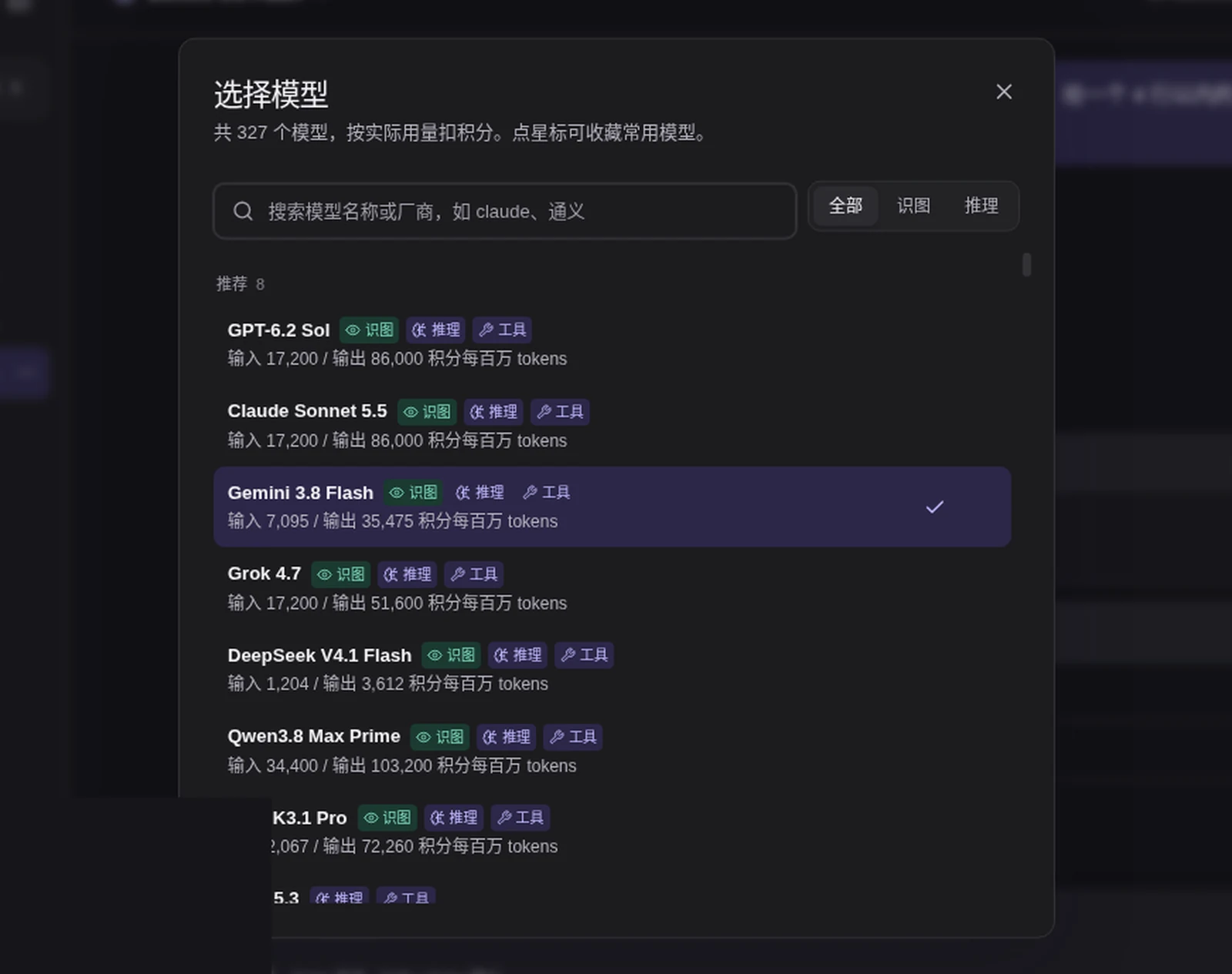
Side by side
| 88Z desktop client | Web workspace | Cherry Studio (with a 88Z key) | |
|---|---|---|---|
| Best for | Daily chat without API settings | No install, or a Mac until the client ships | People who already live in Cherry Studio, or who also connect other providers |
| Setup | Download, sign in | Open the site, sign in | Create a key, then enter the base URL and key (see Cherry Studio setup guide) |
| API key | Not used | Not used for on-site chat | Required |
| Platforms now | Windows 10/11 64-bit, Linux AppImage; macOS coming | Any modern browser | Whatever Cherry Studio supports |
| Balance and prices | Same points balance, 1 CNY = 1,000 points, Alipay | Same | Same, once you use a 88Z key |
| History | Stored on your computer | In the website workspace | Managed by Cherry Studio |
| Top-up | Inside the client | On the website | On the 88Z website (or in the 88Z client); Cherry Studio does not replace 88Z billing |
When to use which
Use the 88Z client if you do not want to think about keys or base URLs. Install it from the 88Z client download, sign in, pick a model. Top-up and the charge for each reply stay in the same window. That path is explained in using 88Z without an API key and getting-started guide.
Use the web workspace if you cannot install software, you are on a phone, or you are on a Mac while the desktop app is still forthcoming. Open the web workspace / API, sign in, and chat. Tool pages can also start a chat with “Direct via 88Z”.
Use Cherry Studio if it is already your cockpit, or you need one app that talks to 88Z and to other providers you configure yourself. Create a key in the 88Z workspace, then follow the Cherry Studio setup guide. You can keep the 88Z client for quick trials and still use Cherry Studio for project work — one balance.
Developers connecting Cursor, Claude Code or Codex should use the setup guides. Those tools need a key; the official client remains a convenient way to try a model before you wire it in.
What stays the same
- One 88Z account.
- The same text-chat catalogue (see the model list).
- The same prices and the same Alipay top-up. See pricing.
- The same limits: this site does not offer audio or video APIs, and it is not a vendor’s official app, contract or SLA.
If a download site or an app asks you to paste a 88Z key into something that claims to be the official 88Z client, stop. The official client signs you in with your account and never asks you to paste a key.
A simple rule
If you have not configured an API before, download the official client or use the website. If you already have a favourite general client, point it at 88Z with a key and skip the official app if you want to. You can change your mind later without opening a second wallet.
Questions: 888v@88.com.
Sources
Checked on 2026-11-27 against the 88Z client download, the Cherry Studio setup guide and the pricing.
FAQ
Do I have to pick only one?
No. They share one 88Z account and one points balance. Many people use the client for daily chat and Cherry Studio or the API for development.
I already use Cherry Studio. Should I uninstall it?
Not if it already fits your workflow. Create an API key in the 88Z workspace and keep using Cherry Studio. The 88Z client is for people who do not want to fill in a base URL and a key.
Is the client a general-purpose frontend like Cherry Studio?
No. Cherry Studio is a general client that can talk to many providers if you enter their addresses and keys. The 88Z client is built for a 88Z account: sign in, chat, top up and see the charge for each reply.
Which one should I use on a Mac today?
The macOS client is not out yet. Use the web workspace, or configure Cherry Studio with a 88Z API key. You can switch to the official client later without changing accounts.