88Z desktop client · v1.0.0
88Z Client: download, sign in, chatOne account for GPT, Claude, Gemini and more. No API key to configure.
No keys to copy and no base URL to fill in. Sign in with your 88Z account, pick a model and start chatting. Balance, top-ups and the points used by each reply are all in the app.
Other platforms: Windows · Linux · macOS coming soon · All downloads & checksums
- Free download
- No API key
- Auto updates
Three steps
Download → Sign in → Chat
- 1
Download
Get the installer for your system and run it. On Windows you can pick the install folder and add a desktop shortcut.
- 2
Sign in
Click “Sign in to 88Z”, confirm in your browser and you are returned to the app. New accounts are free.
- 3
Chat
Pick a model and ask. Top up inside the app when needed; the website and the app share one balance.
Full walkthrough: install, sign in, top up and switch models
Why the client
An AI chat app that works out of the box
Nothing to configure
No API key, base URL or proxy settings. Sign in once and it is ready every time you open it.
Switch models in one click
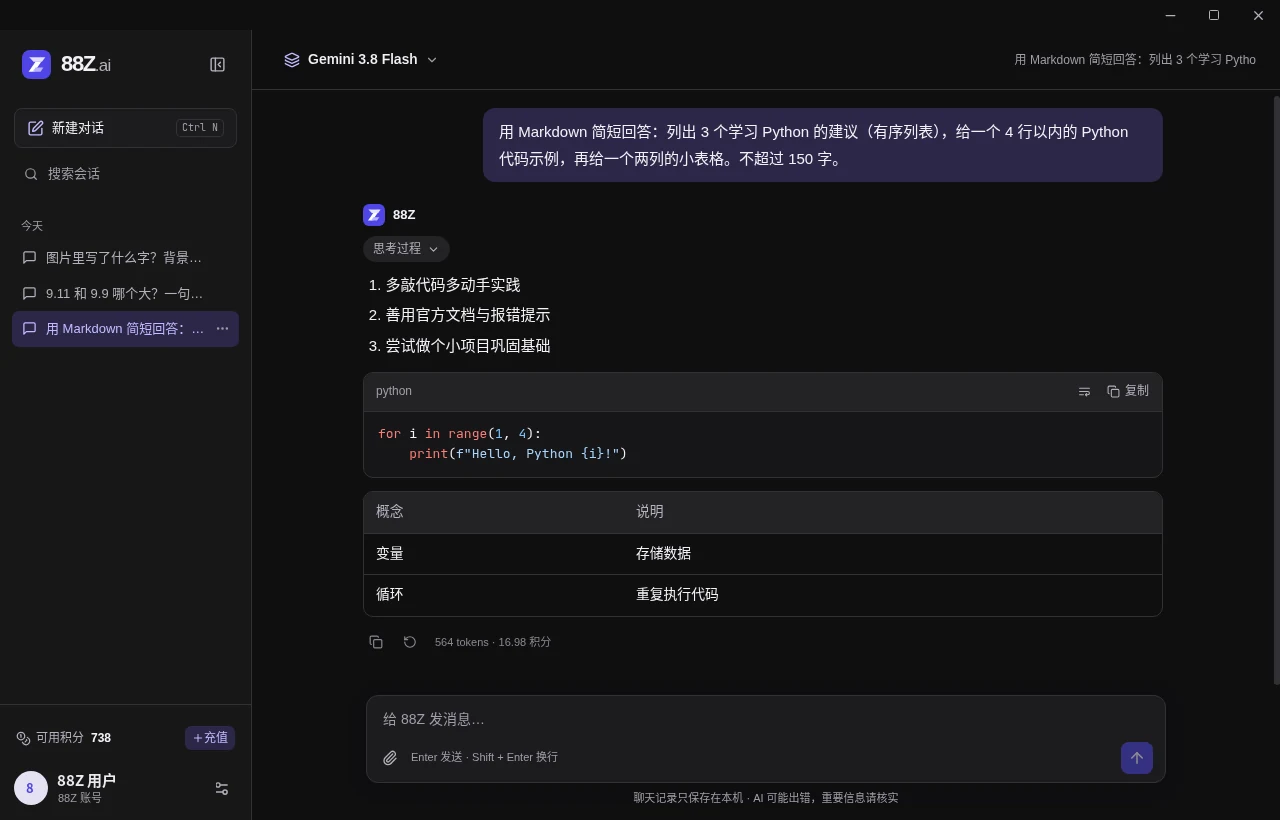
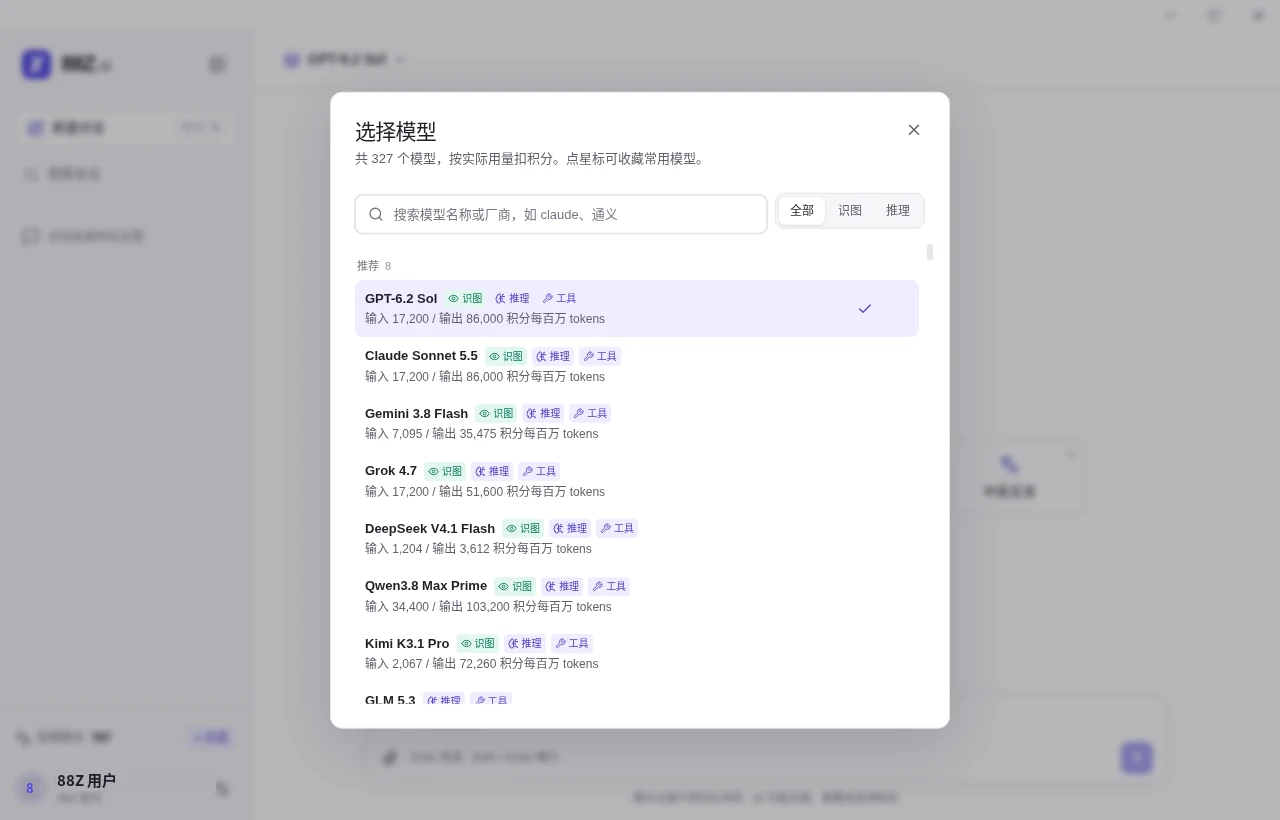
GPT, Claude, Gemini, DeepSeek, Qwen and more, grouped by vendor, searchable, with favourites and a default model.
Images and files
Drag, paste or attach images and text files. Vision models can read the images directly.
Reasoning and rich text
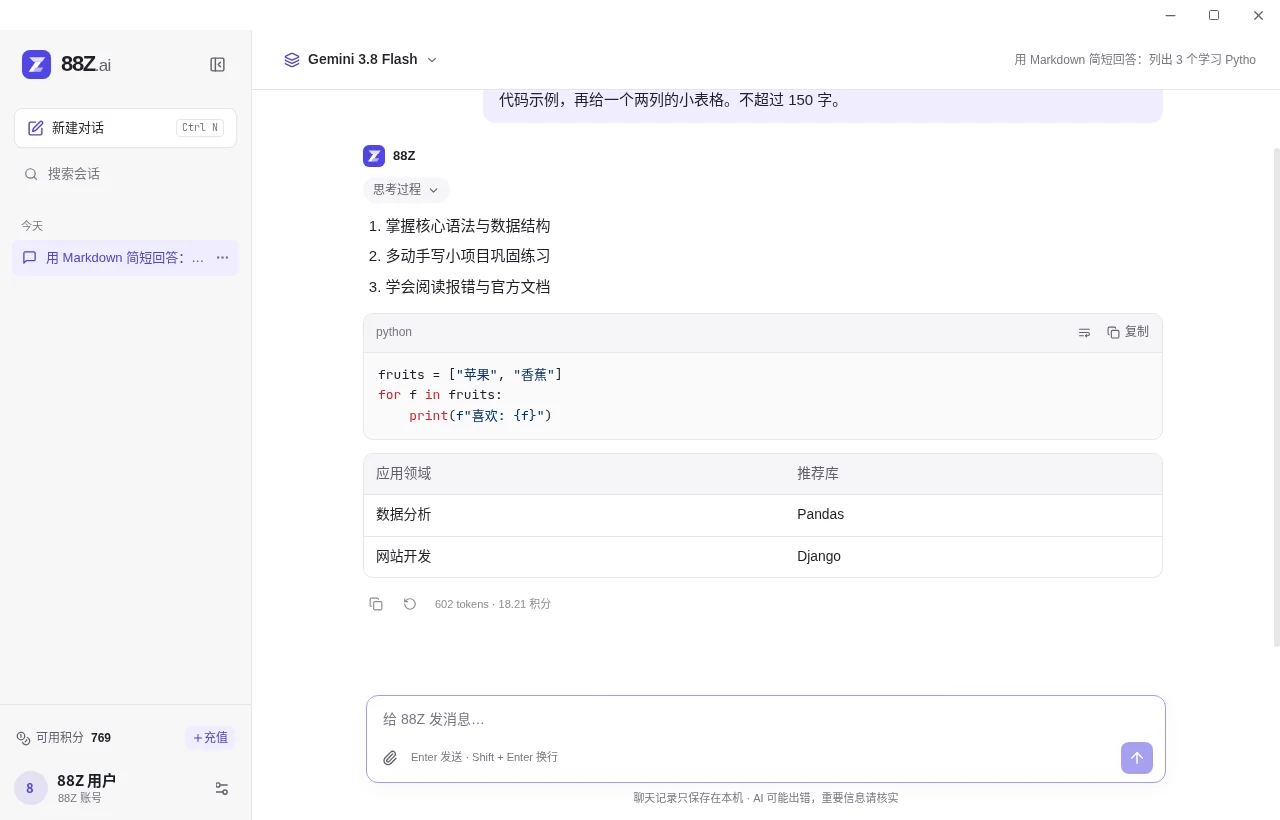
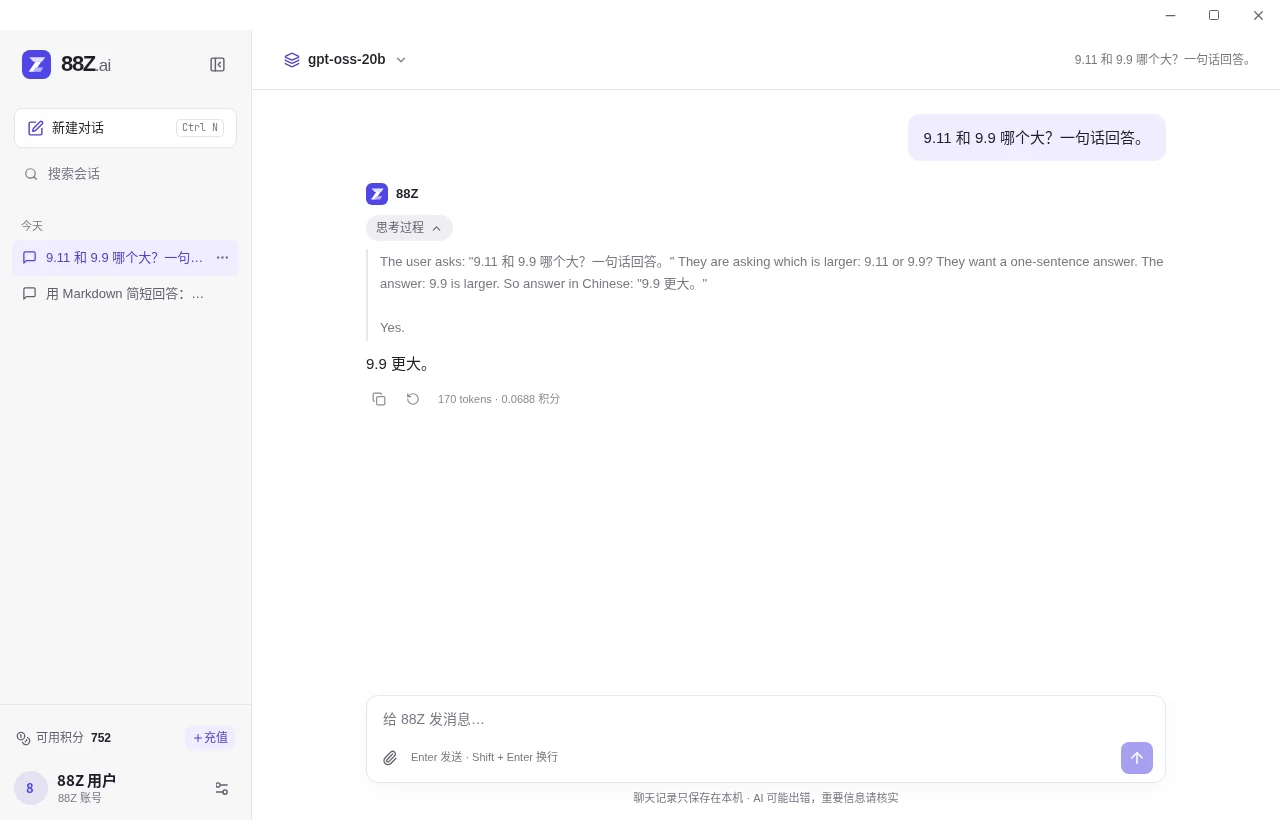
Expand a reasoning model’s thinking. Code is highlighted with one-click copy; tables and formulas render properly.
History stays on your computer
Conversations are stored on your computer, with search, pinning, renaming, export, import and clear.
Pay for what you use
Each reply shows its tokens and the points charged. CNY 1 = 1,000 points, top up with Alipay.
Screenshots
Clean, clear, follows your light or dark theme
Downloads
Choose your system
Windows
Windows 10 / 11, 64-bit (x64) installer
SHA-256c89eef884952148ed41315cb473cdc402b5c2ef375d7f36320501f4f6eb5b9b0
Linux
AppImage for x86_64. No install: make it executable and run
SHA-256aa72a38e149862df130b16be9e817ad98a5efb32a4271b24d97ea3700f1843c1
macOS
Coming soon. Meanwhile, use the web workspace; your account and balance are the same.
Verify a file: on Windows run Get-FileHash .\88Z-Setup-1.0.0-x64.exe; on Linux run sha256sum 88Z-1.0.0-x86_64.AppImage. The result should match the SHA-256 above.
System requirements
- Windows
- Windows 10 or 11, 64-bit
- Linux
- x86_64, Ubuntu 20.04, Debian 11 or newer; AppImage needs FUSE
- Memory / disk
- 4 GB RAM, about 400 MB free space
- Network
- Access to 88z.ai; chatting needs a connection
Windows says “protected your PC”?
v1.0 is not code-signed yet, so SmartScreen shows this notice for new software. After checking that the installer came from 88z.ai and its SHA-256 matches this page, click “More info” → “Run anyway”.
Linux: after downloading, run chmod +x 88Z-1.0.0-x86_64.AppImage, then double-click it or start it from a terminal.
FAQ
Frequently asked questions
Can I use it without setting up an API?
Yes. The client signs in with your 88Z account, so there is no API key, base URL or other setup. Install it, sign in, choose a model and start chatting.
How is it different from Cherry Studio?
Cherry Studio is a general client where you enter an API address and key yourself. The 88Z client is built for 88Z accounts: sign in and go, with your balance, top-ups and per-reply charges shown in the app. If you already use Cherry Studio, you can keep it by creating an API key in the web workspace; both draw from the same balance.
Which models are supported?
The same text chat models as the web workspace, including GPT, Claude, Gemini, DeepSeek, Qwen and Grok families. New models appear in the app as soon as they are listed. See the model catalogue for the full list and prices.
How do I top up?
Click “Top up” at the bottom left of the app, or go to Settings → Account, pick an amount and pay with Alipay. CNY 1 = 1,000 points. Your balance refreshes automatically, and it is shared with the website.
What does the client cost?
The app itself is free. Chats are charged in points by actual token usage, at the same prices as the website, and each reply shows the points it used.
Where is my chat history stored?
On your own computer. You can export, import or clear it in Settings → Data. To generate replies, the conversation is sent to the 88Z service.
Is there a Mac version?
A macOS version is coming soon. Until then, use the web workspace in your browser with the same account and balance.
How do updates work?
The Windows and Linux versions check for updates on launch and prompt you to restart once an update is downloaded. You can also check manually in Settings → About.
Guides: Install, sign in, top up and switch models · Use ChatGPT, Claude and Gemini from China, no API key · Client vs web workspace vs Cherry Studio
Related: Model catalogue & pricing · Pricing · Cherry Studio setup · Web workspace & API · Blog
Download now and start chatting
Free download · Nothing to configure · Same balance as the website