
AI agents
Floatboat
The Proactive Agent OS that turns your calendar into executable workflows
What is Floatboat?
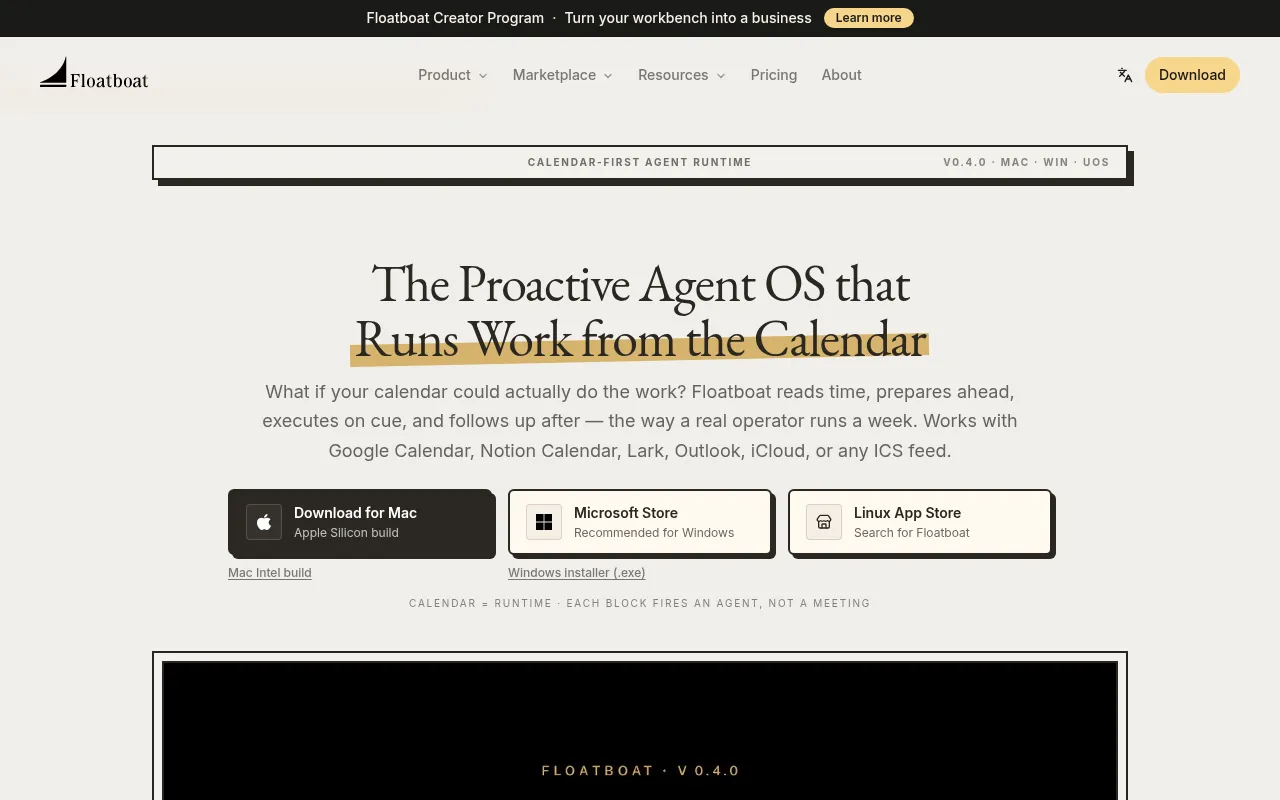
Floatboat is a desktop AI agent operating system for Mac, Windows, and UOS that redefines human-AI interaction by moving beyond passive chat boxes to a calendar-driven proactive engine.By connecting to Google Calendar, Notion Calendar, Lark, Outlook, or any ICS feed, Floatboat reads your schedule’s rhythm to prep briefs before meetings, draft deliverables before deadlines, and follow up automatically—operating like a real human operator managing your week.
It comes with built-in access to frontier models including DeepSeek, MiniMax, GLM, Kimi, GPT-5, Claude, and Gemini, requiring no API keys, VPNs, or complex setup for global users.Its unique Auto Mode intelligently routes tasks per step—using cost-effective models for parsing and frontier models for reasoning—with instant fallback if a provider is rate-limited, ensuring runs never die mid-way.Built on native MCP and IACT protocols, Floatboat securely calls real APIs and reads local files, integrating with over 3,500 tools to embed AI directly into your existing workflow.
Key features
- Calendar as RuntEvery calendar event acts as a trigger rather than just a meeting entry.AI agents automatically execute prep, creation, or follow-up tasks at the right time based on the event type.
- Zero-Setup ModelBuilt-in access to frontier models like DeepSeek, Claude, and GPT-5 without needing API keys or VPN configurations, enabling global direct access to Chinese frontier models.
- Intelligent AutoAutomatically selects the best model for each step of a combo task to balance cost and performance, with instant provider fallback during rate limits to ensure workflow stability.
- Native MCP & LocBuilt on native MCP and IACT protocols, agents can directly read local Word/PDF/PPT files and call 3,500+ tools like Slack, GitHub, and Notion without re-uploading data.
- Persistent AgentEach calendar event has its own Agent Workspace storing files, run history, model choices, and decisions, allowing you to revisit, tweak prompts, or re-run steps anytime.
- Combo & WorkflowOffers reusable agent skills (e.g., voice notes to decks) and fixed automation flows (e.g., webhook triggers) that users can install with one click without understanding underlying code.
How to use it
- 1.Download and install the Floatboat desktop client (available for Mac Apple Silicon/Intel, Windows, and Linux).
- 2.Connect your calendar service (such as Google Calendar, Notion Calendar, Lark, or iCloud) and authorize Floatboat to read your schedule.
- 3.Create events or mark deadlines in your calendar; Floatboat will automatically identify the work type and assign relevant agent skills.
- 4.Review AI-generated briefs, drafts, or follow-up emails in the event's dedicated Agent Workspace, adjusting models or prompts as needed.
- 5.For complex automations, install preset skills from the Combo or Workflow Store, or form multi-agent collaboration groups via FloatIM.
Where it fits
- Automated MeetinBefore important client meetings, AI automatically extracts background info from CRM and past emails to generate briefs and agenda suggestions, ensuring you are fully prepared.
- Content CreationBloggers or creators can place topics in their calendar, where AI automatically researches, drafts, fact-checks, and formats content into publish-ready blog posts or social media updates.
- Project DeadlineFor tasks in Linear or Jira, AI pulls relevant code commits or documents before deadlines to generate progress reports and draft update emails to the team.
Pricing and free quota
Please refer to the official Floatboat website for specific pricing plans.Additionally, Floatboat offers a Creator Program at $99/year, designed to help users turn their workbenches into businesses.
Who it is for
- Solo entrepreneurs and freelancers
- Small creative studio teams
- Content creators and bloggers
- Professionals seeking efficient schedule management
FAQ
Is Floatboat a web app or a desktop app?
Floatboat is primarily a desktop application with versions for Mac, Windows, and Linux, ensuring deep access to local files and system integrations.
Do I need to configure API keys for each AI model?
No.Floatboat comes with built-in access to various frontier models (like DeepSeek, Claude, GPT-5, etc.) without requiring users to set up API keys or VPNs.
How does Floatboat protect my local file privacy?
Built on native MCP and IACT protocols, agents access local files and APIs only within explicitly granted permission scopes, with a local-first architecture where you decide what syncs.
What is an Agent Workspace?
An Agent Workspace is a persistent workspace linked to each calendar event, containing all files, run history, model choices, and decisions for that task, allowing easy revisiting and management.