
AI platforms
Gumloop
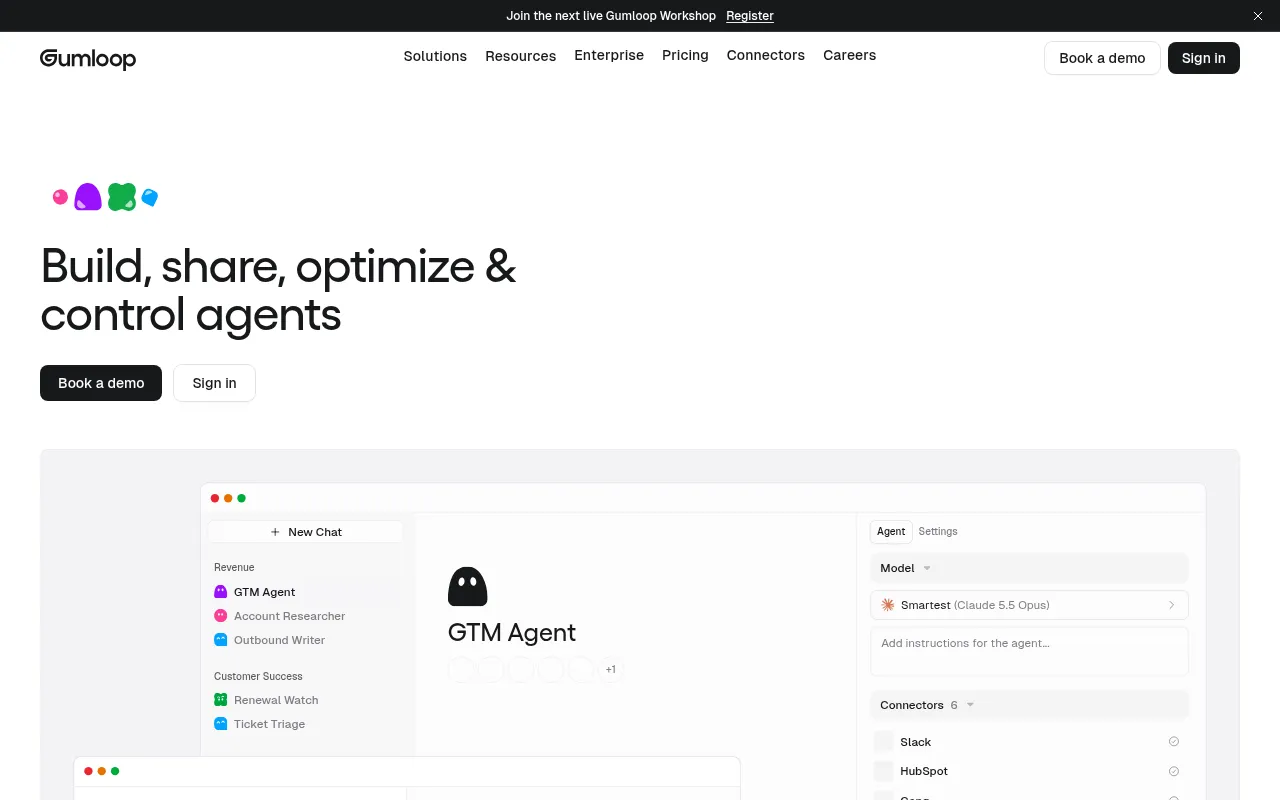
Gumloop is a multiplayer AI agent builder designed for enterprises, enabling any employee who understands a business process to create and deploy agents without coding.
What is Gumloop?
Gumloop is a multiplayer AI agent builder designed for enterprises, enabling any employee who understands a business process to create and deploy agents without coding.It removes technical barriers by allowing users to connect any AI model and integration while maintaining centralized IT control over access and data security.
The platform’s core strength lies in its 'real browser' capability, where agents can log in to websites, handle CAPTCHAs, click buttons, and extract data just like humans, even when no API is available.Combined with a built-in password vault and secure human-in-the-loop handoffs, Gumloop ensures automation is both efficient and compliant, suitable for complex scenarios ranging from churn prevention to market intelligence gathering.
Key features
- No-Code Agent BuBusiness experts can build agents by simply describing tasks, eliminating the need for programming or complex low-code logic.
- Real Browser AutAgents operate with real browsers to click, type, upload, and handle CAPTCHAs autonomously, mimicking human interaction.
- Extensive ConnecIncludes 400+ pre-built connectors (e.g., Slack, HubSpot, Salesforce) for seamless integration via APIs or direct web interaction.
- Enterprise-GradeFeatures a dedicated password vault for agents, 1Password integration, session recordings, and audit logs with masked sensitive data.
- Multi-Model FlexSupports 35+ AI models (including Claude, GPT, Grok, Kimi), allowing users to choose the best model for each task or bring their own API keys.
- Human-in-the-LooSecurely transfers browser control to users for approvals or logins, then seamlessly resumes the task once completed.
How to use it
- Sign up for Gumloop and join your team workspace.
- Define the agent's goal in the canvas and select a foundation model (e.g., Claude Opus).
- Configure connectors to authorize the agent to access Slack, CRM, or specific website accounts.
- Set triggers (such as scheduled tasks, Slack messages, or incoming emails) to activate the agent.
- Test run the agent and review session recordings to ensure operations meet expectations.
- Publish the agent for team use and monitor usage via the dashboard.
Where it fits
- Churn PreventionAgents analyze customer usage data and ticket sentiment to identify at-risk accounts and draft retention plans.
- Market IntelligeAutomatically browse competitor websites or industry forums to scrape pricing, feature updates, or hiring news into reports.
- Sales Lead ProspSearch for potential leads on LinkedIn or other platforms based on criteria and sync contact info to CRM systems.
Pricing and free quota
Pricing and any free quota follow the official site.
Who it is for
- Operations Managers
- Sales Development Representatives (SDRs)
- Customer Success Teams
- IT Administrators
FAQ
How does Gumloop handle websites requiring login?
Gumloop provides a dedicated password vault, allowing agents to auto-login using saved credentials without exposing passwords.
What happens if a website has a CAPTCHA?
Agents have built-in capabilities to handle CAPTCHAs autonomously, completing verification steps without human intervention.
Can I bring my own AI model API keys?
Yes, Gumloop supports Bring Your Own Key (BYOK), allowing users to call models using their own API credentials.