
AI image
insMind
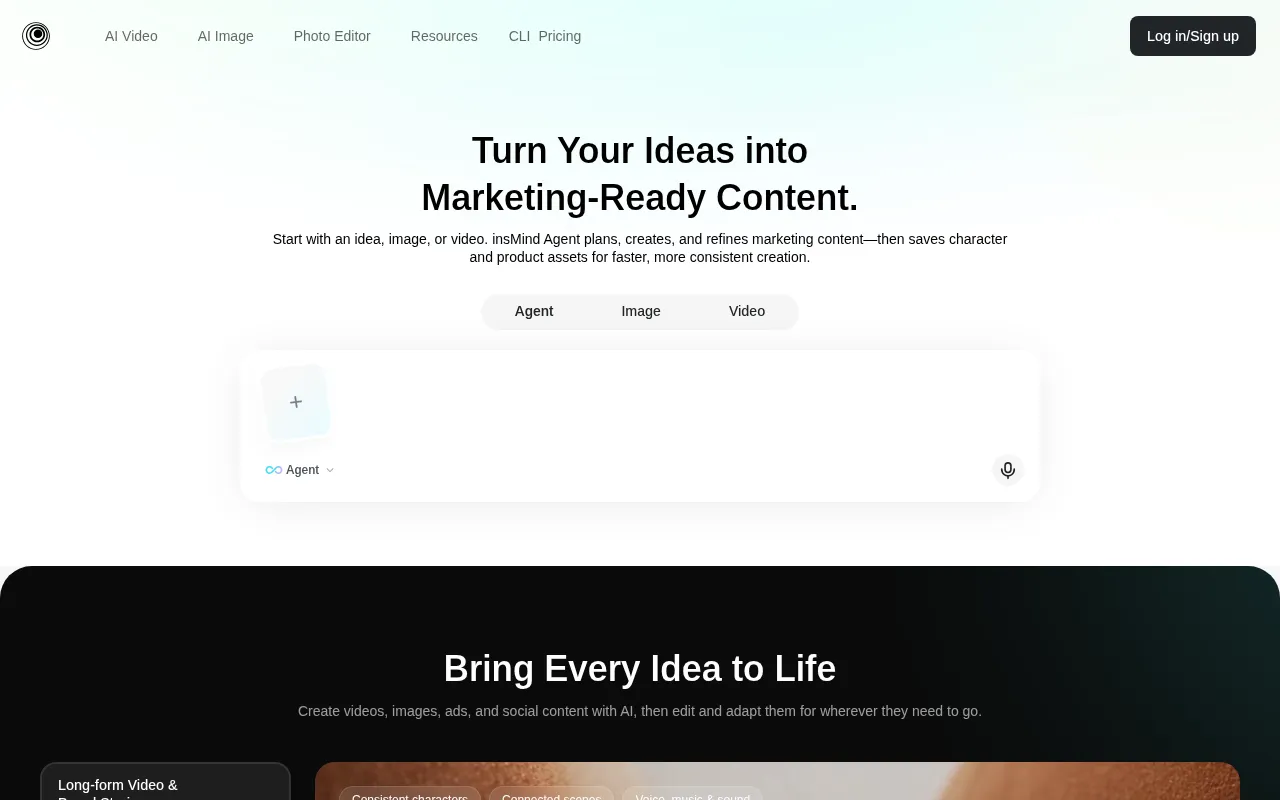
Turn ideas into marketing-ready images and videos with insMind Agent
What is insMind?
insMind is an AI video and image generator and editor built for marketing content.With insMind Agent, you start from an idea, image, or reference; the agent plans, creates, and refines assets while saving character and product elements for faster, more consistent production.
The platform offers extensive video tools and effects, including text-to-video, image-to-video, video enhancement, avatar and UGC video generation, plus playful filters and smooth transitions.For images, it supports background removal, AI backgrounds, enhancement and extension, magic eraser, batch editing, and AI fashion models.
insMind integrates leading models across video and image generation, such as Seedance, Kling, Google Veo, Wan, PixVerse for video, and GPT Image, Nano Banana, Seedream, Qwen Image, Recraft, Z-Image Turbo for images, covering realistic textures to stylized creation.
Key features
- insMind AgentEnd-to-end workflow from idea to final asset: the agent plans, generates, and refines marketing content while reusing character and product elements for brand consistency.
- AI Video GeneratText-to-video, image-to-video, video enhancement, start-end frame generation, avatar and UGC video creation, plus smooth transitions and other hot video tools.
- Rich Video EffecCreative effects including AI walking, perm filter, dance, face animator, muscle, squish, inflate, 360° rotation, earth zoom in/out, and disintegration.
- AI Image ProcessOne-click background removal, AI backgrounds, image enhancement and extension, magic eraser, replace, and batch editing to accelerate e-commerce and social media workflows.
- Stylized FiltersConvert photos to Ghibli, line drawing, cartoon, watercolor, sketch, anime, pixel art, and more; portrait effects include headshot, age, baby, braces, hairstyle, and clothing changes.
- Multi-Model EngiVideo models include Seedance, Kling, Google Veo, Wan, PixVerse; image models include GPT Image, Nano Banana, Seedream, Qwen Image, Recraft, Z-Image Turbo.
- Practical PhotoProduct collage, outline maker, background color changer, add text and borders, smart resize, compress, format conversion, PNG maker, and other everyday editing tools.
- insMind CLICommand-line interface for Claude Code, Codex, Cursor, and other coding agents to generate images and videos, edit canvases, and reuse assets within developer workflows.
How to use it
- 1.Visit the insMind website and sign up or log in.
- 2.Choose the video or image module and select a tool that matches your goal (e.g., text-to-video, background removal, image enhancement).
- 3.Upload reference images or enter prompts, set resolution and aspect ratio, and pick a model to generate content.
- 4.Fine-tune results with the built-in editor, such as replacing backgrounds, adding text, or applying filters and effects.
- 5.For developer workflows, install the insMind CLI and integrate it with Claude Code, Codex, or Cursor.
- 6.Export finished assets for social media, ads, or e-commerce pages, and save them in the Agent for future reuse.
Where it fits
- E-commerce MarkeQuickly create product hero images, scene backgrounds, fashion model showcases, and ad banners to boost conversions and maintain visual consistency.
- Social Media ConProduce short videos, dynamic effects, cartoon-style avatars, and holiday card templates to increase engagement and shareability.
- Brand ConsistencSave character and product assets in the Agent to ensure consistent style, colors, and composition across channels.
- Developer WorkflUse the insMind CLI to generate images and videos directly within coding agents, accelerating prototyping and automated content production.
Pricing and free quota
Pricing and any free quota follow the official site.
Who it is for
- E-commerce and brand marketing teams
- Social media content creators
- Designers and video editors
- Developers and AI agent users
FAQ
Which video and image models does insMind support?
Video models include Seedance, Kling, Google Veo, Wan, PixVerse, and others; image models include GPT Image, Nano Banana, Seedream, Qwen Image, Recraft, Z-Image Turbo, and more.Refer to the official site for the full list.
How can I integrate insMind into my developer workflow?
Install the insMind CLI and use it with Claude Code, Codex, or Cursor to generate images and videos, edit canvases, and reuse assets.
Does insMind support batch image processing?
Yes.The platform offers an AI Batch Photo Editor for efficient background removal, enhancement, replacement, and other operations on multiple images.
Can I use generated content for commercial marketing?
insMind is designed for creating marketing-ready images and videos.Please check the official terms of service for specific usage policies.