
AI audio
OptimizerAI
OptimizerAI is an advanced AI sound generation tool designed for creators, game developers, and video makers.
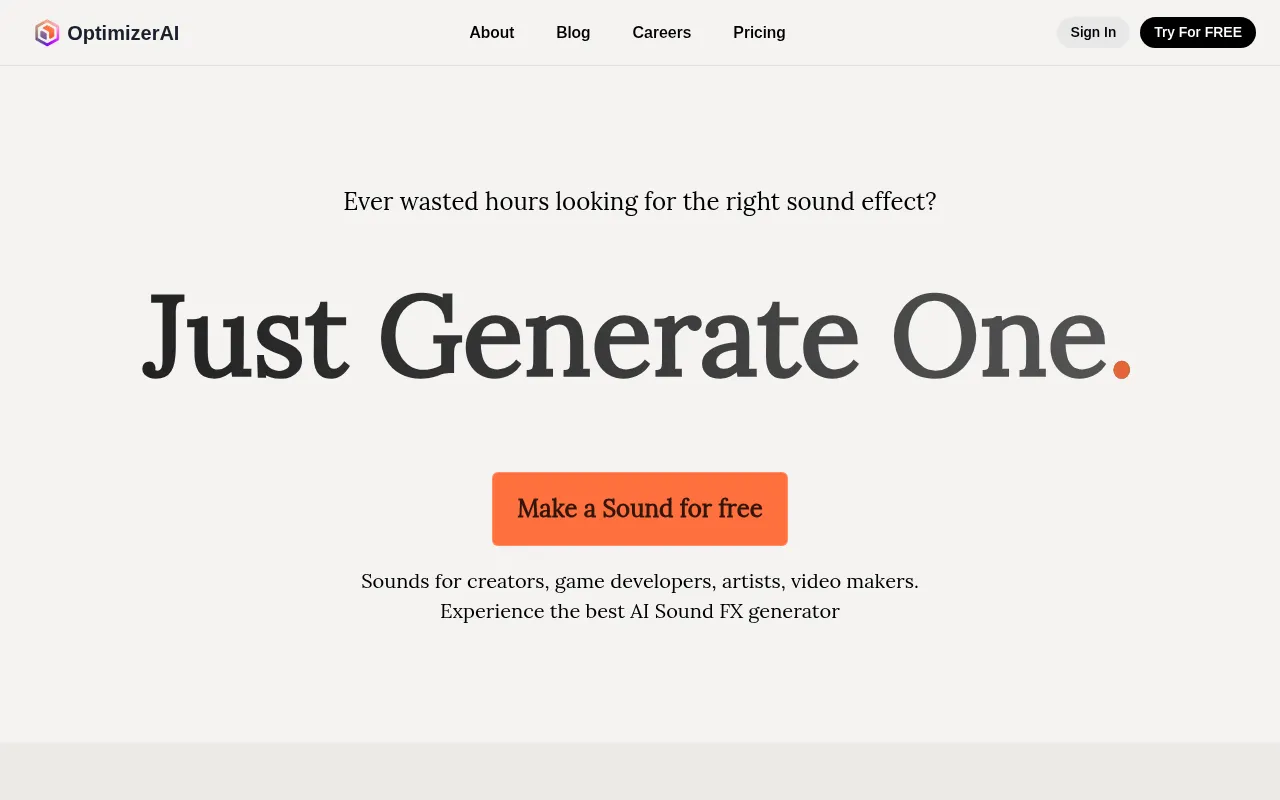
What is OptimizerAI?
OptimizerAI is an advanced AI sound generation tool designed for creators, game developers, and video makers.It addresses the time-consuming struggle of finding the right sound effects by allowing users to generate unique, high-quality audio assets instantly through simple text descriptions or situational prompts.
Built on proprietary foundational AI research, the platform supports stereo sound, 44.1 kHz sampling rate, and audio generation up to 60 seconds in length.Whether you need futuristic cannon shots, robot greetings, or ghostly whispers, OptimizerAI captures precise sonic details to add immersion to any multimedia content.
Key features
- Text-to-SoundGenerate audio files simply by describing the sound you need, supporting stereo, 44.1 kHz quality, and durations up to 60 seconds.
- Magic PromptNo need for detailed technical descriptions; just describe the situation (e.g., 'raining ambience'), and the AI will infer and generate the appropriate audio.
- Audio VariationsUpload your existing audio files to create multiple modified versions, offering diverse options for your project.
- Style SelectionSelect the desired audio style directly to streamline the generation process and ensure the output matches your project's tone.
- Unlimited GeneraBreak free from traditional sound library limits with unlimited AI sound generation capabilities to meet high-frequency creative needs.
How to use it
- Visit the OptimizerAI website and sign up, then click 'Try For FREE' to get started.
- Describe the sound you need in the input box, such as 'futuristic canon shooting' or 'dragon growling'.
- Use the 'Magic Prompt' feature to let the AI optimize your prompt by just describing the situation, or select a specific audio style.
- Click the generate button and wait for the AI to process and preview the generated stereo sound effect.
- If satisfied, save the sound to your 'Liked list', or upload an audio file to generate more variations.
Where it fits
- Game DevelopmentGenerate shooting and jumping sounds for 8-bit games, or create immersive ambient sounds like dragon growls and robot dialogues for RPGs.
- Video ProductionAdd custom sound effects to short videos, ads, or animations, such as ghostly whispers, cartoon popping sounds, or rainy ambience.
- Artistic CreatioArtists and musicians can use the unlimited generation feature to explore unique sound textures and enrich their work.
Pricing and free quota
Pricing and any free quota follow the official site.
Who it is for
- Game Developers
- Video Creators
- Animators
- Ad Producers
- Independent Artists
FAQ
What is the quality of audio generated by OptimizerAI?
The system generates high-quality stereo audio with a 44.1 kHz sampling rate and durations up to 60 seconds, suitable for professional creative scenarios.
Can I use it if I don't know technical audio terms?
Yes.OptimizerAI offers a 'Magic Prompt' feature where you only need to describe the situation, and the AI will automatically generate the appropriate audio without needing detailed technical descriptions.
Can I modify existing audio files?
Yes, you can upload your own audio files, and the system will create multiple modified versions based on them to help you gain more inspiration.