
AI image
Relight
Studio-quality lighting for any photo, powered by AI in seconds
What is Relight?
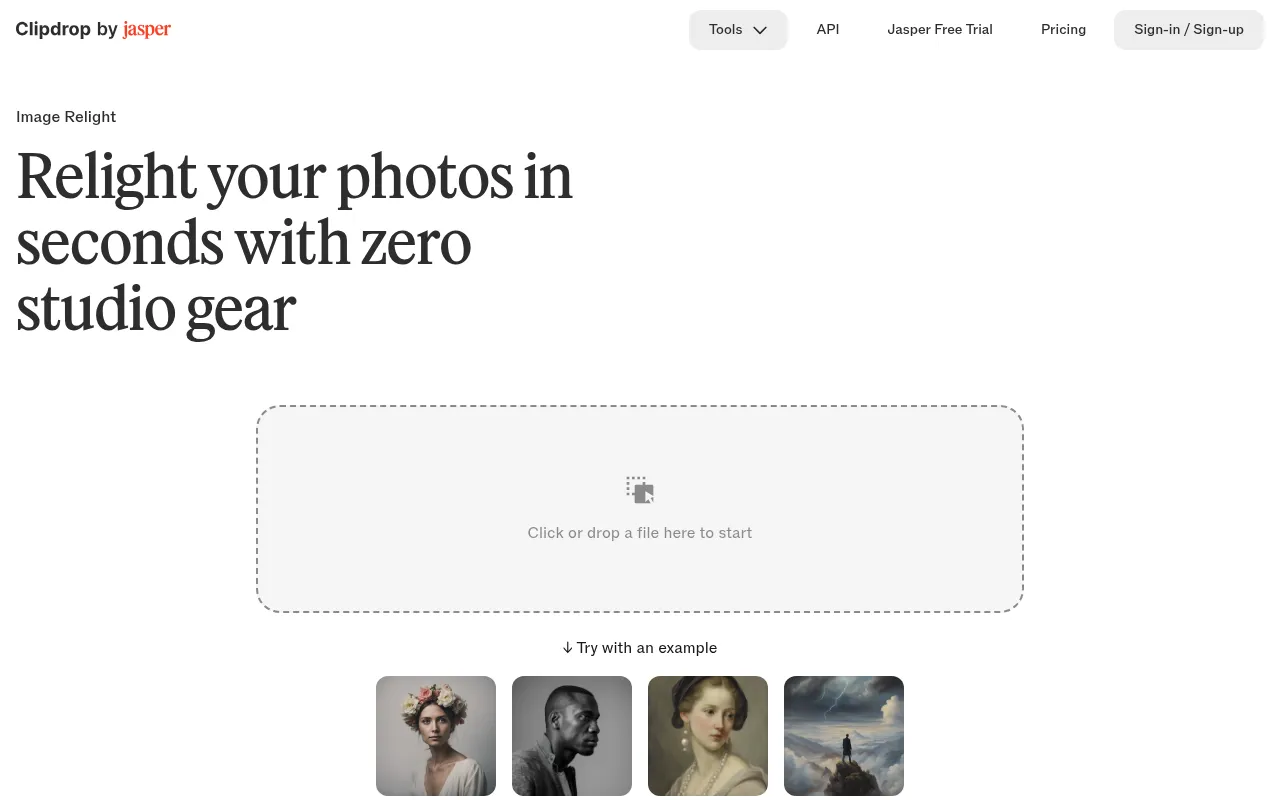
Relight is an intelligent image editing tool by Clipdrop that allows users to adjust photo lighting without the need for complex studio equipment or advanced post-production skills.Leveraging advanced artificial intelligence, it identifies subjects and environments within images, enabling users to add and move light sources freely during post-production, much like a professional photographer would in a studio.
Unlike traditional editing software that only adjusts brightness or contrast, Relight uses a large artificial neural network trained on extensive datasets to achieve true 'relighting.' Whether enhancing the professional look of selfies and portraits or adding realistic shadows and highlights to digital drawings, the tool maintains natural results even at high resolutions, instantly transforming ordinary photos into masterpieces.
Key features
- AI-Powered ReligUses a large neural network to understand scene depth and materials, creating realistic lighting reconstruction rather than simple filter overlays.
- Interactive LighUsers can intuitively move virtual light sources and preview changes in real-time, making professional lighting adjustments quick and easy.
- Portrait EnhanceDesigned for selfies and portraits, it optimizes facial lighting to remove flaws and impart a studio-quality professional look.
- Artistic ShadingSupports automatic addition of highlights and shadows to line art or digital paintings, helping artists quickly add depth to their work.
- High-ResolutionPreserves texture details accurately when processing high-resolution images, avoiding the blur or noise often caused by traditional editing.
How to use it
- Visit the official Clipdrop Relight page and upload the photo or artwork you wish to adjust.
- View the subject identified by the AI and add or select virtual light sources as needed.
- Drag the light sources to change the angle and intensity, observing the lighting changes in real-time.
- Fine-tune the settings until you achieve the desired visual effect, ensuring the light looks natural.
- Click the download button to save the relit high-resolution image to your device.
Where it fits
- Portrait PhotogrAdd fill light to underexposed selfies or indoor portraits, simulating professional studio softbox effects to enhance subject appearance.
- Digital Art CreaIllustrators and concept designers can quickly test different lighting schemes and automatically generate realistic shadow layers for line art.
- E-commerce ProduImprove lighting conditions in product photos to highlight texture and details, enhancing presentation quality without reshooting.
Pricing and free quota
Offers a free tier with 20 uses per 24 hours.High-resolution outputs and higher quotas require a Pro subscription; please refer to the official website for current pricing.
Who it is for
- Photography Enthusiasts
- Digital Illustrators
- Social Media Content Creators
- E-commerce Sellers
FAQ
How is Relight different from traditional editing software?
Traditional software typically only adjusts overall brightness or contrast.Relight uses AI to understand scene structure, allowing users to actually add and move light sources like in a studio for realistic lighting reconstruction.
Can it be used for hand-drawn sketches?
Yes.Relight is excellent for adding highlights and shadows to paintings.Users can upload line art and adjust light sources to automatically generate natural shading, simplifying the coloring process.
How many times can free users use the tool?
According to the official site, free users can use the Relight feature 20 times per 24 hours.For more uses or high-resolution outputs, consider upgrading to the Pro plan.