
Prompts & plugins
Web Access
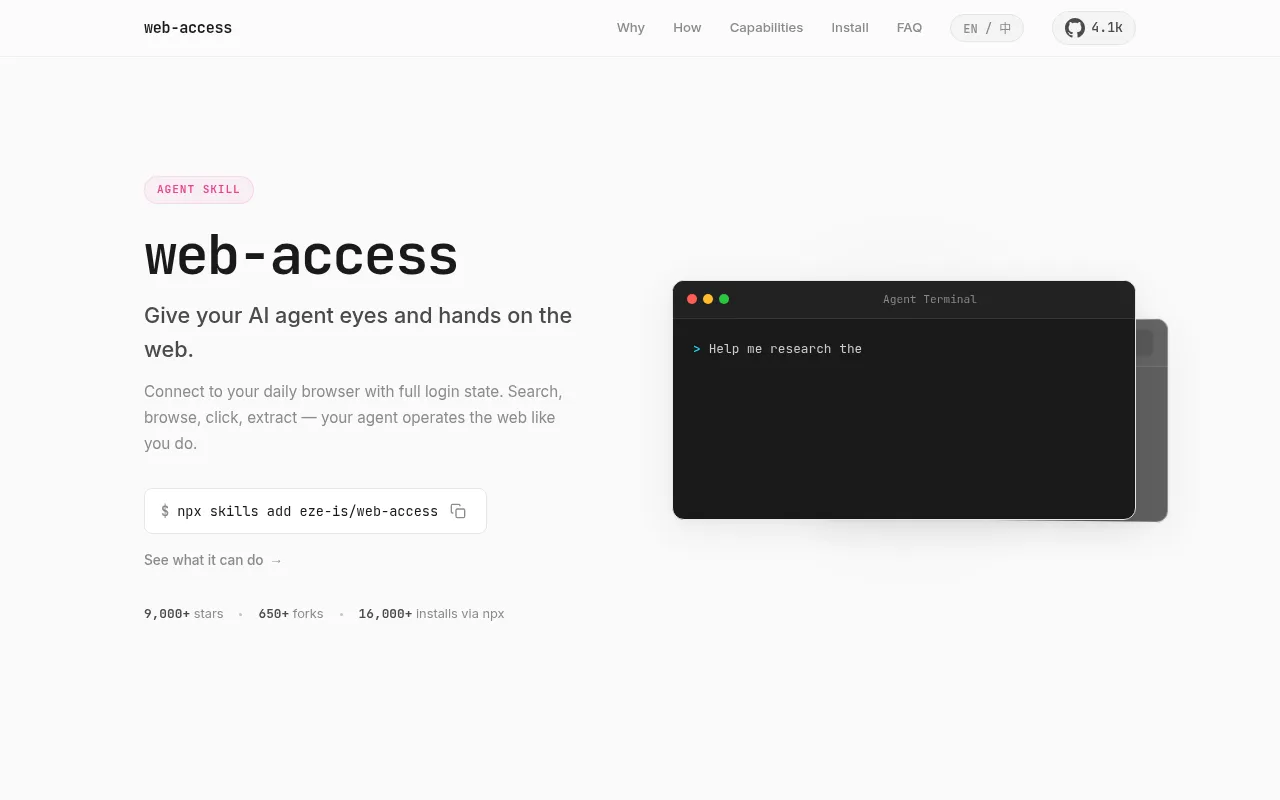
Web Access, developed by Eze, is an open-source skill tool designed to solve the problem of AI agents being 'blind' to the real web.
What is Web Access?
Web Access, developed by Eze, is an open-source skill tool designed to solve the problem of AI agents being 'blind' to the real web.Instead of using traditional headless browsers, it connects directly to your daily Chrome browser via CDP (Chrome DevTools Protocol), allowing AI agents to see and interact with web pages exactly as you do.
The tool supports searching, browsing, clicking, content extraction, and handling dynamically rendered pages, effectively bypassing common anti-scraping mechanisms and login walls.Whether accessing internal dashboards requiring authentication, platforms with strong anti-bot measures like Xiaohongshu, or completing complex form submissions, the AI operates just like a human user.It has garnered over 9,000 stars on GitHub and is compatible with major AI development environments such as Claude Code and Cursor.
Key features
- Real Browser ConConnects directly to local Chrome via CDP without needing Puppeteer or separate headless browser configurations, eliminating extra browser instance overhead.
- Full Login StateAutomatically inherits cookies and session states from Chrome, enabling easy access to admin panels, internal tools, and paid content requiring authentication.
- Dynamic ContentFully supports JavaScript-rendered Single Page Applications (SPAs) and lazy-loaded content, retrieving real DOM structures instead of static snapshots.
- Full InteractionSupports clicking buttons, scrolling pages, filling forms, uploading files, and handling popups, executing multi-step human-like web workflows.
- Video Frame AnalCan seek to any timestamp in videos, capture frames, and perform visual analysis to extract key information from tutorials or demo videos.
- Parallel Sub-AgeAllows spawning multiple sub-agents, each with independent browser tabs, enabling simultaneous research on multiple topics without interference.
How to use it
- 1.Install the skill: Run the command `npx skills add eze-is/web-access` in your terminal.
- 2.Enable debugging: Enter `chrome://inspect/#remote-debugging` in Chrome's address bar, check 'Allow remote debugging', and restart the browser.
- 3.Verify environment: Ensure Node.js 22+ and Google Chrome are installed.
- 4.Start using: Issue commands in supported AI agents (such as Claude Code or Cursor); the skill will activate automatically and control browser tabs.
Where it fits
- Deep Market ReseOpen multiple competitor pages simultaneously to parallel scrape pricing, feature lists, and user reviews for comparative reports.
- Internal SystemLog into corporate backends or Vercel deployment panels to check recent error logs or deployment statuses and generate summaries.
- Social Media IntBypass anti-scraping restrictions on platforms like Xiaohongshu and Zhihu to scrape popular posts and content trends for specific topics.
Pricing and free quota
Web Access is an open-source project under the MIT License.Specific usage costs depend on local resource consumption; please refer to the official site.
Who it is for
- AI Application Developers
- Researchers requiring web data scraping
- Office workers looking to automate repetitive web tasks
FAQ
Is this tool safe?Will it mess up my browser?
All operations occur in new background tabs created by the agent.Your existing tabs are never touched.The agent automatically closes its own tabs when the task is done.
Does it work with private or internal websites?
Yes.Since it uses your real Chrome with all your login sessions, it can access any site you're logged into, including corporate intranets and admin dashboards.
Will websites detect and block this?
The skill operates through your real browser, not a headless automation tool.Most websites cannot distinguish it from normal browsing, though extremely aggressive anti-bot systems may still flag automated patterns.