
AI office
Gamma
Generate presentations, documents, and webpages instantly using natural language
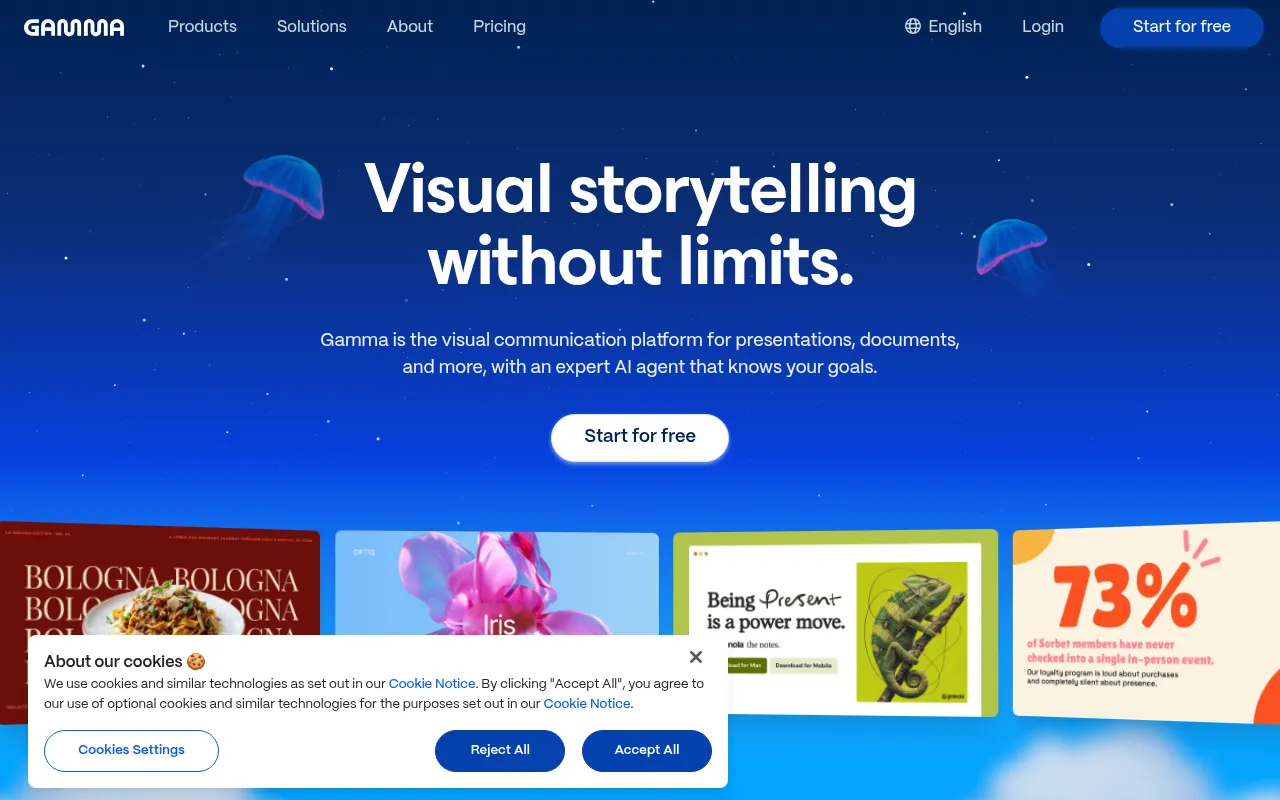
What is Gamma?
Gamma is an AI-powered content creation tool designed to help users bypass the tedious formatting tasks of traditional office software.By simply entering ideas or topics, users can generate structured, visually appealing presentations, documents, or webpages instantly.
The platform merges writing and design, allowing users to build content through simple text prompts.Whether for work reports, knowledge sharing, or project proposals, Gamma quickly produces visual results, enabling creators to focus on the substance rather than the layout.
As the official page currently restricts access, please refer to the official website for the most up-to-date feature details.Gamma is committed to simplifying the entire process from conception to presentation, offering a modern content expression experience.
Key features
- AI One-Click GenEnter a topic or outline, and the AI automatically writes content and pairs it with relevant visuals to quickly complete a first draft.
- Multi-Format SupSupports creating presentations (Slides), documents (Docs), and webpages (Webpages) to meet various scenario needs.
- Smart Layout DesBuilt-in professional design templates automatically adjust layouts, fonts, and colors to ensure aesthetically pleasing and consistent output.
- Interactive EditAfter generation, continue to modify content, adjust styles, or add new pages through conversational commands, offering flexible and convenient operation.
- Multimedia IntegEasily embed images, videos, charts, and interactive components to enhance the expressiveness and interactivity of content.
How to use it
- 1.Visit the Gamma official website and sign up for an account.
- 2.Click to create a new project and select the desired format (Presentation, Document, or Webpage).
- 3.Enter your topic or paste an existing outline to let the AI generate initial content.
- 4.Browse the generated results and use editing tools or conversational commands to adjust content and design.
- 5.Preview the final effect and share via link or export as PDF/PPT.
Where it fits
- Workplace ReportQuickly create quarterly summaries, project progress reports, or business proposals, saving time on formatting.
- Educational CourTeachers and students can use AI to quickly generate course handouts, study notes, or presentation materials.
- Startup PitchingStartup teams can rapidly transform business ideas into visual presentations for investor communication.
Pricing and free quota
Pricing and any free quota follow the official site.
Who it is for
- Professionals who need to create presentations efficiently
- Educators looking to simplify the content creation process
- Entrepreneurs and product managers seeking rapid prototype displays
FAQ
What languages does Gamma support for content generation?
Gamma typically supports input and generation in multiple major languages.Please refer to the official help documentation for the specific list.
Can the generated content be exported?
Yes, Gamma supports exporting content to common formats such as PDF or PowerPoint for offline use and sharing.
Can I modify the AI-generated content?
Absolutely.Gamma provides flexible editing features, allowing you to modify text, replace images, or adjust layouts at any time.