
AI office
Notion AI
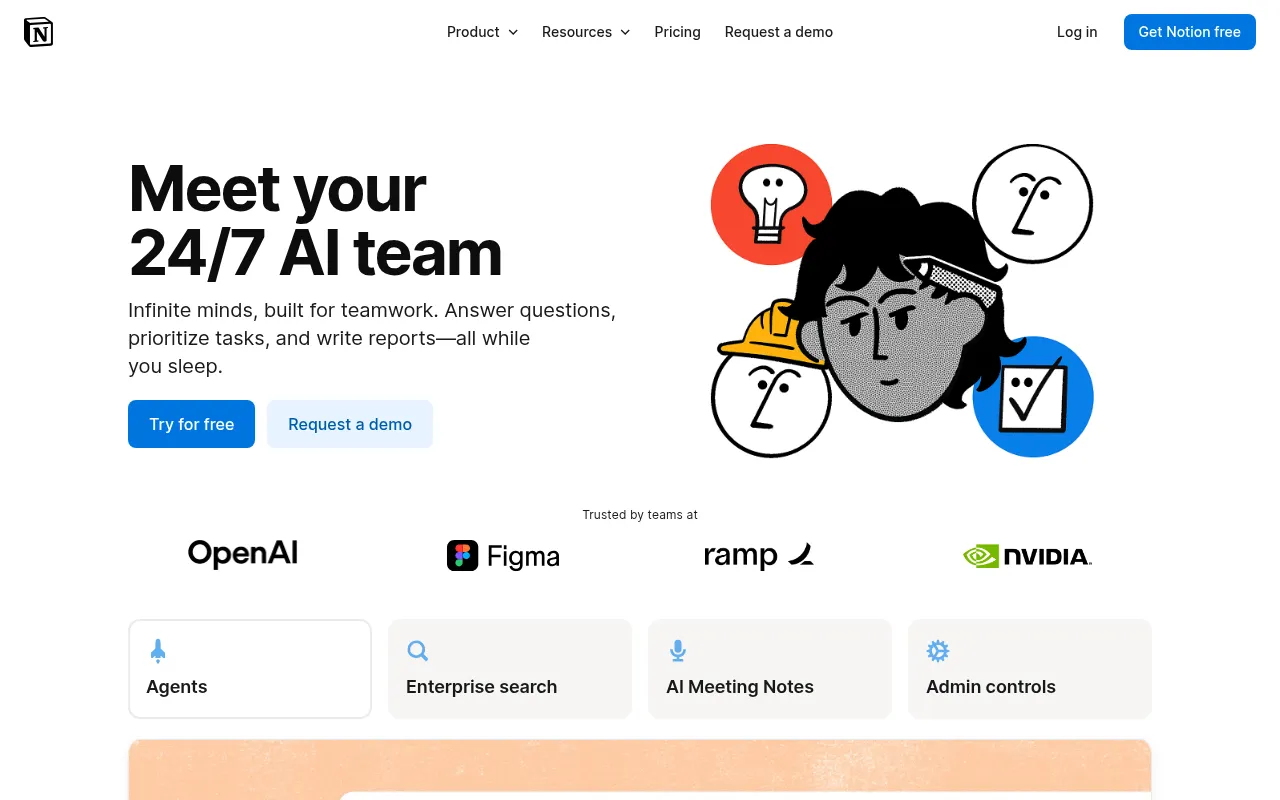
Notion AI embeds artificial intelligence directly into your workspace, acting as a 24/7 AI team that can search, generate, analyze, and chat right where you work.
What is Notion AI?
Notion AI embeds artificial intelligence directly into your workspace, acting as a 24/7 AI team that can search, generate, analyze, and chat right where you work.It goes beyond simple writing assistance by leveraging context from your workspace and connected apps like Slack and GitHub to help you turn ideas into finished work without switching tools.
With Notion Agent and Custom Agents, you can automate repetitive workflows, allowing AI to handle complex, multi-step tasks autonomously.Whether it’s autofilling database properties, summarizing meeting notes, or retrieving information across platforms, Notion AI ensures your team stays focused on high-value work while maintaining strict data security and privacy.
Key features
- Notion AgentAI agents autonomously handle repetitive tasks, using context from your workspace and connected apps to create or edit pages and databases.
- Enterprise SearcFind answers across connected apps like Slack, Google Drive, and GitHub in seconds, complete with citations.
- AI Meeting NotesAutomatically transcribe conversations, summarize key points, and surface actionable follow-ups without needing extra bots.
- Custom AgentsSet triggers or schedules to let AI automate recurring team work, such as answering Slack questions or routing tasks.
- Database AutofilUse AI to intelligently populate database properties, write formulas, and optimize workflows based on context.
- Research & WritiGenerate detailed reports and summaries with Research Mode, or improve drafts and copy directly within pages using AI blocks.
How to use it
- 1.Sign up for a free Notion account or log in to your existing workspace to get started.
- 2.Type '/' in any page to invoke AI features, or use the sidebar to chat with Notion Agent.
- 3.Connect external apps like Slack and GitHub to enable Enterprise Search and richer context awareness.
- 4.Configure Custom Agents to automate specific repetitive workflows for your team.
- 5.Use AI Meeting Notes to record meetings and automatically generate summaries and action items.
Where it fits
- New Hire OnboardUse AI to quickly generate onboarding docs, organize resource links, and automatically answer common new hire questions.
- Product FeedbackAutomatically collect user feedback from Slack or forms, categorize it, and summarize it in a Notion database for product teams.
- Weekly ReportingSet up agents to automatically extract progress updates from various project pages and generate unified weekly report drafts.
Pricing and free quota
Pricing and any free quota follow the official site.
Who it is for
- Teams seeking workflow automation
- Enterprises needing cross-app knowledge management
- Managers looking to improve meeting efficiency
- Developers prioritizing data privacy
FAQ
Does Notion AI use my data to train models?
No.Notion AI will not use your data to train its models unless you opt in to a request to share your data.We have contractual agreements with AI subprocessors prohibiting them from using customer data for training.
What are Custom Agents?
Custom Agents automate recurring work for your entire team.Set a trigger or schedule once, and the agent handles tasks 24/7, such as answering Slack questions or sharing project updates.
How is Notion AI priced?
Business and Enterprise plans include a monthly allowance of AI credits.If credits run out, admins can enable additional credit purchases.Please refer to the official pricing page for specific costs.