
AI writing
Grammarly
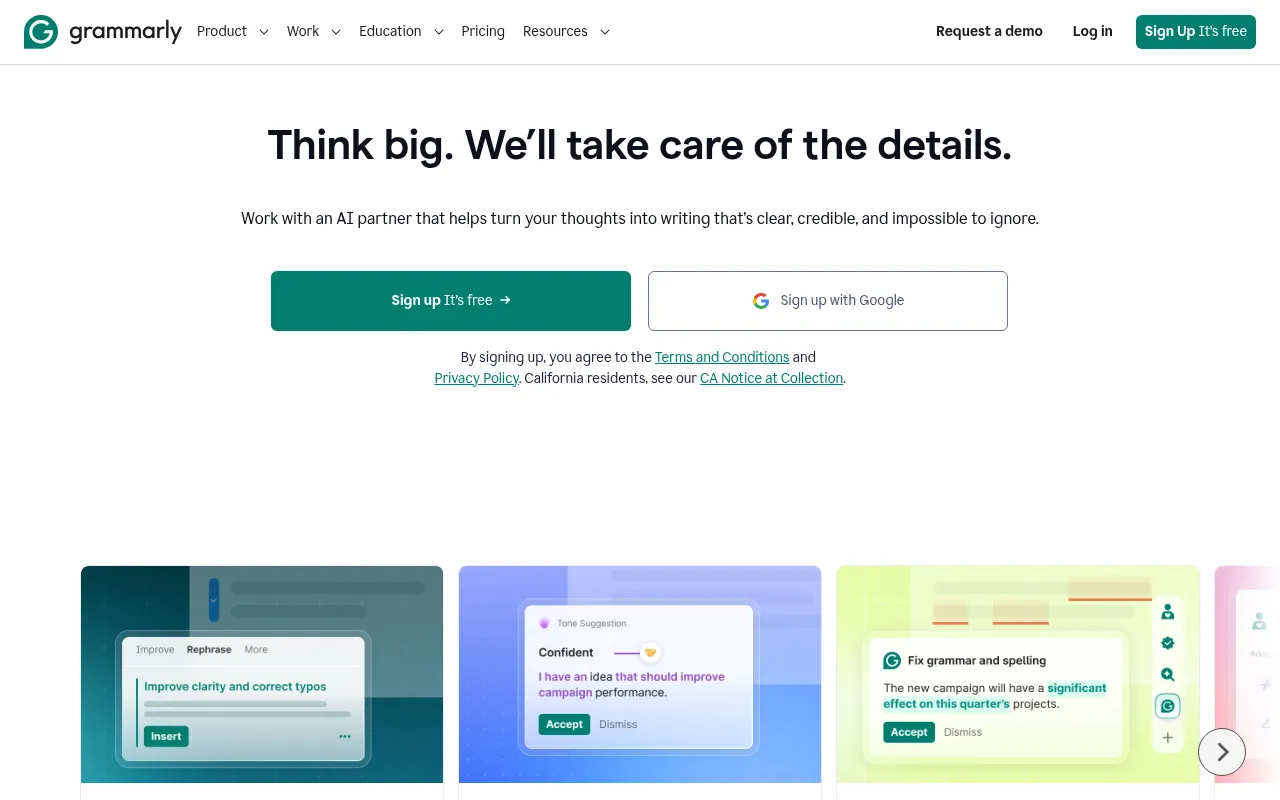
Grammarly is a free AI writing assistance tool designed to help users work smarter across any app or website.
What is Grammarly?
Grammarly is a free AI writing assistance tool designed to help users work smarter across any app or website.By providing personalized AI guidance and text generation capabilities, it transforms initial thoughts into clear, credible, and compelling final drafts.
Now part of Superhuman, Grammarly goes beyond basic grammar checking by integrating advanced AI agents, such as the Humanizer agent and AI Detector agent.These features ensure that users can adapt their message to different contexts and audiences while maintaining their authentic voice.
Trusted by over 50,000 organizations and 40 million people worldwide, Grammarly offers comprehensive coverage via browser extensions, desktop apps, and mobile solutions.Whether for individual communication or enterprise-level collaboration, it provides a secure writing environment with a strict commitment to not selling or monetizing user content.
Key features
- Cross-Platform AWorks seamlessly via browser extensions, desktop apps (Windows/Mac), mobile apps (iOS/Android), and integrations with Microsoft Office and Google Docs.
- AI AgentsIncludes a Humanizer agent to add personality to your writing and an AI Detector agent to spot AI-generated text and suggest revisions.
- Tone & Style AdjProvides tone suggestions to help adapt messages to the context while preserving your authentic voice and ensuring brand consistency.
- Smart RewritingImproves clarity and flow with one click, refining grammar, structure, and spelling to make expressions more concise and impactful.
- Reader ReactionsAllows users to see their work through the audience's eyes before sending, ensuring the message is understood correctly the first time.
- Enterprise-GradeCommits to not selling or monetizing user content, nor allowing third-party providers to train models on user data, ensuring privacy and security.
How to use it
- Visit the Grammarly website and click 'Sign Up It’s free' to create an account, or log in quickly using your Google account.
- Download and install the browser extension, desktop app, or mobile app based on your needs for seamless integration across devices.
- Start writing; Grammarly will automatically detect grammar, spelling, and tone issues in real-time, offering suggestions in the sidebar.
- Use AI features to generate text, rewrite paragraphs, or adjust tone, and utilize 'Reader Reactions' to preview audience feedback.
- For teams or enterprises, configure brand style guides and permission settings in the backend to ensure consistent output.
Where it fits
- Professional ComEnsure emails, Slack messages, and reports are professional, clear, and convincing, enhancing workplace productivity.
- Academic WritingStudents and institutions can use the Citation Generator and essay checking features to standardize academic expression and avoid plagiarism.
- Content MarketinMarketing teams leverage brand style guide features to ensure all published content aligns with brand tone and maintains a unified image.
Pricing and free quota
Offers a Free plan ($0/month) with basic error correction and 100 AI prompts; Pro plan is $12 per member/month (billed annually) or $30 (billed monthly), including full sentence rewrites and 2,000 AI prompts; Enterprise pricing requires contacting sales.
Who it is for
- Professionals seeking to enhance writing efficiency
- Students and educators aiming for error-free communication
- Marketing and support teams focused on brand consistency
- Large enterprises prioritizing data security
FAQ
Does Grammarly save my writing content?
Grammarly commits to not selling or monetizing user content, nor allowing third-party providers to train models on user data, ensuring privacy and security.
What is the main difference between Free and Pro plans?
The Free plan offers basic correctness checks and tone detection, while Pro adds full sentence rewrites, tone adjustment, brand consistency features, and more AI generation prompts (2,000 vs 100).
Which languages and platforms does Grammarly support?
It primarily supports English writing assistance and offers translation tools for multiple languages.Platforms include Chrome, Safari, Firefox, Edge browsers, Windows and Mac desktops, and iOS and Android mobile devices.