
AI design
GstarRender AI
GstarRender AI is a next-generation AI design generation engine launched by GstarCAD, designed to reshape the design workflow from initial concept to final delivery.
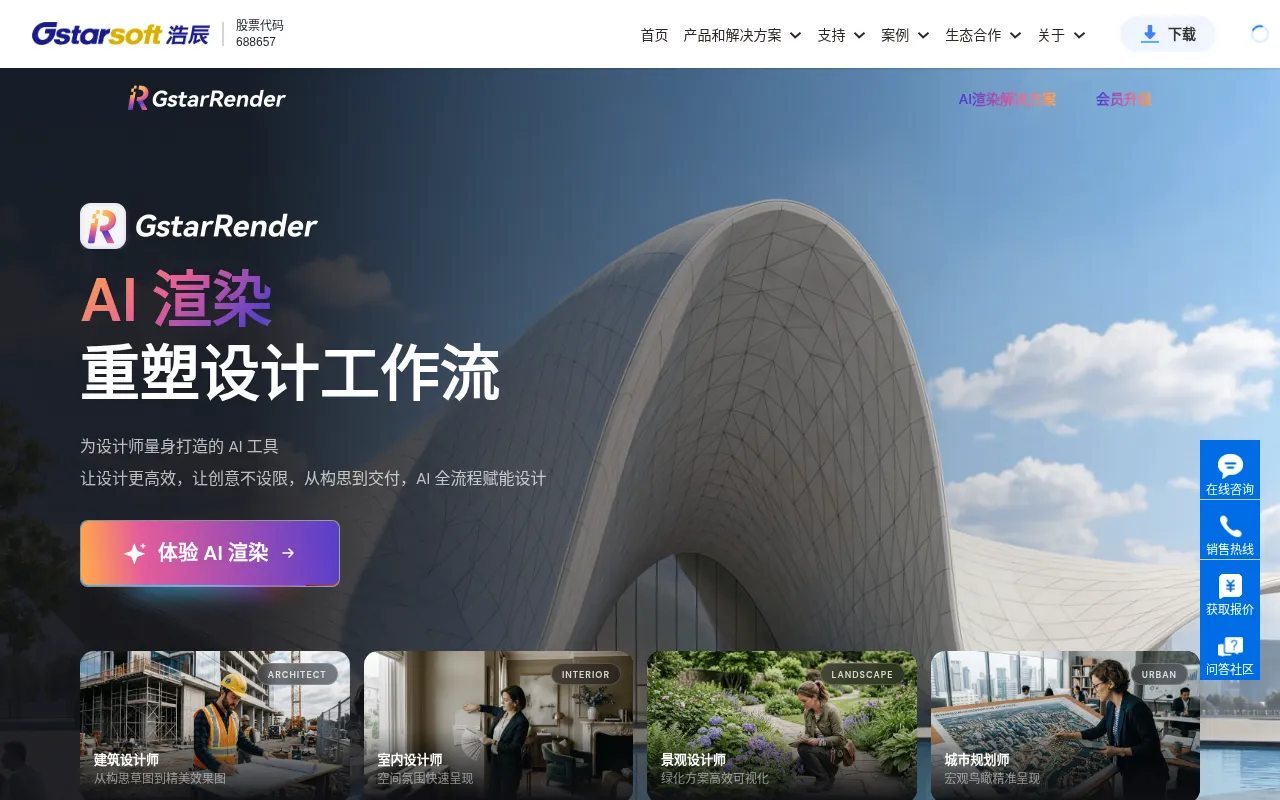
What is GstarRender AI?
GstarRender AI is a next-generation AI design generation engine launched by GstarCAD, designed to reshape the design workflow from initial concept to final delivery.Covering architecture, interior design, landscape, urban planning, and urban renewal, it enables designers to produce professional-grade results without complex modeling.
With four core capabilities—Inspiration, Scheme Refinement, Fine Rendering, and Video Demonstration—GstarRender AI handles inputs ranging from text prompts and reference images to hand-drawn sketches and white models.It supports output up to 8K resolution with an average generation time of just 20 seconds, allowing creative ideas to be presented in photorealistic quality for efficient bidding and client communication.
Key features
- End-to-End AI WoCovers inspiration, scheme refinement, fine rendering, and video demonstration, providing comprehensive design assistance.
- Fast High-Res ReGenerates renders in an average of 20 seconds with support for up to 8K resolution, suitable for large-format printing and HD displays.
- Multi-Modal InpuSupports text-to-image, image-to-image, sketch coloring, and white model rendering, generating diverse design directions from prompts or reference images.
- Smart Scheme RefOffers intelligent color suggestions, rapid volume adjustment, and diverse shape generation, allowing side-by-side comparison for better decision-making.
- Automated VideoAI plans optimal walkthrough paths and camera angles to create smooth transition animation videos with one click, enhancing presentation immersion.
- Industry-SpecifiIncludes over 100 industry-specific templates tailored to the stylistic needs of architecture, interior, landscape, and industrial design.
How to use it
- Visit the GstarRender page on the GstarCAD official website and register or log in to your account.
- Select the desired function module, such as Inspiration, Scheme Refinement, or Fine Rendering.
- Upload hand-drawn sketches, line drawings, white models, or enter text descriptions and reference images.
- Choose style templates or adjust parameters according to your needs, then click the generate button.
- Wait approximately 20 seconds to view and download the generated 8K high-resolution images or videos.
Where it fits
- Architecture & UConvert planning line drawings into photorealistic aerial city views with one click, restoring building clusters, road textures, and greenery for project bidding and review.
- Interior DecoratAutomatically restore material textures, lighting atmosphere, and furniture based on hand-drawn sketches or rough models to quickly present refined realistic effects for closing deals.
- Landscape & UrbaEfficiently visualize greening schemes and old city renovation effects, naturally spreading vegetation layers and realistically simulating spatial changes before and after renovation.
Pricing and free quota
Pricing and any free quota follow the official site.
Who it is for
- Architects
- Interior Designers
- Landscape Architects
- Urban Planners
- Industrial Product Designers
FAQ
What input formats does GstarRender AI support?
It supports various inputs including text descriptions, reference images, hand-drawn sketches, scheme drafts, and 3D white models.
How long does it take to generate a high-resolution render?
The average generation time is approximately 20 seconds, depending on image complexity and server load.
What is the maximum output resolution?
It supports output up to 8K resolution, meeting the needs for large-format printing and high-definition displays.