
AI design
匠紫
A Mac-native AI creative space bridging local compute and cloud APIs
What is 匠紫?
Jiangzi is a 'local-first' AI creative space application designed specifically for the macOS platform.By leveraging the Gouzi Mac App hook and Codex MCP technology, it seamlessly connects material search, visual design, and development workflows, offering users an efficient and privacy-friendly creative environment.
The tool supports a hybrid architecture that allows users to utilize local models for data processing and generation while also enabling on-demand access to cloud APIs for more powerful computing resources.This design not only protects user data security and privacy but also ensures flexible sharing of API resources and local compute power during team collaboration.
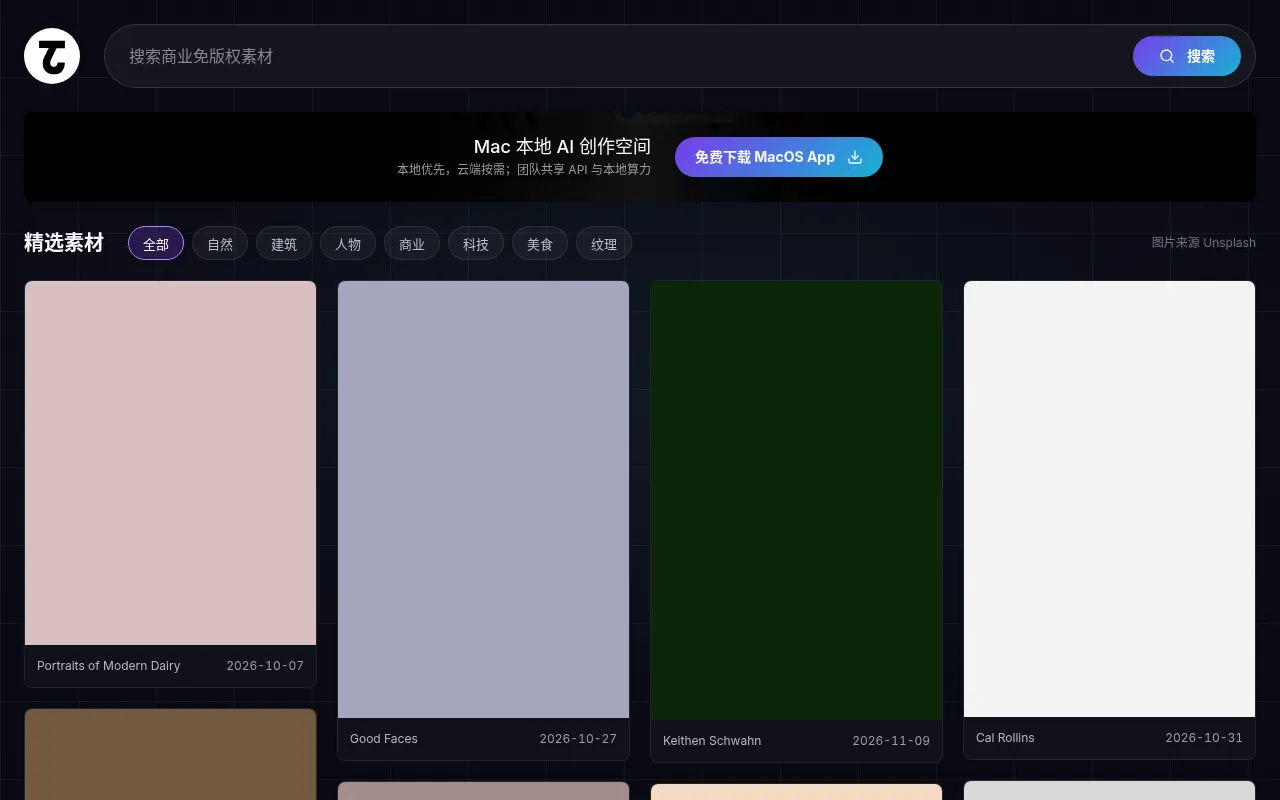
Beyond its core AI creation capabilities, Jiangzi features a robust search engine for commercial copyright-free images.Users can easily discover curated materials across categories such as nature, architecture, people, business, technology, food, and textures.All image sources are attributed to Unsplash, ensuring compliance and a diverse range of inspiration for design projects.
Key features
- Local-First ArchAdopts a local-first strategy, combining local models with on-demand cloud APIs to balance privacy security and computational performance.
- Mac-Native ExperA client application designed specifically for macOS, providing smooth system-level integration and operational experience.
- Smart Material SBuilt-in search for commercial copyright-free images, covering a curated library of materials across dimensions like nature, architecture, and people.
- Workflow ConnectConnects via Gouzi Mac App and Codex MCP to enable a seamless transition from material discovery to design and development.
- Team Resource ShSupports sharing API keys and local compute resources within teams, optimizing collaboration efficiency and costs.
- Unsplash IntegraDirectly integrates high-quality image resources from Unsplash, ensuring the safety of materials for commercial use.
How to use it
- Visit the official Jiangzi website to download and install the client application for macOS.
- Launch the app and configure your local model environment or bind the required cloud API keys.
- Use the built-in search function to browse curated copyright-free materials in categories like nature, architecture, and business.
- Import selected materials or ideas into the local creative space via the Gouzi Mac App hook.
- Utilize local compute power or cloud assistance for AI generation, design layout, or code development tasks.
- In team mode, share API quotas or collaborate on local tasks as needed.
Where it fits
- UI/UX DesignDesigners quickly search for high-quality reference images and iterate on prototypes within a local environment.
- Content CreationBloggers and marketers find commercially compliant illustrations to improve the efficiency and legality of content publishing.
- Frontend DevelopDevelopers connect via Codex MCP to directly translate design materials into code components or layout structures.
- Team CollaboratiSmall design teams share expensive API resources while leveraging local device compute power to reduce cloud costs.
Pricing and free quota
Pricing and any free quota follow the official site.
Who it is for
- Mac-based UI/UX Designers
- Privacy-conscious AI Creators
- Frontend Full-stack Developers
- Digital Content Marketing Teams
FAQ
Which operating systems does Jiangzi support?
Currently, Jiangzi primarily offers a client application for macOS, focusing on providing a local-first creative experience for Mac users.
Are the image materials safe for commercial use?
Yes, materials searched within the app are mainly from Unsplash, which typically provides commercial copyright-free licenses.However, it is recommended to verify the specific license terms of each image before use.
What is 'local-first' mode?
Local-first means that most data processing and model inference can be completed on the user's local device, calling cloud APIs on demand only when more powerful computing is needed, thereby protecting data privacy.
How can I share resources with my team?
Jiangzi supports sharing API and local compute power within teams.Specific configuration methods can be found in the team settings within the app or in the official help documentation.