
AI writing
HyperWrite
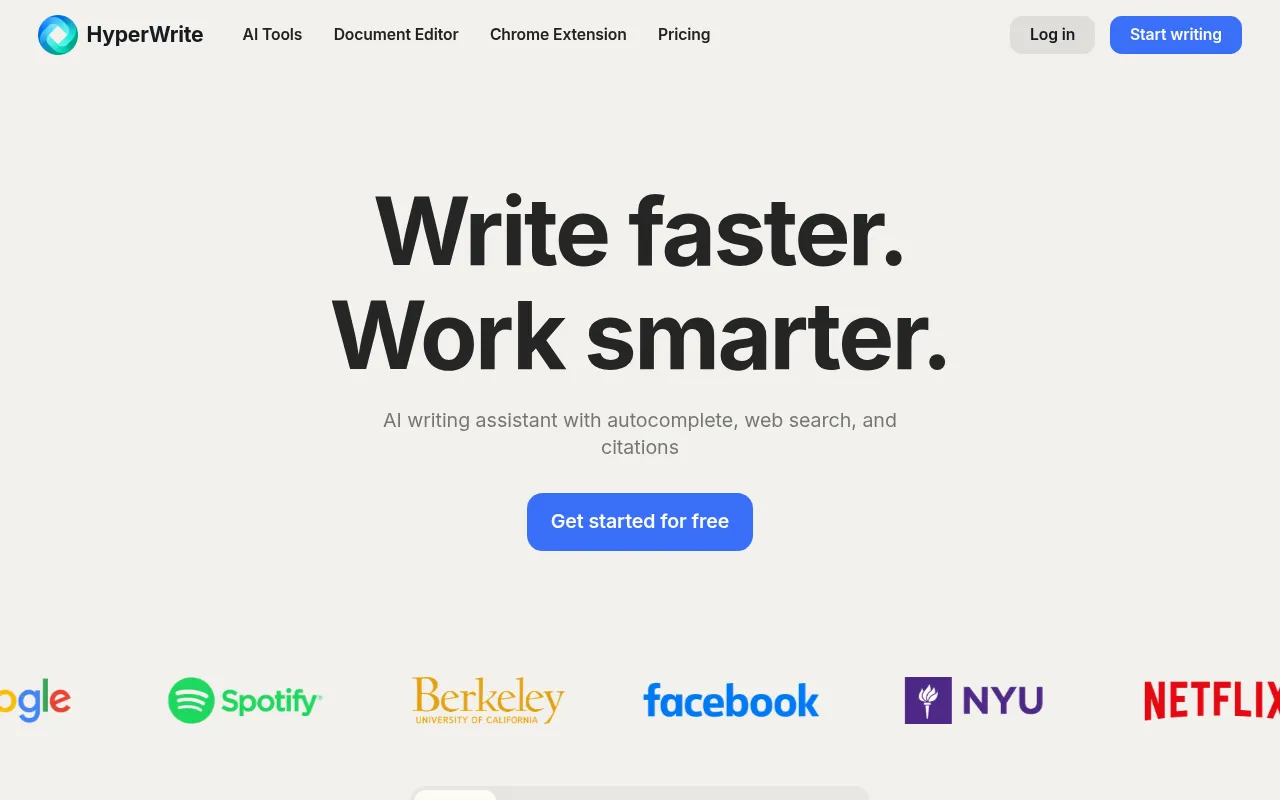
HyperWrite is an advanced AI writing assistant designed to help users break writer’s block and refine their tone through predictive text suggestions, web search, and citations.
What is HyperWrite?
HyperWrite is an advanced AI writing assistant designed to help users break writer’s block and refine their tone through predictive text suggestions, web search, and citations.More than just a chatbot, it serves as an intelligent partner deeply integrated into your workflow, offering context-aware sentence completions and instant feedback directly within Gmail, document editors, and any webpage.
The tool’s core strength lies in its powerful Chrome extension, which allows users to access hundreds of AI tools without switching applications.From the 'Explain Like I'm Five' feature that simplifies complex concepts, to Scholar AI which conducts real-time research across millions of scholarly articles, HyperWrite generates factual, citation-backed content that significantly boosts writing efficiency and accuracy.
Users can also create custom AI tools tailored to specific workflows and leverage features like AutoWrite to quickly generate paragraphs or email responses.Whether for academic research, daily communication, or long-form content creation, HyperWrite provides comprehensive support from ideation to polishing, making the writing process smoother and more efficient.
Key features
- TypeAhead AutocoProvides personalized, context-aware sentence completions and suggestions as you type, helping maintain writing flow.
- Scholar AI Real-Accesses millions of scholarly articles and papers to deliver reliable research results with accurate, citation-backed content.
- Chrome ExtensionUse the AI assistant directly within Gmail, Google Docs, and any website without the need to switch tabs or applications.
- Flexible AutoWriGenerate paragraphs, articles, or any content format by simply providing a short prompt, helping to overcome starting hurdles.
- Custom AI ToolsCreate bespoke AI tools tailored to your specific workflows for a highly personalized writing assistance experience.
- Quick Email RespCraft complete, polite, and effective email replies in Gmail from just a few keywords, saving time on communication.
How to use it
- Visit the HyperWrite website to sign up for an account, choosing to start for free or subscribe to a premium plan.
- Install the HyperWrite Chrome extension to enable AI capabilities in any text box within your browser.
- Try the TypeAhead feature in Gmail or documents to see how the AI offers sentence completion suggestions based on your context.
- Use the Scholar AI tool by entering your research topic to retrieve academic sources with citations to support your writing.
- Create custom AI tools as needed by setting specific instructions and personas to optimize repetitive work tasks.
Where it fits
- Academic ResearcLeverage Scholar AI to quickly find peer-reviewed literature and auto-generate cited paragraphs, ensuring accuracy and academic standards.
- Efficient EmailUse the email response tool to quickly generate professional replies when handling large volumes of repetitive emails, helping achieve Inbox Zero.
- Long-Form ArticlUtilize AutoWrite and the document editor to generate drafts from outlines, and refine structure and tone with AI feedback.
Pricing and free quota
Offers a free tier.The Premium plan is $19.99/month ($16/month billed annually), including 250 AI messages per month, real-time cited research, and 3 custom personas.The Ultra plan is $44.99/month, offering unlimited AI messages, 10 custom personas, and priority access to experimental features.
Who it is for
- Researchers and Students
- Content Creators and Bloggers
- Professionals needing efficient email handling
- Teams looking to optimize writing workflows
FAQ
Where can I use HyperWrite?
It is primarily used via the Chrome extension, supporting Gmail, Google Docs, and text input fields on any website.
Are the citations provided by Scholar AI reliable?
Yes, Scholar AI searches through millions of scholarly articles and papers to provide factual content with accurate citations, saving research time.
Can I create my own AI tools?
Yes, HyperWrite allows users to create custom AI tools tailored to their specific workflow needs and preferred output styles.