
AI office
Chronicle
Transform docs and data into brand-compliant, professional presentations
What is Chronicle?
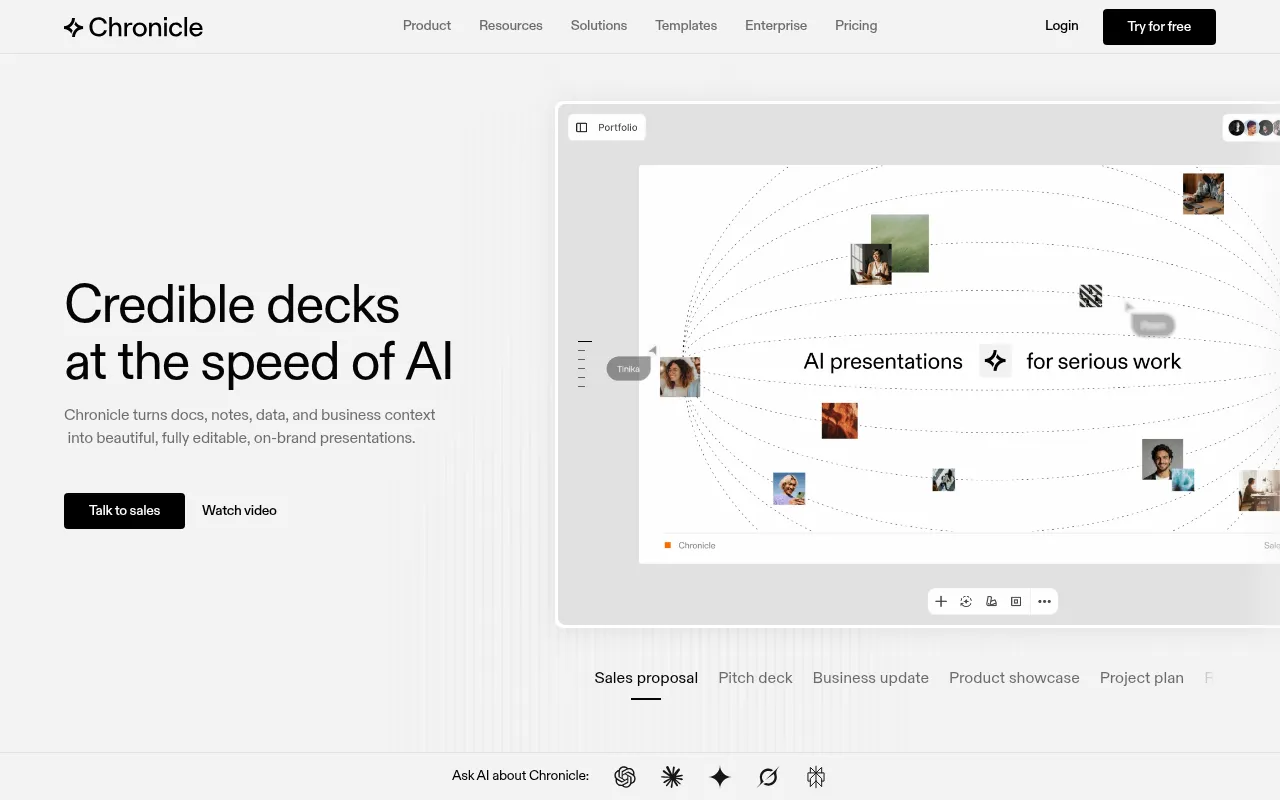
Chronicle is a modern AI presentation software designed for professional teams to create impressive, fully editable, and interactive slides at speed.It transforms raw notes, meeting docs, business context, and data into beautiful, on-brand presentations, redefining how decks are built.
Unlike typical AI generators, Chronicle is built on a freeform canvas that offers full customizability and editing control.Backed by design expertise from veterans of McKinsey, BCG, and Apple, it ensures every slide meets high visual standards, making it ideal for high-stakes scenarios like sales proposals, pitch decks, and product launches.
Key features
- Multi-source GenPaste raw notes, outlines, existing docs, or old decks.Chronicle pulls everything together to generate structured, coherent slides automatically.
- Brand EnforcemenUpload your brand fonts, colors, and visual rules with one click.Chronicle ensures every generated slide remains strictly consistent with your brand guidelines.
- Freeform CanvasBreak free from rigid slide templates.Enjoy design-tool-level layout freedom and refine every detail using natural language instructions.
- Professional DatEasily transform complex data, charts, metrics, and tables into professional visuals.Embed content from hundreds of tools you already use.
- Flexible ExportExport to PPTX for further editing in PowerPoint, save as PDF, or publish as an interactive website for engaging live presentations.
- Enterprise SecurCompliant with SOC 2 and ISO standards.Your data is never used to train AI models, and private workspaces ensure secure access control.
How to use it
- Sign up and log in to Chronicle, then choose to start from scratch or upload existing docs and notes.
- Input your business context, key points, or paste raw text to let AI generate the initial slide structure and content.
- Apply your brand guidelines (fonts, colors, logos) to ensure the design style aligns with corporate standards.
- Use the AI assistant or manually drag-and-drop to adjust layouts, replace charts, and refine copy for perfection.
- Preview your presentation, then export as PPTX/PDF or generate a web link to share with your audience.
Where it fits
- Sales & ProposalRapidly generate personalized sales proposals, client pitches, and pipeline updates to improve win rates.
- Executive ReportCreate board decks, investor updates, and company strategic narratives to clearly communicate complex business logic.
- Product & MarketBuild product roadmaps, campaign plans, and performance reports to align team goals and showcase results.
Pricing and free quota
Pricing and any free quota follow the official site.
Who it is for
- Sales and Customer Success Teams
- Executives and Strategy Consultants
- Product Managers and Marketers
- Consulting Firms and Creative Agencies
FAQ
Does Chronicle support importing existing brand guidelines?
Yes.You can upload fonts, colors, and assets, and Chronicle enforces them across templates and generated content.
Will my data be used to train the AI?
No.Chronicle guarantees that your data is never used to train AI models, employing encryption and limited retention for privacy.
Can I export generated slides to PowerPoint?
Yes.Chronicle supports direct export to PPTX format, allowing you to continue editing in Microsoft PowerPoint.