
AI office
Coda
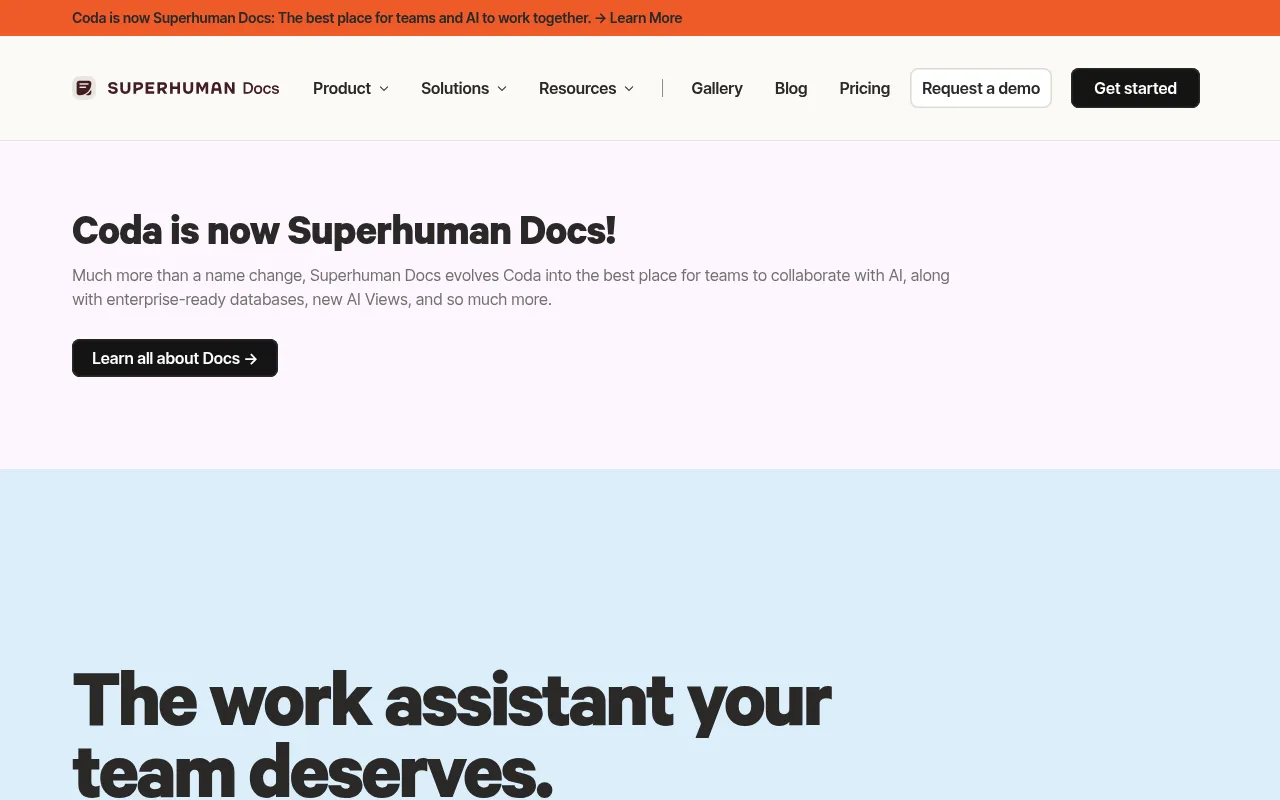
Coda AI, now evolving as part of Superhuman Docs, is a connected work assistant designed specifically for team collaboration.
What is Coda?
Coda AI, now evolving as part of Superhuman Docs, is a connected work assistant designed specifically for team collaboration.It goes beyond simple chat interfaces by embedding intelligence directly into documents, tables, and app-building workflows, understanding team context to take actionable steps.
By connecting with over 600 integrations, Coda AI helps teams break down information silos, turning scattered data into actionable insights.Whether brainstorming, generating content, or automating tedious tasks, it provides intelligent assistance right where work happens, significantly boosting decision speed and execution efficiency.
For Doc Makers, Coda AI is included for free without requiring separate licenses or add-ons.This allows teams to immediately leverage AI-powered templates and smart columns to reduce busywork and focus on high-value creative efforts.
Key features
- Intelligent DialEngage in dynamic dialogue via AI chat to brainstorm, create content, or answer questions quickly, enhancing writing productivity.
- AI Column AutomaUse AI columns to process data at scale, turning tedious tasks into auto-generated content and extracting insights from raw data.
- Deep Data IntegrConnect with 600+ integrations to reference, summarize, and extract key findings, making scattered information organized and actionable.
- Task AutomationTransform repetitive workflows into end-to-end automated solutions with AI assistance handling mundane daily tasks.
- Free for Doc MakCoda AI is included directly with Doc Maker permissions, not as a separate add-on, lowering the barrier for team adoption.
- AI-Powered TemplAccess ready-to-run AI templates like voting tables, meeting notes, and two-way writeups to kickstart standardized processes.
How to use it
- Sign up or log in to Coda, ensuring you have Doc Maker permissions to access Coda AI for free.
- Click the AI assistant icon within a doc to start a conversation for brainstorming or content generation.
- Use the 'AI Column' feature by selecting an existing data column and defining instructions to let AI auto-fill new content or analysis.
- Browse the Gallery for AI-powered templates and one-click copy solutions like 'Meeting Notes with AI' to your workspace.
- Connect external tool integrations and authorize Coda AI to access relevant data for cross-platform information summarization and insight extraction.
Where it fits
- Efficient MeetinUse AI meeting note templates to automatically capture discussion points and action items, ensuring accurate post-meeting follow-ups.
- Data Insight ExtFace messy customer feedback or sales data?Use AI columns to quickly summarize trends and generate structured reports.
- Team Goal AlignmLeverage two-way writeup AI templates to help teams create structured interactive briefs, driving OKR goal achievement.
Pricing and free quota
Pricing and any free quota follow the official site.
Who it is for
- Product Managers
- Operations Teams
- Startups
- Knowledge workers needing workflow automation
FAQ
Does Coda AI cost extra?
No.Coda AI is included for all Doc Makers and is not a separate add-on or license.
What external tools can Coda AI connect to?
Coda AI supports connections to over 600 integrations, helping teams unlock data potential and achieve cross-platform knowledge assistance.
How can I use AI to process table data?
You can use the 'AI Column' feature to turn data into insights or have AI auto-generate content, saving time at scale.