
AI office
Doclingo
AI document and image translation with layout-preserving fidelity for PDF, Offic
What is Doclingo?
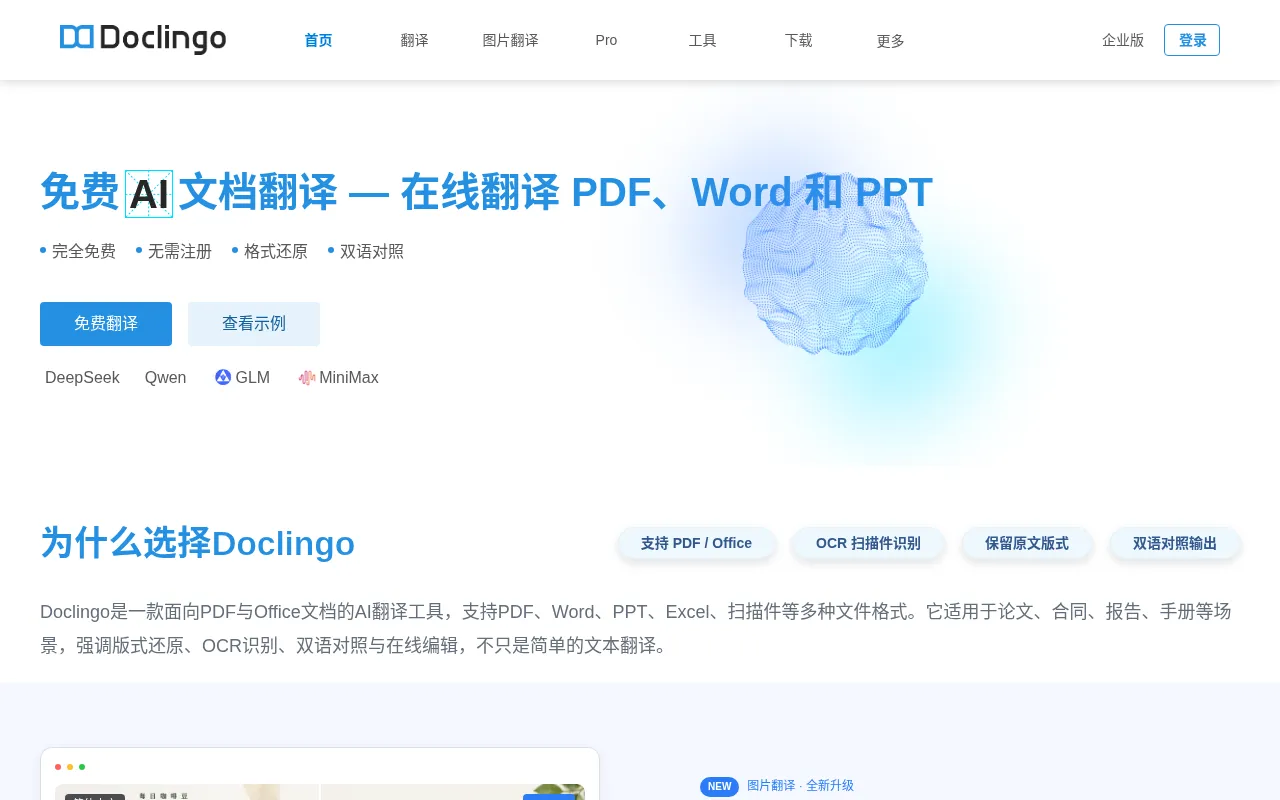
Doclingo is an AI-powered document translation tool built for PDF and Office files, emphasizing layout preservation, OCR recognition, bilingual comparison, and in-app editing.It supports PDF, Word, PPT, Excel, EPUB, SRT, and images (PNG/JPG/WEBP), serving use cases such as academic papers, contracts, reports, manuals, and comics—delivering readable, editable translations while keeping the original formatting intact.
The platform integrates multiple leading large-model engines (including DeepSeek, Qwen, GLM, and MiniMax) and offers domain-specific translation styles (general, academic, legal, business) plus AI proofreading.Free users can translate without registration; paid plans unlock larger files, higher character limits, batch processing, glossaries, document chat, and permanent history.Enterprises can integrate via API or adopt the enterprise edition for collaboration and management.
Key features
- High-fidelity laIntelligently recognizes tables, images, headers/footers, footnotes, and complex layouts to keep the translated document close to the original structure, reducing reformatting effort.
- Broad format supHandles PDF, DOCX, PPTX, XLSX, TXT, EPUB, SRT, and images (PNG/JPG/WEBP) for both document and visual-content translation.
- OCR and image trRecognizes and translates text in scans and images, with three overlay modes—strict layout, readability-first, and side-by-side—placing translations back at the original position, size, and color.
- Multi-engine andSwitch among engines like DeepSeek, Qwen, GLM, and MiniMax, and choose translation styles for general, academic, legal, or business contexts.
- Bilingual view aProvides bilingual comparison, hover-to-translate, glossaries, AI proofreading, and post-editing to quickly validate and refine results.
- Batch processingSupports batch uploads and translation; members can use document chat to ask questions and extract key points from translated content.
- Security and comEncrypted transmission; free-user files are auto-deleted 7 days after translation, member files are retained for 3 months, and manual deletion is available anytime.
How to use it
- 1.Visit the official site (doclingo.cn / doclingo.ai) and choose Document Translation or Image Translation.
- 2.Upload a PDF, Word, PPT, Excel, EPUB, SRT, or image file; you can also paste an image URL.
- 3.Select source and target languages (90+ supported), and optionally pick an engine and domain style.
- 4.Start translation, review the bilingual output, and refine using online editing, glossaries, or AI proofreading if needed.
- 5.Download the translated document or image; upgrade to a paid plan or use the API for batch processing and document chat.
Where it fits
- Academic researcTranslate papers and foreign literature while preserving formulas, figures, and reference layouts for efficient reading and citation.
- Workplace producTranslate contracts, technical manuals, product specs, and reports, keeping tables and formatting consistent for internal sharing and archiving.
- Design and enginProcess PDF drawings and technical specifications with OCR for scanned content, ensuring annotations and layout remain intact.
- Content and locaTranslate e-books, subtitles (SRT), comic posters, and product images with bubble detection and in-place overlay to speed up publishing.
Pricing and free quota
Free translation is available without registration; paid plans and enterprise pricing follow the official site.
Who it is for
- Researchers and students
- Trade and legal professionals
- Designers and engineers
- Content creators and localization teams
- Enterprises and developers (API)
FAQ
Which file formats are supported?
PDF, DOCX, PPTX, XLSX, TXT, EPUB, SRT, and images (PNG/JPG/WEBP), covering both document and visual-content scenarios.
Will the layout break after translation?
Doclingo focuses on high-fidelity layout preservation, keeping fonts, tables, image positions, and page structure intact; minor issues can be fixed via online editing.
Is it free?Do I need to register?
Free translation is available without registration.Paid plans offer higher file size and character limits, batch processing, glossaries, document chat, and history retention; details follow the official site.
Is my data secure?
Transmissions are encrypted.Free-user files are auto-deleted 7 days after translation; member files are retained for 3 months.You can delete files manually at any time, and they are not used for other purposes.
Which languages are supported?
90+ languages, including Simplified Chinese, Traditional Chinese, English, Japanese, Korean, French, German, Spanish, Italian, Arabic, Hindi, Indonesian, Ukrainian, and more.