
AI office
Super AI
Super AI is an Intelligent Document Processing (IDP) platform built for operations teams, transforming manual data entry into automated, production-grade workflows.
What is Super AI?
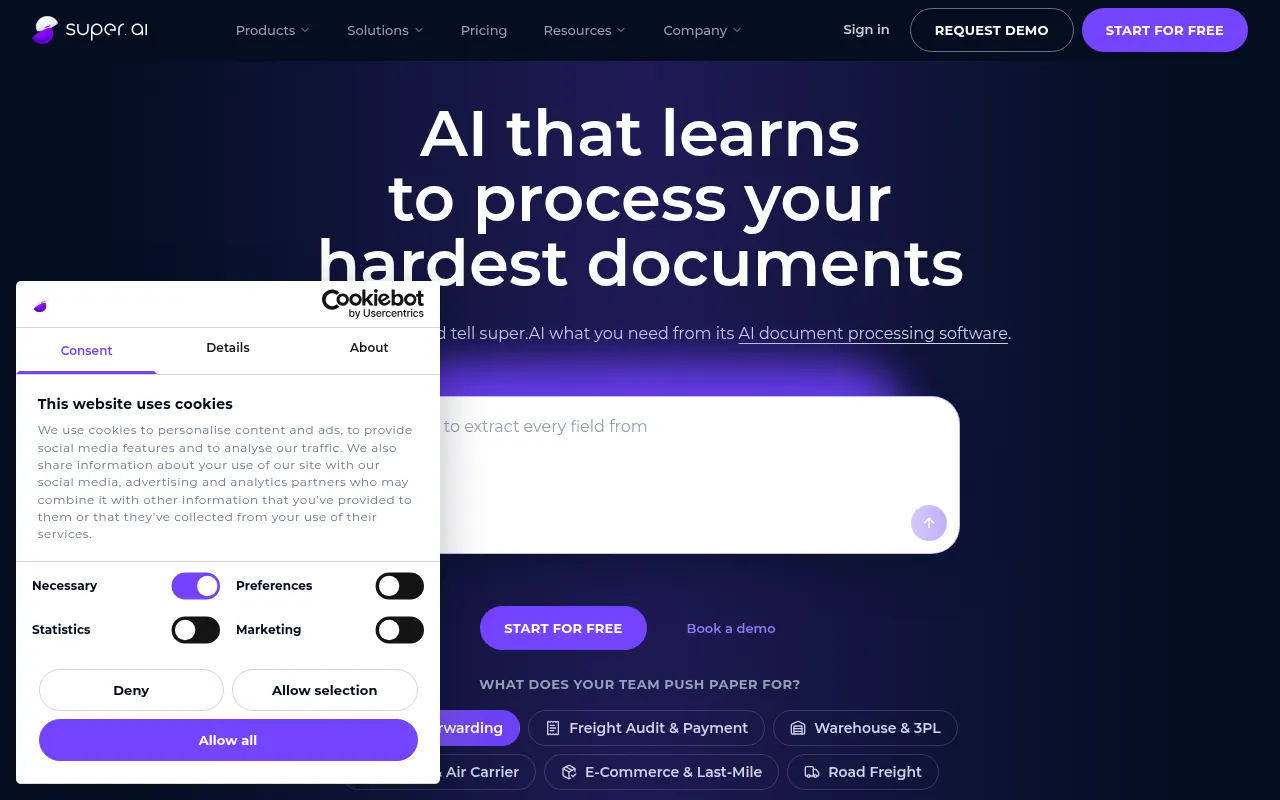
Super AI is an Intelligent Document Processing (IDP) platform built for operations teams, transforming manual data entry into automated, production-grade workflows.By simply dropping a sample document and describing extraction needs in plain language, Super AI’s agent selects the right models, structures the output, and generates a visual execution flow.
The platform excels at handling 'messy' real-world documents, such as mixed-language invoices, multi-page contract packs, hand-corrected forms, and low-quality scans.Unlike black-box tools, Super AI prioritizes transparency and control, allowing users to insert human review steps to verify data before it moves downstream, while maintaining full audit trails.
Super AI integrates seamlessly with existing enterprise stacks via REST APIs, webhooks, email, or direct database write-backs.Its unique 'chat-to-build' approach enables code-free iteration, where every refinement is logged in the conversation thread, serving as a natural changelog that meets enterprise compliance and security standards.
Key features
- Conversational WDescribe requirements in plain language, and the AI agent automatically builds complete workflows with triggers, filters, and integration logic—no drawing or coding required.
- Transparent DeciVisual canvas reveals every classification, extraction, and routing decision, including the model used, prompts, confidence scores, and alternatives—no black boxes.
- Human-in-the-LooConfigure human review steps at critical points; the flow pauses for team verification and correction, then continues with approved values to ensure accuracy.
- Complex DocumentTrained on real-world scenarios, it accurately processes tables with merged cells, mixed-language layouts, handwritten annotations, and low-resolution scans.
- Enterprise SecurFeatures KMS-backed encryption, per-workflow scoped credentials, MFA support, and detailed audit logs for every execution step.
- Seamless SystemTrigger flows via REST APIs, webhooks, S3, Google Drive, or email, and write results directly into databases or ERP systems.
How to use it
- Sign Up: Log in with your email—no password or credit card required—and land directly in the chat interface with the Super AI agent.
- Upload Sample: Drop a real document (e.g., invoice or bill of lading) and describe the fields to extract and processing rules in plain language.
- Generate Flow: The AI agent analyzes the document structure, selects appropriate models, and builds a visual workflow with extraction logic and validation rules.
- Configure Review: Add 'Human Review' steps as needed, assigning team members to verify and correct data before it proceeds downstream.
- Deploy & Run: Set trigger conditions (e.g., new email or file upload), start the automated flow, and receive structured data via API or database.
Where it fits
- Logistics & FreiAutomatically extract data from bills of lading, commercial invoices, and packing lists, reconcile discrepancies, and suggest HS codes to reduce manual entry costs.
- Finance AccountsProcess mixed-format invoices from various vendors, automatically extract amounts, dates, and tax IDs, and sync to ERP systems after review.
- Insurance ClaimsParse multi-page claim forms and medical records, identify key fields, and classify document types to accelerate claim approval processes.
Pricing and free quota
Offers a free starter plan with no credit card required.Enterprise features (such as SOC 2 compliance) require contacting official sales for custom quotes; pricing follows the official site.
Who it is for
- Logistics & Supply Chain Ops Teams
- Finance & Accounts Payable Specialists
- Insurance Claims Processors
- Enterprise IT Departments Automating Data Entry
FAQ
Do I need technical expertise to use Super AI?
No.You simply describe the workflow in plain language, and the Super AI agent selects models and wires integrations.Every decision is inspectable and editable, requiring no code or IT projects.
What types of documents can Super AI process?
It supports PDFs, scanned images, photos, emails, and Office documents.It excels at handling mixed-language invoices, multi-page contracts, hand-corrected forms, low-quality scans, and tables with merged cells.
How do I ensure the accuracy of extracted data?
You can configure 'Human Review' steps in your workflow.The flow pauses at these nodes, allowing team members to check and correct extracted values before continuing, ensuring downstream data quality.
Is Super AI compliant with enterprise security standards?
Yes.Workflows are deterministic, versioned, and roll-backable; credentials are stored in a KMS-backed encrypted vault; and every run has detailed step logs.SOC 2 Type II reports are available for Enterprise customers only.