
AI office
Swishy
Create professional motion graphics and video animations instantly with AI, no A
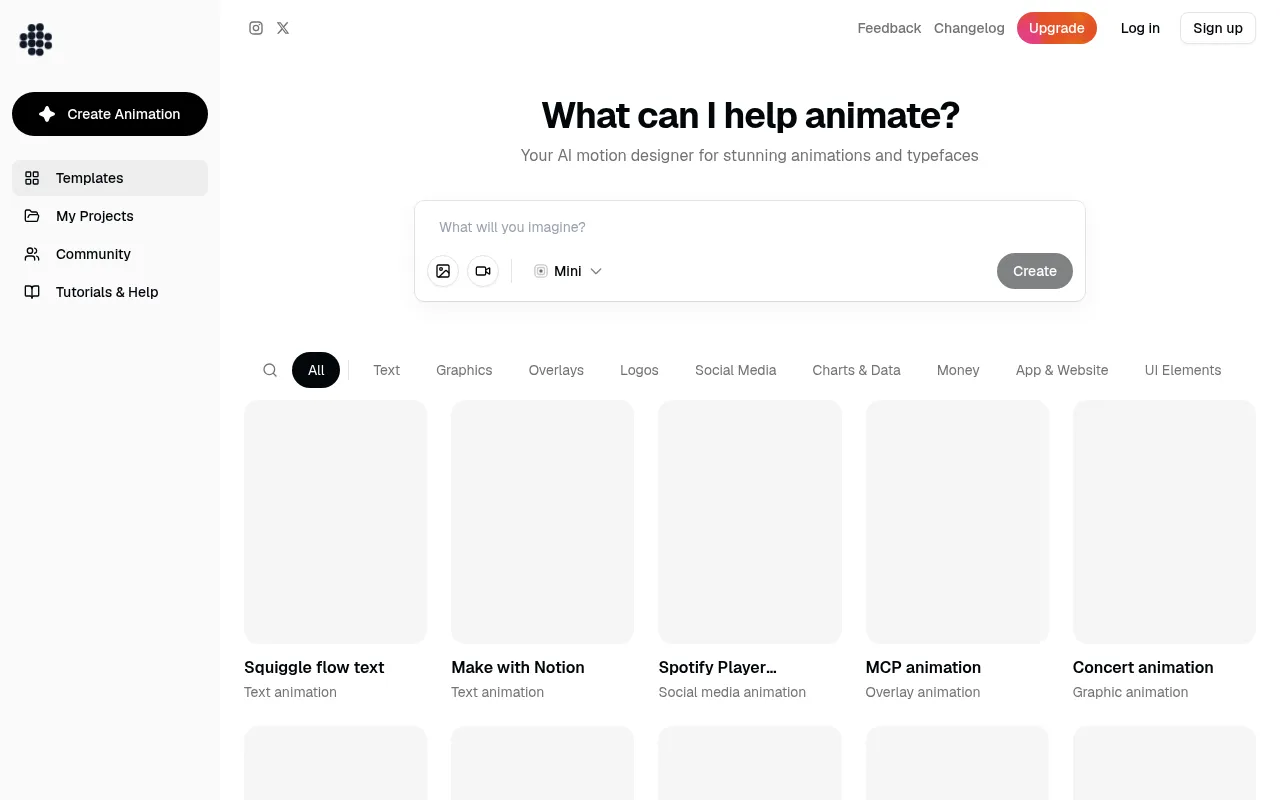
What is Swishy?
Swishy is the leading AI motion designer and animator platform, empowering users to create professional motion graphics, animated typefaces, and stunning video animations without needing After Effects.
Powered by intelligent AI that understands design principles, timing, and visual hierarchy, Swishy transforms ideas into high-quality motion content.It supports instant export to MP4, MOV, and GIF formats, making it ideal for rapid content creation.
From Apple-style counters and Netflix logo animations to iOS notification pop-ups and data visualization charts, users can generate a wide variety of dynamic effects using simple natural language prompts or pre-made templates.
Key features
- AI Motion DesignIntelligent AI understands design aesthetics and motion laws, automatically handling keyframes and easing to produce smooth, professional animations.
- No ProfessionalFully cloud-based operation eliminates the need for After Effects or other heavy design software, lowering the barrier to entry.
- Instant Multi-FoSupports one-click export to MP4, MOV, and GIF formats, ready for video editing, web display, or social media posting.
- Diverse AnimatioCovers text animations, graphic transformations, UI element interactions, logo reveals, and dynamic data visualizations.
- Natural LanguageGenerate specific styles of animation using descriptive prompts, such as 'Apple-style 30-second counter' or 'simulate iOS notification pop-up'.
- Templates & CommAccess a wide range of preset templates and community-shared cases to kickstart creativity and gain inspiration.
How to use it
- Visit the Swishy website and sign up for an account; desktop usage is recommended for the best experience.
- Click 'Create Animation' on the homepage and browse categories like Text, Graphics, UI Elements, or Social Media templates.
- Enter a natural language description of your animation needs, such as 'create a bar chart animation with spring effects', or upload reference images.
- The AI will generate an animation preview based on your prompt; adjust parameters or regenerate until satisfied.
- Click the export button and choose MP4, MOV, or GIF format to download your final creation.
Where it fits
- Social Media MarCreate eye-catching Instagram Story animations, YouTube subscribe button effects, or TikTok dynamic text to boost engagement.
- Product Demo & UCreate smooth interaction animations for App interfaces, website landing pages, or SaaS dashboards to intuitively highlight features.
- Brand Visual PreGenerate unique logo reveal animations, dynamic brand typography, or promo video intros to enhance brand recognition.
- Data VisualizatiTransform static sales charts, growth trends, or financial data into dynamic graphics to make reports more vivid and understandable.
Pricing and free quota
Pricing and any free quota follow the official site.
Who it is for
- Social Media Managers
- Digital Marketing Specialists
- UI/UX Designers
- Content Creators
- Startup Founders
FAQ
Do I need After Effects skills to use Swishy?
No.Swishy is designed for users without professional animation software skills, generating high-quality animations via AI.
What export formats does Swishy support?
It supports exporting to MP4, MOV, and GIF formats, meeting the needs of video editing and online sharing.
Can I customize the animation details?
Yes.You can describe the desired style, speed, and effects in detail using natural language prompts, and the AI will generate customized content.
What kind of animation content is suitable for Swishy?
It is suitable for creating text animations, logo reveals, UI interaction demos, dynamic data charts, and social media short video assets.