
AI office
苏打办公
Suda Bangong (Soda Office) is an intelligent office collaboration platform launched by 360 Group, designed to reshape daily workflows through artificial intelligence.
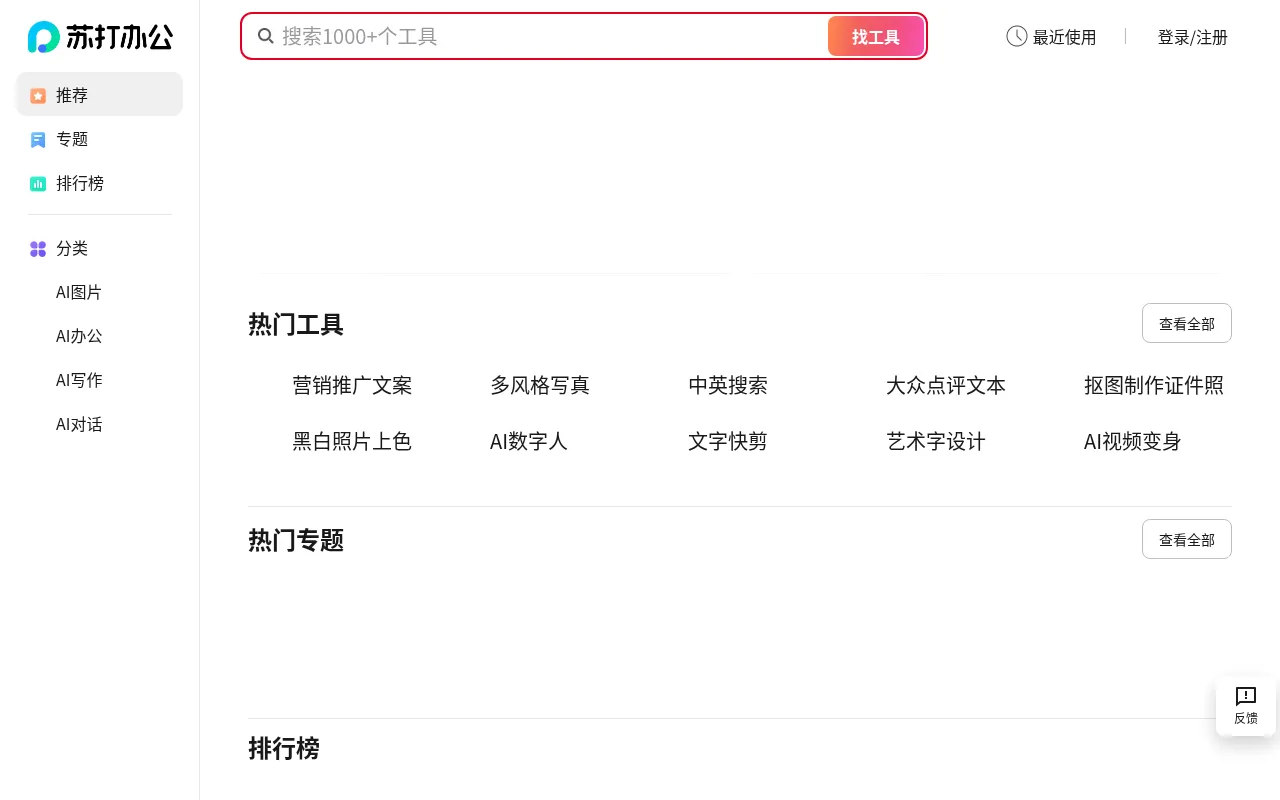
What is 苏打办公?
Suda Bangong (Soda Office) is an intelligent office collaboration platform launched by 360 Group, designed to reshape daily workflows through artificial intelligence.The platform deeply integrates core functionalities such as document processing, presentation creation, and spreadsheet analysis, offering users a one-stop digital workspace.
Leveraging 360's technical expertise in cybersecurity, Suda Bangong emphasizes ensuring enterprise data security and privacy compliance while enabling efficient collaboration.Whether for individual productivity enhancement or team co-creation, it aims to provide a smooth and intelligent user experience.
As the official site currently provides limited detailed excerpts, users are encouraged to visit the official website or download the client directly to access the latest feature updates and service details.
Key features
- Intelligent DocuUses AI to assist with document writing, layout optimization, and content summarization, enhancing text-based work efficiency.
- AI PresentationQuickly converts outlines or text into polished presentations, supporting smart image insertion and layout adjustments.
- Smart SpreadsheeFeatures built-in smart formulas and data analysis assistants to help users quickly extract insights from complex data.
- Enterprise-GradeBacked by 360's security technology, providing comprehensive data encryption and permission management to safeguard office information.
- Multi-Device ColSupports cross-device synchronization and real-time collaboration, ensuring team members can seamlessly connect work progress anytime, anywhere.
How to use it
- 1.Visit the official Suda Bangong website (bangong.360.cn).
- 2.Download and install the latest version of 360 Secure Browser or the dedicated client as prompted.
- 3.Register and log in to the platform using your 360 account or mobile number.
- 4.Choose to create a new document, presentation, or spreadsheet to start experiencing AI-assisted features.
- 5.Invite team members to join the collaboration space to share files and edit in real time.
Where it fits
- Administrative WQuickly generate notices, reports, and meeting minutes, automatically standardizing formats to enhance professionalism.
- Business PresentTransform business data into visual presentations in a short time to assist executive decision-making.
- Financial Data OAutomate tedious spreadsheet calculations and data cleaning to reduce manual error rates.
Pricing and free quota
Pricing and any free quota follow the official site.
Who it is for
- Corporate Office Workers
- Administrative and Secretarial Teams
- Data Analysts
- SME Managers
FAQ
What file formats does Suda Bangong support?
It typically supports mainstream formats like DOCX, PPTX, and XLSX.Please refer to the official help documentation for the specific compatibility list.
How is my document data secured?
Suda Bangong relies on 360's security technology system, providing transmission encryption, storage encryption, and strict permission control mechanisms.
Is it available on mobile devices?
It supports multi-device synchronization.Please check the official website for the latest mobile app support status.