
AI office
腾讯文档智能助手
Native AI assistance deeply integrated into the Tencent Docs ecosystem for seaml
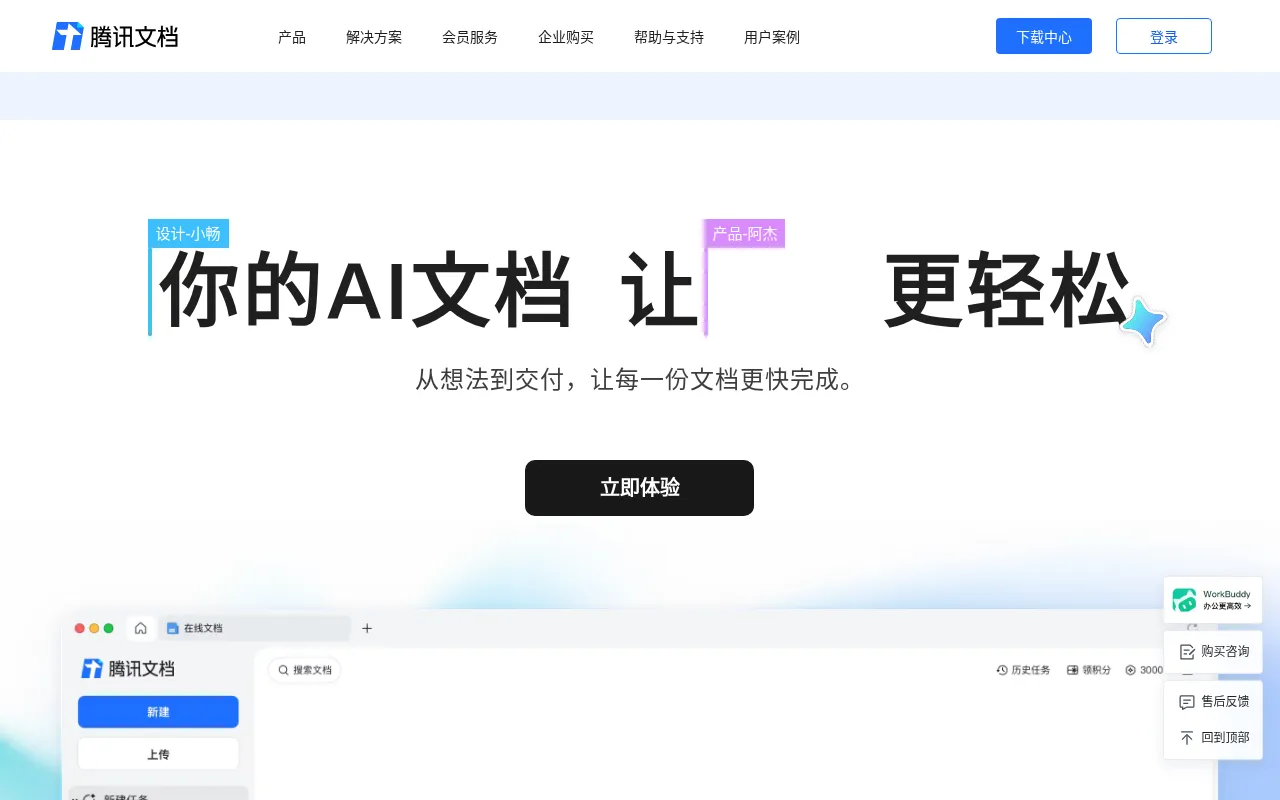
What is 腾讯文档智能助手?
Tencent Docs AI Assistant is an AI-powered office tool built within the Tencent Docs platform, designed to seamlessly integrate artificial intelligence into daily workflows for documents, spreadsheets, and presentations.As part of the Tencent Docs ecosystem, it aims to help users create content and organize information more efficiently within their familiar collaborative environment.
The tool utilizes intelligent interactions to assist users across various office scenarios, from brainstorming ideas to polishing content.As specific features may evolve with product updates, please refer to the official Tencent Docs website for the most current service descriptions and feature details.
Key features
- Native IntegratiAccess AI capabilities directly within the Tencent Docs interface without switching apps, maintaining workflow continuity.
- Multi-Format SupProvides intelligent assistance across various mainstream office formats, including online documents, smart sheets, and presentations.
- Smart CollaboratLeverages Tencent Docs' multi-user collaboration features to help teams edit and refine content more efficiently together.
- Content GeneratiAssists users in quickly generating text drafts, spreadsheet formulas, or presentation outlines to boost creation speed.
- Official BackingDeveloped by Tencent, ensuring data security and service stability that meets enterprise-level office requirements.
How to use it
- 1.Visit the official Tencent Docs website (docs.qq.com) and log in to your account.
- 2.Create a new file or open an existing online document, sheet, or presentation.
- 3.Locate the AI assistant entry point or relevant AI feature button within the editor interface.
- 4.Input your requests or prompts to let the assistant help generate or optimize content.
- 5.Review the generated results and make manual adjustments as needed before finalizing.
Where it fits
- Daily Document WUse AI assistance for paragraph expansion, tone adjustment, or error checking when writing reports or articles.
- Spreadsheet DataLeverage the smart assistant to quickly generate formulas or organize data structures when handling complex datasets.
- Presentation CreRapidly generate PPT outlines or optimize slide copy when preparing materials for speeches or meetings.
Pricing and free quota
Pricing and any free quota follow the official site.
Who it is for
- Corporate Office Workers
- Team Collaboration Managers
- Content Creators
- Students and Educators
FAQ
Do I need to download Tencent Docs AI Assistant separately?
It is typically built into the Tencent Docs platform.Please log in to the official website for the latest usage instructions.
Which file types are supported?
It primarily supports formats within the Tencent Docs suite, such as online documents, smart sheets, and presentations.
How can I get the latest feature updates?
We recommend visiting the official Tencent Docs website regularly or following official announcements for the latest news.