
AI office
精挑翻译
Select Translate (精挑翻译) is a free and open AI translation plugin developed by HK Zing Software Limited.
What is 精挑翻译?
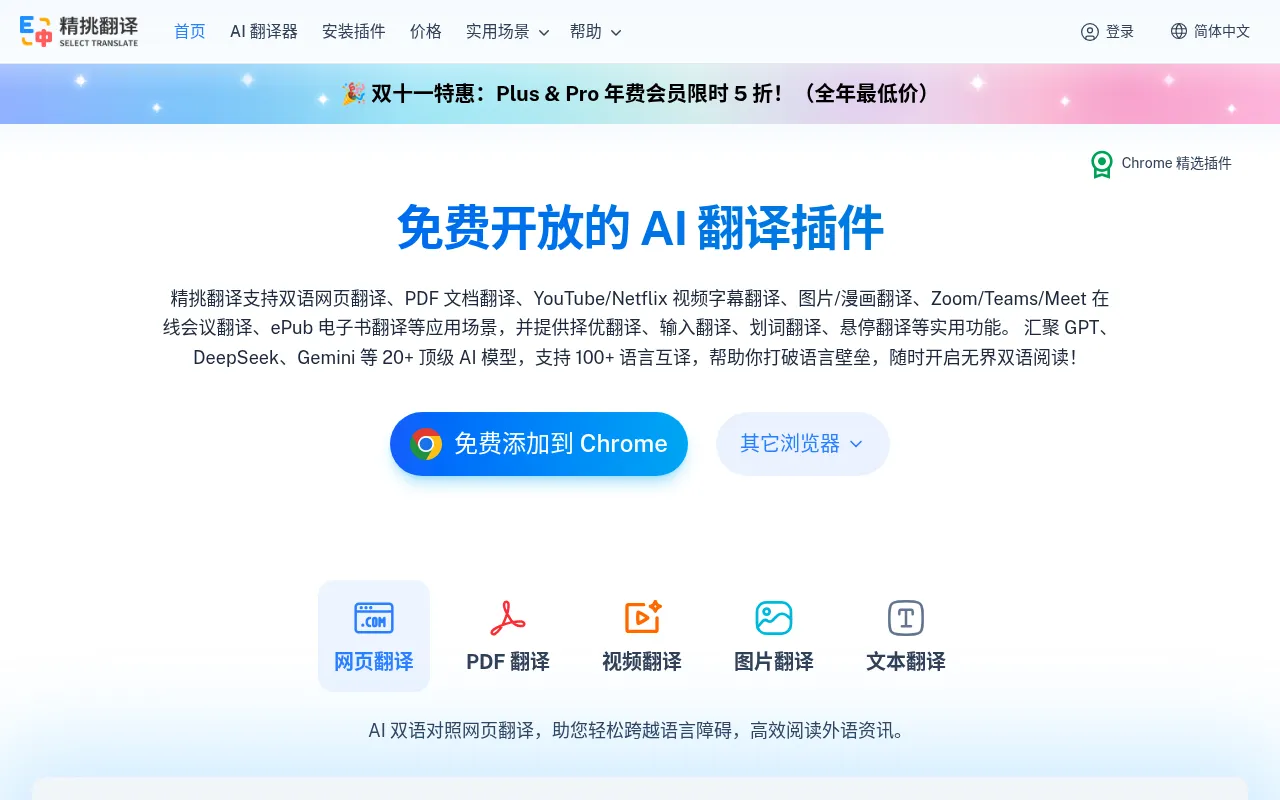
Select Translate (精挑翻译) is a free and open AI translation plugin developed by HK Zing Software Limited.It transcends traditional translation tools by integrating over 20 top-tier AI models, including DeepSeek, OpenAI, Gemini, Claude, Grok, GLM, Qwen, Doubao, and Kimi.Supporting mutual translation in over 100 languages, it aims to break language barriers and facilitate efficient bilingual reading and cross-language communication.
Beyond basic word selection and hover translation, the tool is deeply integrated into professional workflows: it offers PDF/Word/ePub document translation with preserved formatting, real-time bilingual subtitling for YouTube/Netflix videos, and instant voice and message translation for online meetings on Zoom, Teams, and Meet.Users can enjoy the service completely free by using built-in models or configuring their own API keys, or opt for paid membership plans for out-of-the-box access to ample quotas and premium models.
Key features
- Multi-Model AggrIntegrates 20+ top AI models including DeepSeek, GPT, Gemini, and Claude.Users can switch models on demand or configure their own API keys to ensure translation accuracy and diversity.
- Immersive Web TrOffers AI-powered bilingual web page translation, hover translation, and text selection translation.Supports paragraph or area-specific translation to help users maintain context while reading foreign language content.
- Professional DocSupports local document parsing and translation for formats like PDF, ePub, Word, HTML, TXT, and Markdown.Delivers fast processing while preserving original formatting, with options to edit and export translated files.
- Real-Time VideoCompatible with major platforms like YouTube and Netflix, it translates speech in real-time and generates bilingual subtitles, making foreign video content accessible without barriers.
- Cross-Language MSupports Zoom, Microsoft Teams, and Google Meet.It provides real-time bilingual subtitles for speech, instant translation of chat messages, and one-click translation for inputting replies.
- Smart Input TranEnables direct translation within input fields on sites like Gmail, Twitter, Discord, and GitHub, eliminating the hassle of copy-pasting and enhancing efficiency in cross-language writing and communication.
How to use it
- Visit the official website at selecttranslate.com and click 'Install Plugin' to add it to your browser (Chrome, Edge, Firefox, Safari, etc.).
- After installation, click the Select Translate icon in your browser toolbar and log in to your account to sync settings (optional).
- In the settings, choose your preferred AI translation model (e.g., DeepSeek, GPT-4) and target language.Free users can use built-in free models or configure their own API keys.
- Open any foreign language webpage, PDF document, or video site, and use text selection, hover, or one-click full-page translation to experience the bilingual comparison.
- When attending online meetings or watching videos, enable the corresponding meeting translation or subtitle translation features to receive real-time bilingual assistance.
Where it fits
- Academic ResearcQuickly translate PDF papers, ePub e-books, and technical documents while preserving original formatting, helping researchers efficiently access cutting-edge international information.
- Cross-Border OnlView bilingual subtitles and chat translations in real-time during Zoom or Teams meetings, eliminating language barriers and ensuring smooth cross-team collaboration.
- Foreign LanguageAutomatically generate bilingual subtitles when watching foreign content on YouTube or Netflix, helping language learners improve listening skills and vocabulary through context.
- Global SocializiTranslate chat messages in real-time on Discord, Twitter, or Steam games, enabling native-level free communication and expanding your international social circle.
Pricing and free quota
Pricing and any free quota follow the official site.
Who it is for
- Researchers and students needing to read foreign literature
- Professionals involved in cross-border collaboration
- Enthusiasts of foreign language video content and news
- Global gamers and social media users
FAQ
Can I use Select Translate completely for free?
Yes, you can use Select Translate completely for free.The features are open and configurable, with no limits on free model usage.You can also configure your own API keys to use non-free models.
How are translation credits calculated for paid members?
Translation credits are shared across all premium and top-tier translation models supported by the paid plan.If credits run out, you can purchase additional credit packs separately.
Which browsers and devices are supported?
It supports Chrome, Edge, Firefox, and Safari on desktop, as well as Firefox (Android) and Safari (iOS) on mobile.Each member account can be used on up to 10 devices simultaneously.
How do I request a refund?
Refunds can be requested within 24 hours of the first monthly purchase or 72 hours of the first annual purchase.You need to email service@selecttranslate.com, and the credits must not have been heavily used.