
AI office
GitMind思乎
GitMind is an all-in-one online collaboration platform that integrates mind mapping, flowchart creation, and AI-powered assistance.
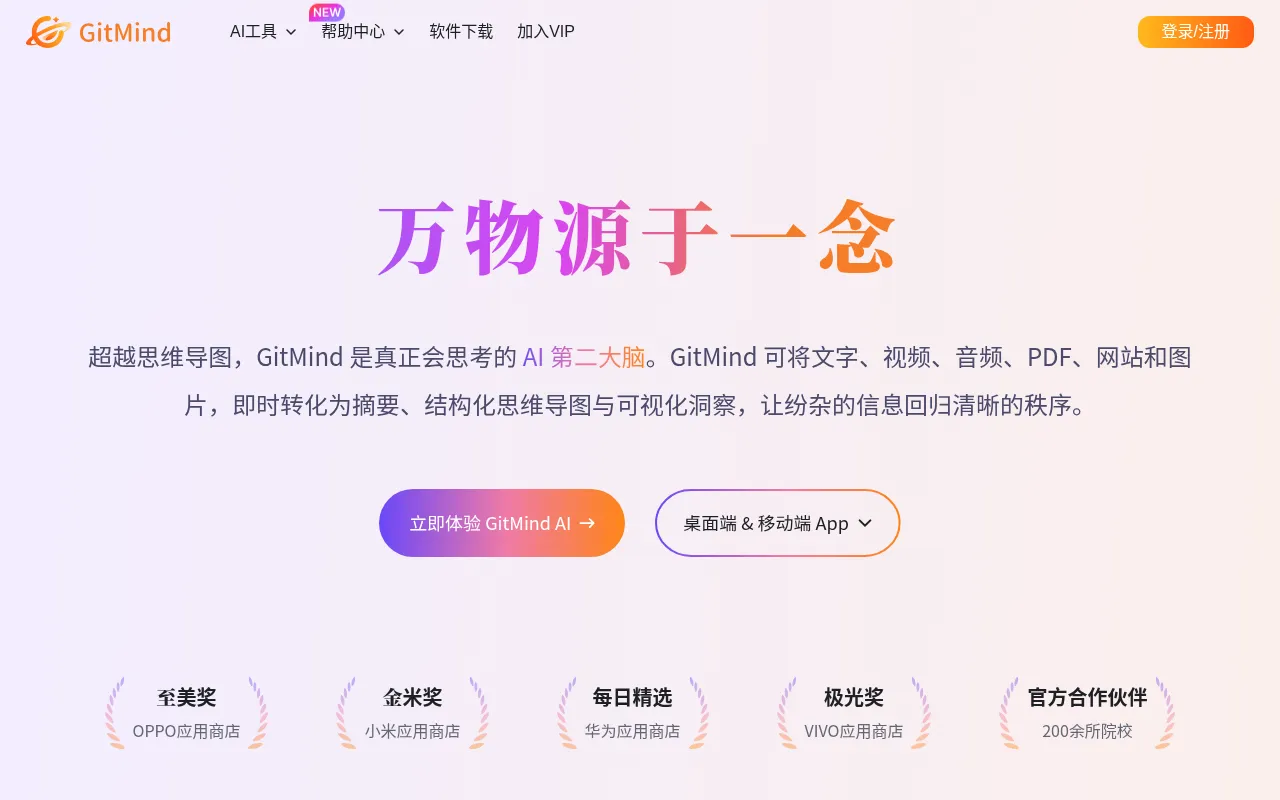
What is GitMind思乎?
GitMind is an all-in-one online collaboration platform that integrates mind mapping, flowchart creation, and AI-powered assistance.It is designed to help users visualize complex ideas through an intuitive drag-and-drop interface and a powerful AI engine, enabling the rapid construction of clear knowledge structures and workflows.
As a modern AI office tool, GitMind supports real-time synchronization across multiple devices and deeply integrates artificial intelligence.It can automatically generate mind map branches and optimize content logic based on user inputs, significantly boosting efficiency in creative brainstorming and information organization.
Key features
- AI-Powered GenerBuilt-in AI assistant generates complete mind map structures from keywords or topics with one click, sparking creative inspiration.
- Multi-Format ComSupports importing and exporting various file formats, ensuring seamless integration and data interoperability with other office software.
- Real-Time CloudTeam members can edit the same mind map simultaneously, viewing changes in real-time to enhance communication and collaboration efficiency.
- Rich Template LiOffers professional templates covering project management, study notes, business planning, and more, ready for immediate use.
- Cross-Platform SSupports real-time data synchronization across Web, desktop, and mobile platforms, allowing you to capture and manage ideas anytime, anywhere.
How to use it
- Visit the GitMind official website, register an account, and log in to the workspace.
- Select 'New Mind Map' or use the AI feature to input a topic and automatically generate the initial structure.
- Use drag-and-drop operations to adjust node positions, add subtopics, notes, or links.
- Invite team members to collaborate and jointly refine the mind map content.
- After editing, choose an export format to save the file or share the link with others.
Where it fits
- BrainstormingQuickly record team creativity during meetings, use AI to expand ideas, and form structured solutions.
- Knowledge ManageOrganize study notes or industry research materials to build a personal knowledge base for easy review and retrieval.
- Project PlanningBreak down project tasks, clarify timelines and responsibilities, and optimize work paths through flowcharts.
Pricing and free quota
Pricing and any free quota follow the official site.
Who it is for
- Students and researchers who need to organize thoughts efficiently
- Project managers and product managers focused on team collaboration
- Content creators and consultants pursuing visual expression
FAQ
Which devices does GitMind support?
GitMind supports web browsers, Windows/Mac desktop clients, and iOS/Android mobile apps, with cloud data synchronization.
Can I modify AI-generated mind maps?
Absolutely.AI-generated content serves only as an initial draft; users are free to edit, delete, or add any nodes and content.
Does it support multi-user editing?
Yes, GitMind supports real-time multi-user collaboration, allowing team members to edit the same document simultaneously and see each other's changes.