
AI office
Google翻译
Instant translation and document parsing for over 100 global languages
What is Google翻译?
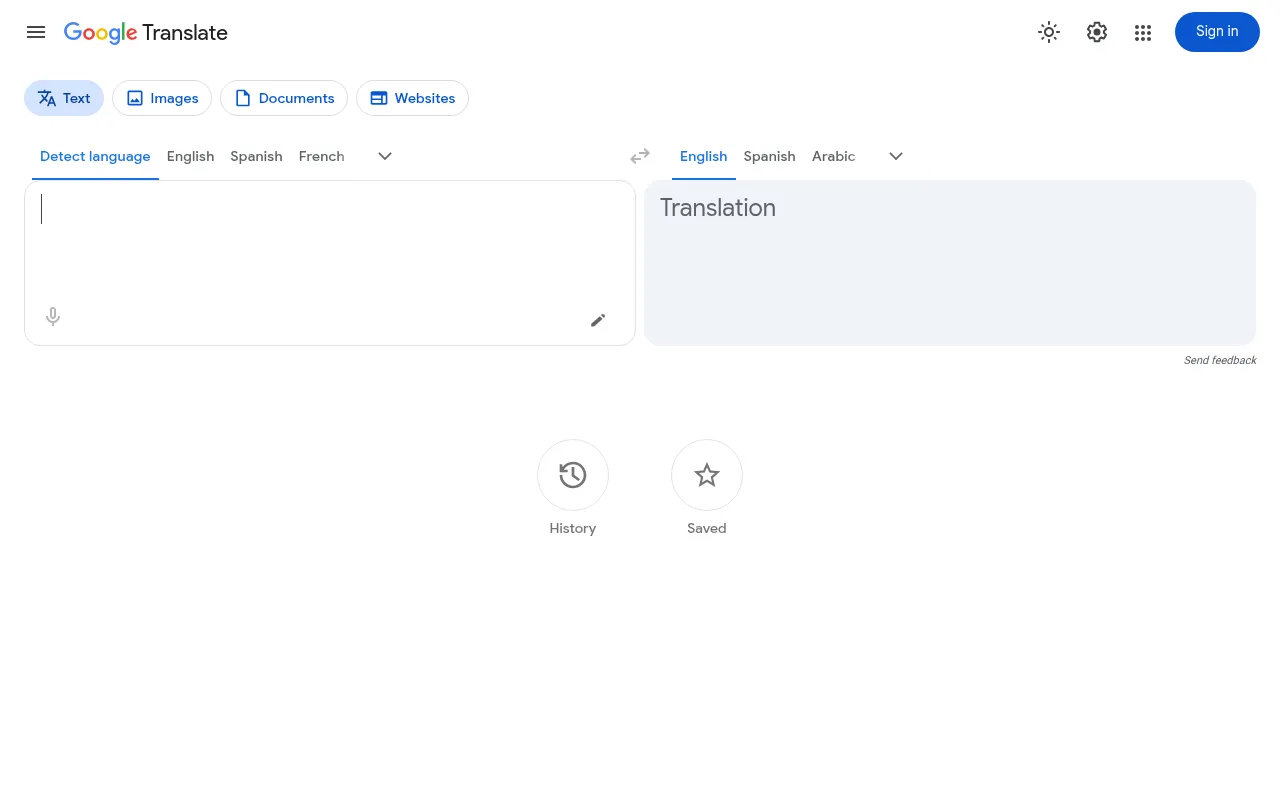
Google Translate is a free multilingual machine translation service developed by Google, designed to break down language barriers and facilitate the global flow of information.It supports instant translation of text, web pages, images, and various file formats, serving as an essential tool for individuals, cross-border teams, and content creators for daily communication and information access.
Leveraging Google's robust neural machine translation technology, the service handles diverse language scenarios ranging from simple phrases to complex sentences.Beyond basic text translation, it integrates voice input, handwriting recognition, and real-time camera translation, while allowing users to upload documents for translation that preserves the original formatting, significantly enhancing efficiency in cross-language workflows.
Key features
- Massive LanguageSupports translation between over 100 languages, covering most major global languages and regional dialects.
- Document FormatUpload common office files like .docx, .pdf, .pptx, and .xlsx; translations retain the original layout and formatting.
- Real-Time CameraPoint your mobile camera at foreign menus, signs, or manuals to see overlaid translations instantly on screen.
- Voice & ConversaSupports voice input with automatic language detection and a conversation mode to assist face-to-face cross-language interactions.
- Offline TranslatDownload specific language packs in advance to perform basic text translation even without an internet connection.
- Full Web Page TrEnter a URL or paste a link to quickly translate entire foreign web pages into your target language for easier browsing.
How to use it
- Visit the Google Translate website or open the mobile app.
- Select the source language (or choose 'Detect language') on the left and the target language on the right.
- Type text, click the microphone for voice input, or tap the camera icon for photo translation.
- To translate a document, click the 'Documents' tab at the top, upload your local file, and wait for processing.
- Review the translation results, click the speaker icon to hear pronunciation, or copy the text for use.
Where it fits
- Cross-Border BusQuickly translate emails, contract drafts, or instant messages to help cross-border teams eliminate language misunderstandings.
- Overseas TravelUse camera translation for menus and signs abroad, or use conversation mode for basic interaction with locals.
- Academic ResourcQuickly browse foreign papers, news sites, or technical documents to grasp core information without mastering every language.
Pricing and free quota
Pricing and any free quota follow the official site.
Who it is for
- Multinational corporate employees
- International travelers
- Students and researchers
- Content localization specialists
FAQ
Is Google Translate accurate?
It is highly accurate for common languages and standard sentence structures; however, for technical terms, slang, or complex contexts, human proofreading is recommended.
Are uploaded documents saved?
According to Google's terms of service, files uploaded for translation are typically automatically deleted after a certain period post-processing to protect user privacy.Please refer to the official privacy policy for specific details.
Which document formats are supported?
It mainly supports common office formats like .docx, .pdf, .pptx, and .xlsx, usually with file size limits (e.g., under 10MB).