
AI office
Loom
Turn screen recordings into actionable AI prompts and automated workflows
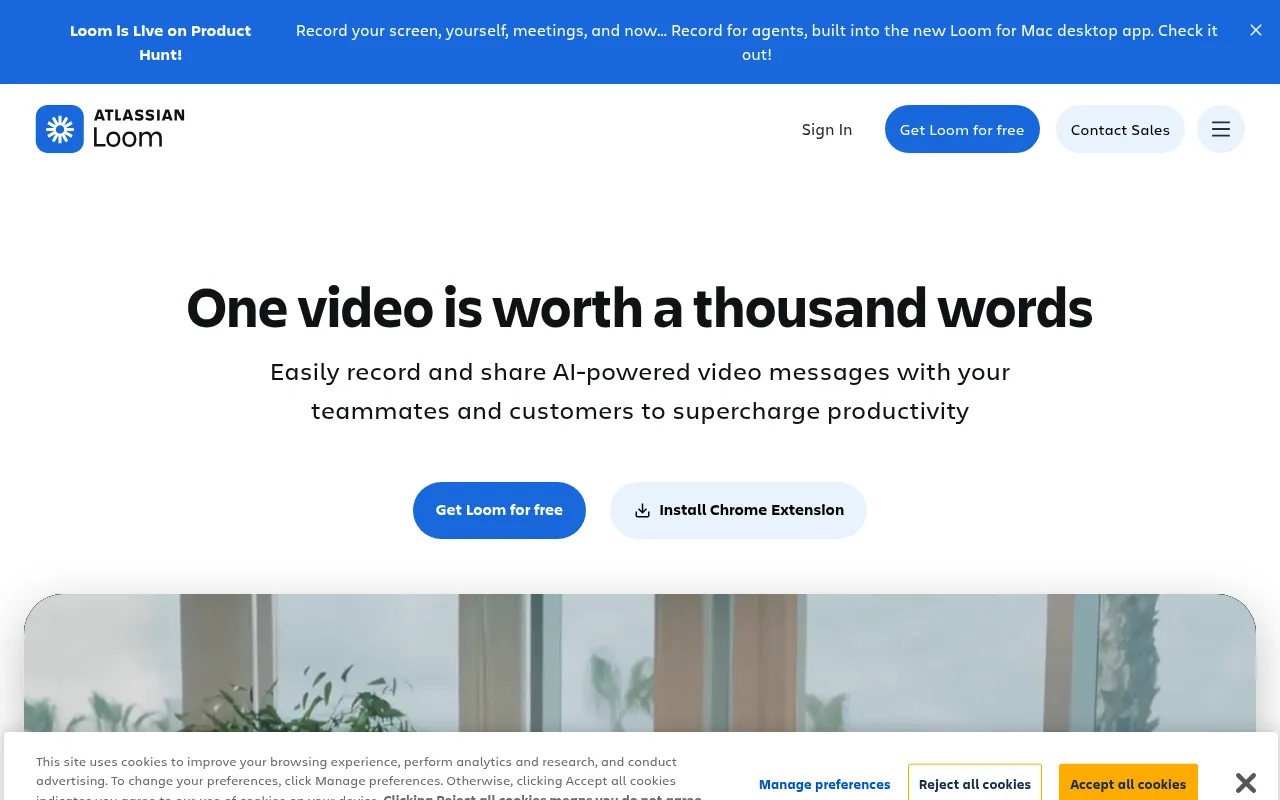
What is Loom?
Loom is a free screen recorder for Mac, PC, and mobile devices, designed to supercharge productivity through async video messaging with teammates and customers.It goes beyond simple recording by integrating AI capabilities, allowing users to easily capture their screen and camera, then share videos seamlessly across hundreds of tools used daily.
The new 'Record for agent' feature lets users show, draw, and talk through tasks.Loom captures screen actions, clicks, and URLs, packaging them into rich prompts ready for any AI agent to run.With new MCP tools, the full context of your Loom library can be brought directly into your favorite AI tools, bridging the gap between visual demonstration and automated execution.
Beyond recording, Loom offers an intuitive editor for trimming, stitching clips, adding backgrounds, and enhancing messages with text and overlays.Enterprise-grade security features like SSO, SCIM, and custom data retention policies ensure data privacy.Whether for personalized sales pitches, adding visual context to code, or faster customer support troubleshooting, Loom accelerates resolution times through video communication.
Key features
- Record for AgentAutomatically captures screen actions, clicks, and URLs to create rich prompts for AI agents, with MCP tool integration for full context.
- Cross-Platform RRecord screen and camera via Chrome extension, desktop app, or mobile app with just a few clicks on Mac, PC, iOS, or Android.
- Intuitive VideoTrim and stitch clips, add custom backgrounds, and enhance messages with text, arrows, and box overlays using the built-in editor.
- Seamless IntegraShare or embed videos directly into hundreds of tools like Google Workspace, Slack, Jira, and Notion where your team already works.
- Transcriptions &Generate transcripts and closed captions in 50+ languages to empower remote teams and improve accessibility across timezones.
- Interactive EngaEnable viewers to add emojis, comments, tasks, and CTAs to video messages, fostering better async collaboration.
- Enterprise SecurKeep data private and secure with SSO, SCIM, custom data retention policies, and granular privacy settings.
How to use it
- 1.Download and install the Loom Chrome extension, desktop app, or mobile app.
- 2.Select your recording mode: screen only, camera only, or screen with camera bubble.
- 3.Click record to start explaining, using drawing tools to emphasize key points if needed.
- 4.Stop recording; the video will automatically upload and generate a shareable link.
- 5.Copy the link to send to teammates or embed it directly into tools like Slack or Jira.
- 6.Use the editor to trim clips or add titles, and leverage AI features to generate summaries or tasks.
Where it fits
- Sales OutreachPersonalize pitches with video outreach instead of cold emails to build stronger connections and close more deals.
- Engineering CollAdd visual context to code reviews to accelerate sprints and reduce misunderstandings among developers.
- Customer SupportTroubleshoot issues over video to reach resolutions faster than text-based communication allows.
- Design FeedbackShare ideas and provide specific feedback over video to enhance design iterations and clarity.
Pricing and free quota
Offers a free Starter plan with up to 25 videos per person, a 5-minute recording limit, and workspaces for up to 50 members.Paid plans include Business ($18 per user/month) and Business + AI ($24 per user/month), featuring unlimited videos, advanced editing, and AI capabilities.Pricing details are subject to the official site.
Who it is for
- Remote collaborative teams
- Sales professionals
- Software engineers
- Customer success managers
- Product designers
FAQ
What are the limits of the free plan?
The free Starter plan allows up to 25 videos per person with a 5-minute recording limit per video (unlimited meeting length).It supports video quality up to 720p and basic editing features.
What is the 'Record for agent' feature?
It is a new feature that captures screen actions, clicks, and URLs, packaging them into rich prompts ready for AI agents to execute.It also integrates with MCP tools to bring context into other AI tools.
Which languages does Loom support for captions?
Loom provides transcriptions and closed captions in over 50 languages, facilitating better communication for global and remote teams.
Can I embed Loom videos into other tools?
Yes.Loom videos seamlessly integrate and embed into hundreds of tools you use daily, including Google Workspace, Slack, Jira, Notion, and GitHub.